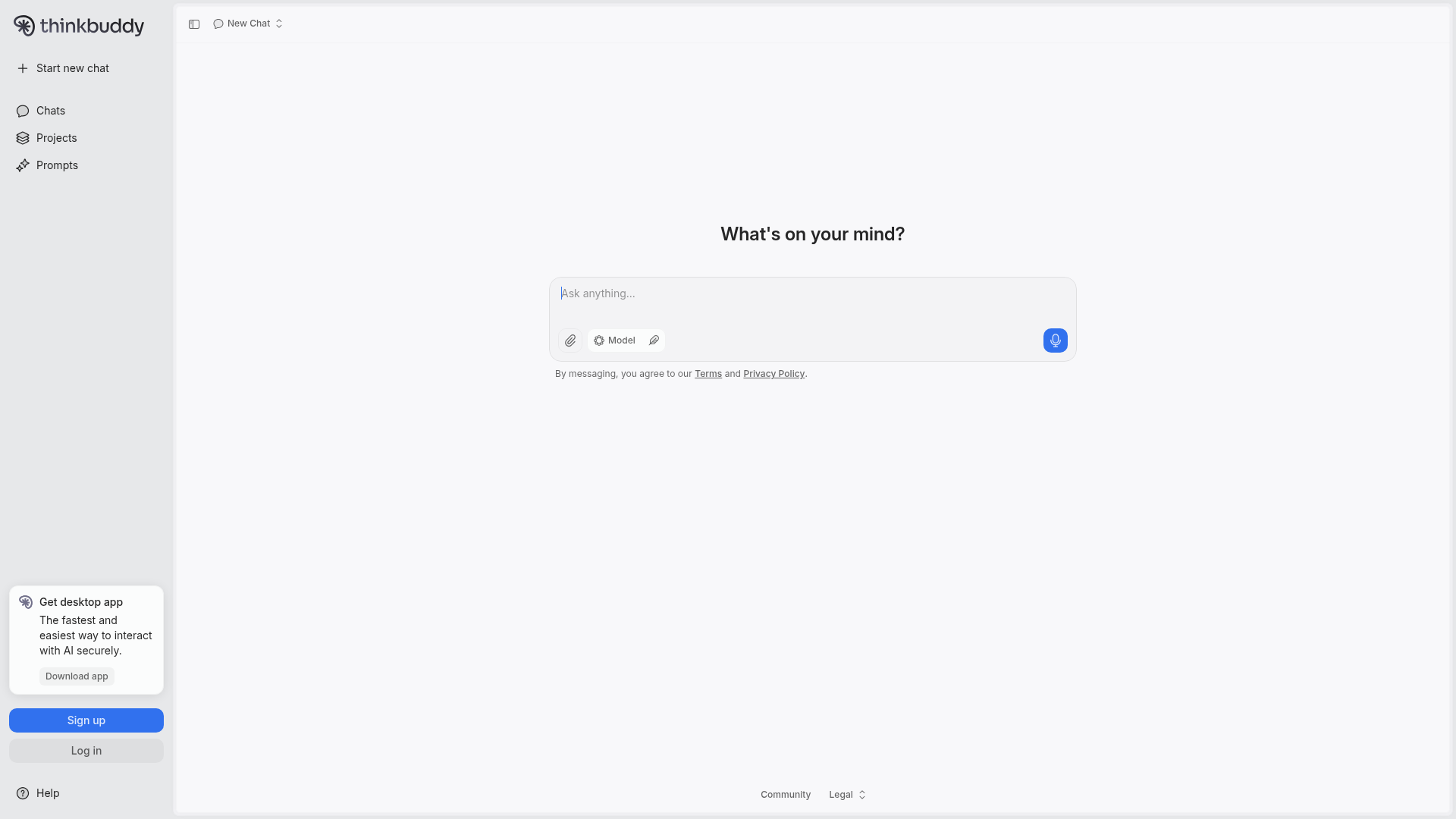
Choose ThinkBuddy if you want to compare responses from multiple AI models (GPT-4, Claude, Gemini, DeepSeek) and prefer voice-first interaction with screenshot analysis.
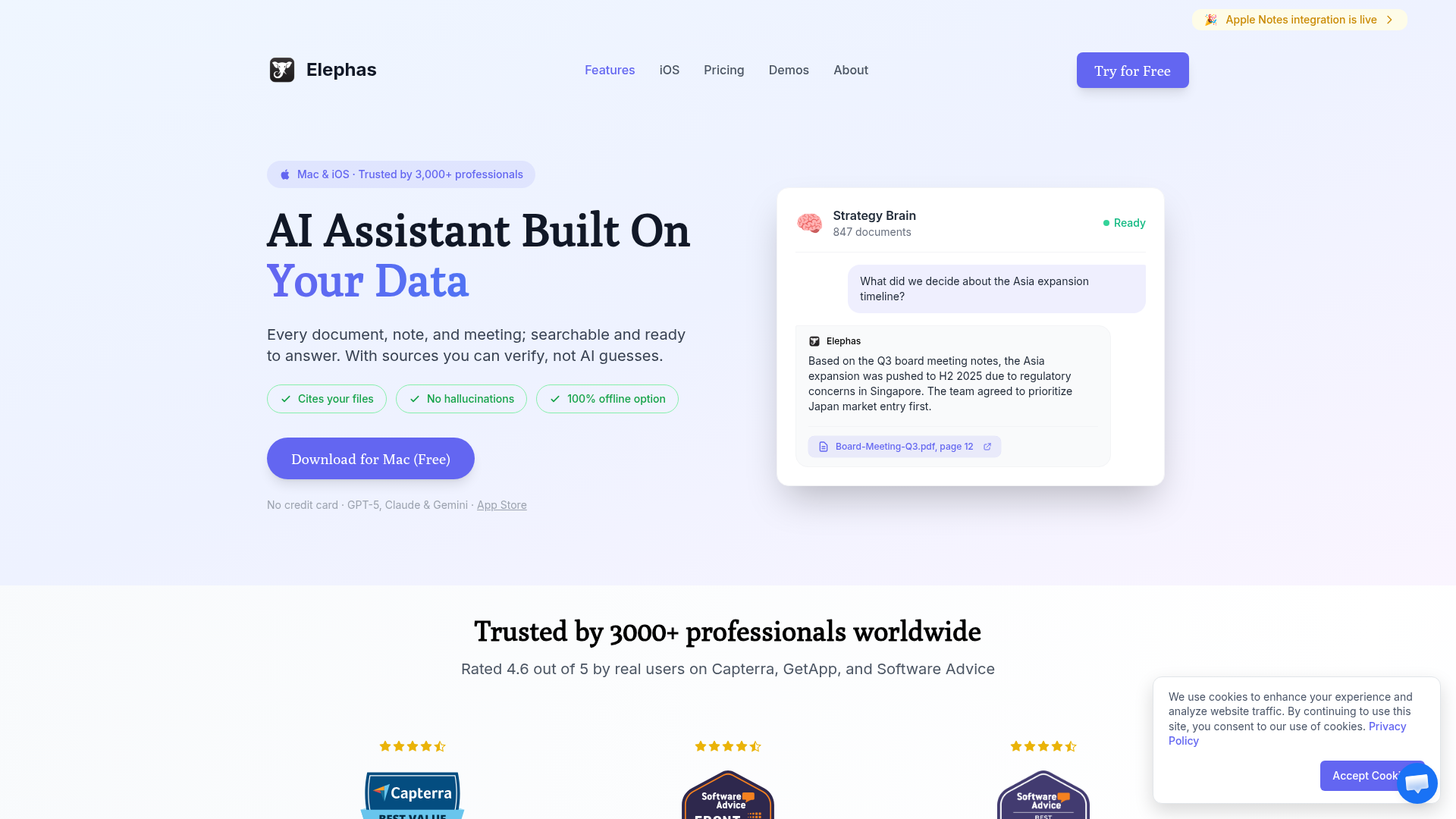
Choose Elephas if you want AI that learns from YOUR documents, integrates with Notion/Obsidian, and provides answers with citations from your personal knowledge base.
ThinkBuddy vs Elephas represents two distinct approaches to Mac AI assistance. ThinkBuddy focuses on giving you access to 15+ AI models with voice-first interaction and the ability to compare responses. Elephas prioritizes personal knowledge management—building an AI that truly understands YOUR documents and context.
Both are excellent Mac-native AI apps with strong followings (ThinkBuddy has 4.8 stars from 1,100+ Product Hunt reviews). The right choice depends on whether you value model variety or personal knowledge integration.
What is ThinkBuddy?
ThinkBuddy is a Mac AI assistant that unifies 15+ top AI models in a single platform. Its standout features include voice-first interaction, the ability to ask the same question to multiple AI models simultaneously, and screenshot analysis with GPT-4 Vision.
Key characteristics:
Access to GPT-4o, Claude, Gemini, DeepSeek V3, and 10+ more models
"Remix" feature to compare responses from multiple AIs
Voice-first design with Whisper transcription
Screenshot AI analysis with multi-modal LLMs
Text extraction from URLs and enhanced OCR
Advanced TTS for reading large documents
Available on Mac, Web, with Windows coming
What is Elephas?
Elephas is an AI-powered personal knowledge assistant for Apple devices. It creates a "Super Brain" from your documents, letting you chat with your knowledge base from anywhere on your Mac. Every answer includes citations to your actual source documents.
Key characteristics:
Native Mac app with system-wide ⌘+Space access
"Super Brain" from PDFs, Word docs, notes, web pages
Native integrations with Notion, Obsidian, Apple Notes
Answers cite YOUR actual source documents
Multiple AI model support (GPT-5, Claude, Gemini, Ollama)
AI writing assistance in any text field
Privacy-first with local model options
Feature Comparison
Feature
ThinkBuddy
Elephas
Platform
Mac, Web (Windows soon)
Mac, iPhone, iPad
AI Models
15+ models
5+ models + Ollama
Multi-Model Compare
✓ Remix feature
✗
Personal Knowledge Base
Limited
✓ Super Brain
App Integrations
URL extraction
Notion, Obsidian, Notes
Voice Input
✓ Whisper-based
✓ Voice notes
Screenshot Analysis
✓ GPT-4V
Via vision models
Source Citations
✗
✓ From your docs
Offline/Local Models
✓ Local Whisper
✓ Ollama
The Multi-Model Advantage (ThinkBuddy)
ThinkBuddy's killer feature is model diversity. Ask the same question to GPT-4, Claude, and Gemini simultaneously and compare responses. This is invaluable for tasks where different AI models excel—Claude for nuanced writing, GPT-4 for code, Gemini for current information.
The "Remix" feature lets you synthesize the best parts of multiple AI responses into a single, superior answer. It's like having a panel of AI experts debating your question.
The Personal Knowledge Advantage (Elephas)
Elephas takes the opposite approach: rather than giving you more AI models, it gives you AI that knows YOU better. The Super Brain feature creates a persistent knowledge base from your documents, notes, and web pages.
When you ask "What were the key points from the client meeting last Tuesday?", Elephas can answer from your meeting notes. ThinkBuddy, despite having 15 AI models, can't access that information.
Pricing Comparison
ThinkBuddy
$10-25/month
→ Free tier available
✓ Pro: $10/mo
✓ Plus: $25/mo
→ Lifetime: $187
Elephas
$9.99/month
✓ All features included
✓ Unlimited queries
✓ Multiple AI models
→ Lifetime: $99 (47% cheaper)
Value Analysis
Elephas offers better value at every tier. Monthly is $9.99 vs $10-25, and lifetime is $99 vs $187—nearly half the price. ThinkBuddy's lifetime deal (previously available, may be discontinued) included concerns about future model access costs.
ThinkBuddy's higher pricing partly reflects the cost of providing access to 15+ commercial AI APIs. If you heavily use multiple models, that cost may be justified. But for most users, Elephas's approach (fewer models, deeper integration with your data) offers more practical value.
Who Should Use Each Tool?
Choose ThinkBuddy If You...
Want to compare responses from multiple AI models
Prefer voice-first AI interaction
Need screenshot analysis with GPT-4 Vision
Enjoy experimenting with different AI capabilities
Want the Remix feature to combine AI responses
Need web app access alongside the Mac app
Work with teams who might use Windows
Choose Elephas If You...
Have personal documents you want AI to understand
Want answers that cite YOUR actual sources
Use Notion, Obsidian, or Apple Notes heavily
Need system-wide AI writing assistance
Value privacy with local AI model options
Prefer the better value ($99 vs $187 lifetime)
Are committed to the Apple ecosystem
🧠 Before You Decide: Consider This Complement
While ThinkBuddy optimize how you launch apps, there's a gap neither fills: managing the knowledge you accumulate across all your tools.
Elephas takes a different approach — instead of launching apps, it creates an AI-powered "Super Brain" from your documents. Every answer cites YOUR files, not internet guesses. It's the perfect complement to whichever launcher you choose.
⚡
System-Wide Access
⌘+Space from any app to query your knowledge base.
📎
Cites Your Sources
Every answer links to the actual document. No hallucinations.
🔗
Syncs Your Apps
Connects to Notion, Obsidian, Apple Notes automatically.
Best for:Knowledge workers managing multiple projectsUsers who want AI that knows their context
Best for comparing AI models and voice-first interaction. 15+ models, Remix feature, screenshot analysis.
WINNER FOR PERSONAL KNOWLEDGE
Elephas
Best for personal document AI. Super Brain knowledge base, app integrations, source citations, better value.
ThinkBuddy is the better choice if AI model comparison is your priority. The ability to ask GPT-4, Claude, and Gemini the same question and compare responses is genuinely powerful—and the voice-first interface with screenshot analysis adds convenience.
Elephas wins for users who want AI that truly understands their context. The Super Brain feature, deep integrations with Notion and Obsidian, and source citations make it invaluable for knowledge workers. The 47% lower lifetime price ($99 vs $187) makes it the better value too.
Our recommendation: For most Mac users, Elephas provides more practical daily value. The ability to ask questions about YOUR documents—with citations—is more useful than comparing responses from multiple AI models. Choose ThinkBuddy if model comparison is essential to your workflow.
Frequently Asked Questions
Is ThinkBuddy better than Elephas?
ThinkBuddy is better for users who want to compare responses from multiple AI models (GPT-4, Claude, Gemini) and prefer voice-first interaction. Elephas is better for users who want AI grounded in their personal documents with deep app integrations.
Which has better pricing, ThinkBuddy or Elephas?
Elephas offers better value at $99 lifetime vs ThinkBuddy's $187 lifetime. Monthly pricing is also cheaper with Elephas at $9.99/mo compared to ThinkBuddy's $10-25/mo plans.
Can ThinkBuddy work with my personal documents like Elephas?
ThinkBuddy can process documents you upload and extract text from URLs, but it lacks Elephas's persistent "Super Brain" knowledge base and native integrations with Notion, Obsidian, and Apple Notes.
Does ThinkBuddy support offline use?
Both ThinkBuddy and Elephas support local AI models for offline use. ThinkBuddy uses Whisper for voice transcription locally, while Elephas integrates with Ollama for complete offline AI capability.
Which has better voice features?
ThinkBuddy has superior voice features with its voice-first design, Whisper-based transcription, and advanced TTS for reading documents. Elephas supports voice notes but isn't designed as a voice-first assistant.