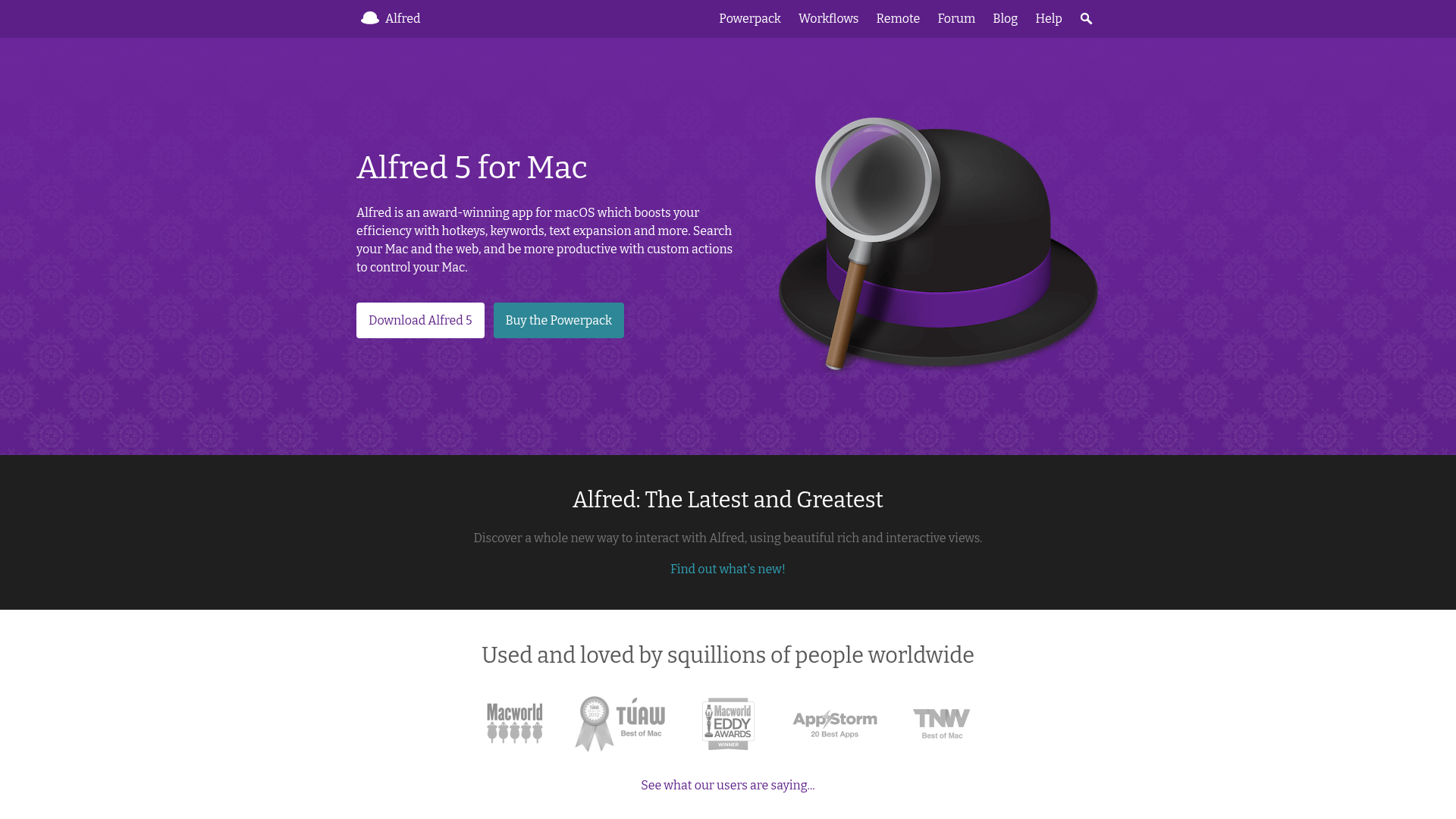
Choose Alfred if you prioritize raw speed, prefer a one-time purchase, and want deep workflow automation.
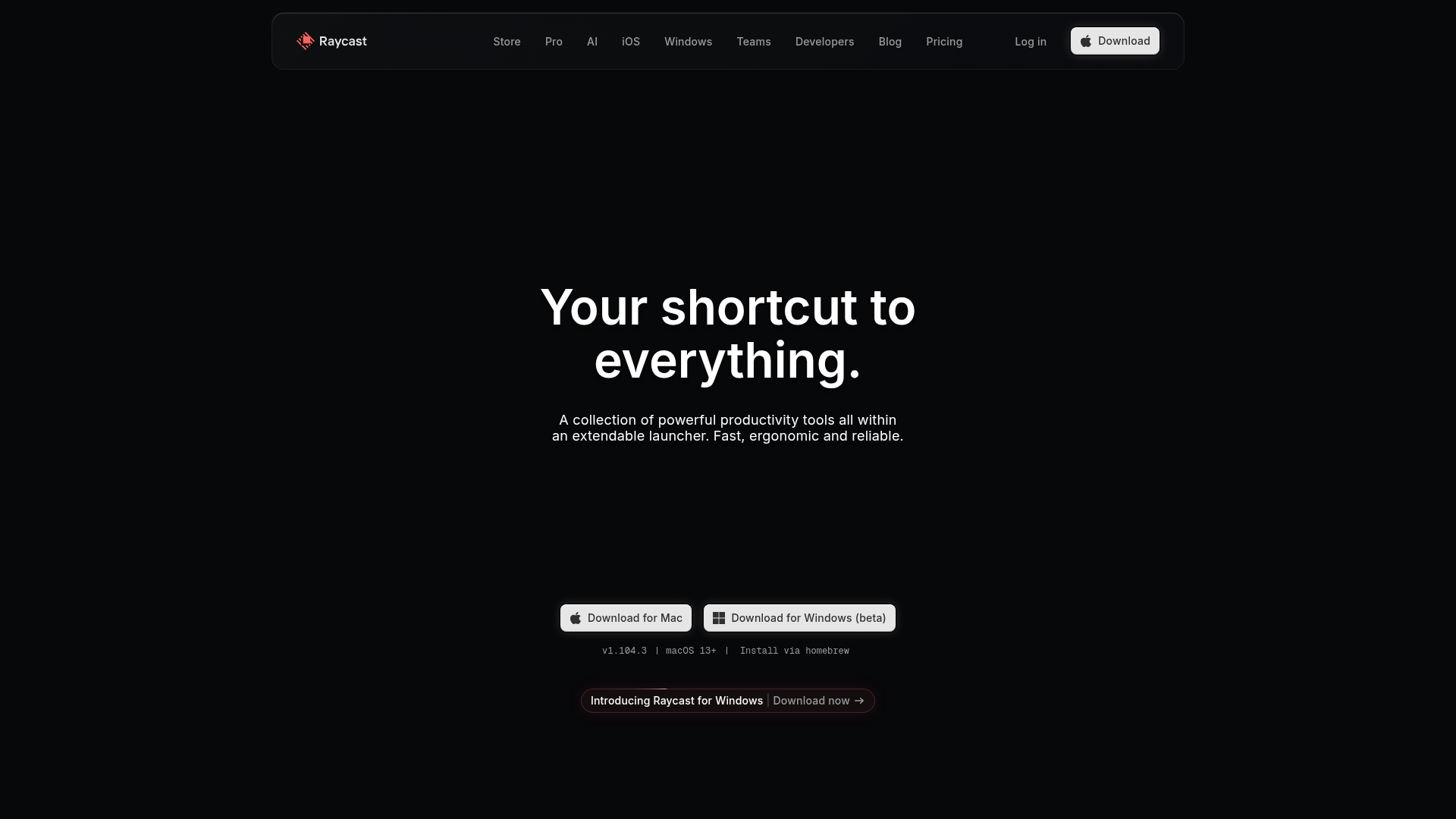
Choose Raycast if you want a modern UI, free clipboard history, and easy access to 1000+ extensions.
Choosing between Alfred and Raycast is one of the most common dilemmas for Mac power users. Both apps promise to supercharge your productivity by replacing Spotlight with a more powerful launcher—but they take fundamentally different approaches.
Alfred is the established veteran, known for blazing speed and deep workflow customization. Raycast is the modern challenger, offering a polished interface with powerful extensions out of the box.
What is Alfred?
Alfred is an award-winning productivity app for macOS that has been the gold standard for Spotlight replacements since 2010. At its core, Alfred is a launcher—you hit a hotkey (typically ⌥ Space), type what you need, and execute actions in milliseconds.
Key characteristics:
Fastest launcher available—noticeably quicker than alternatives
Local-first architecture with no cloud dependency
Workflow system for creating custom automations
One-time purchase model (no subscriptions)
14+ years of continuous development
What is Raycast?
Raycast launched in 2020 as a modern reimagining of the Mac launcher concept. It includes features that would require separate apps elsewhere—window management, clipboard history, snippets, and calculator are all built in for free.
Key characteristics:
Modern, polished interface that feels native to macOS
Generous free tier with advanced features included
Extension store with 1000+ community-built integrations
AI features available in Pro tier
React/TypeScript-based extension development
Feature Comparison
Feature
Alfred
Raycast
App Launching
✓
✓
Clipboard History (Free)
✗
✓
Window Management
✗
✓
Custom Workflows
✓ Visual Builder
Scripts only
Built-in AI
✗
✓ Pro
Cloud Sync
✗
✓ Pro
File Search Speed
Fastest
Fast
Speed and Performance
Speed is where Alfred truly shines. Users consistently report that Alfred feels noticeably faster than any alternative. When you're invoking your launcher 200+ times per day, those milliseconds add up.
Extensions and Integrations
Raycast's extension ecosystem is its crown jewel. The Extension Store offers 1000+ integrations covering Notion, Linear, Spotify, GitHub and more. Installing takes seconds, and developers can build new ones using React and TypeScript.
Alfred's Workflow system is incredibly powerful but requires more technical knowledge. Sharing workflows is less streamlined than Raycast's store.
Pricing Comparison
Alfred
£34 one-time (~$43)
✓ Powerpack features
✓ No recurring fees
→ £59 for lifetime updates
Raycast
$8/month (Pro, annual)
✓ Free tier is generous
✓ AI + Cloud Sync
→ $12/user for Teams
Who Should Use Each App?
Choose Alfred If You...
Value raw speed above all else
Prefer a one-time purchase over subscriptions
Want to build complex automations with a visual workflow builder
Don't need AI features built into your launcher
Already have years of Alfred workflows
Choose Raycast If You...
Want a modern, beautiful interface
Need clipboard history and window management for free
Prefer browsing extensions from a curated store
Want AI features integrated directly
Use multiple Macs and need cloud sync
🧠 Before You Decide: Consider This Complement
While Alfred and Raycast optimize how you launch apps, there's a gap neither fills: managing the knowledge you accumulate across all your tools.
Elephas takes a different approach — instead of launching apps, it creates an AI-powered "Super Brain" from your documents. Every answer cites YOUR files, not internet guesses. It's the perfect complement to whichever launcher you choose.
⚡
System-Wide Access
⌘+Space from any app to query your knowledge base.
📎
Cites Your Sources
Every answer links to the actual document. No hallucinations.
🔗
Syncs Your Apps
Connects to Notion, Obsidian, Apple Notes automatically.
Best for:Knowledge workers managing multiple projectsUsers who want AI that knows their context
Maximum speed and control. One-time purchase. Deep workflow automation.
WINNER FOR MOST USERS
Raycast
Best free tier value. Modern interface. Easy extension ecosystem.
For power users who demand the fastest possible experience, Alfred remains the champion. Its speed is unmatched and the one-time purchase respects your wallet long-term.
For most Mac users, Raycast offers the better overall experience. Its free tier is remarkably generous, and the extension store makes discovering new functionality effortless.
Frequently Asked Questions
Is Alfred better than Raycast?
It depends on your priorities. Alfred is faster and uses a one-time purchase model, making it ideal for power users. Raycast offers a more modern interface and generous free features. Neither is objectively "better"—they serve different preferences.
Is Alfred Powerpack worth the price?
If you use clipboard history, snippets, or workflows, absolutely. At ~$43 one-time, you'll recoup the cost in productivity gains within weeks. The Mega Supporter option (£59) includes lifetime upgrades.
Does Raycast work offline?
Yes, Raycast's core features work offline. Extensions connecting to web services require internet, but the launcher, clipboard history, snippets, and calculator all function without connectivity.
Which app is better for developers?
Both are excellent. Raycast wins if you want to build extensions (React/TypeScript) or need GitHub/VS Code integrations. Alfred wins if you prefer scripting workflows in Bash, Python, or AppleScript.