
How We Evaluated Writing Apps for Mac
We tested over 15 writing applications for Mac, evaluating each based on:
- Writing Experience — Does the editor help you focus and write better?
- AI Capabilities — Does it offer meaningful AI writing assistance?
- Organization — Can it handle complex projects with multiple documents?
- Publishing & Export — How easy is it to share, publish, or export your work?
- Value — Is the pricing fair for what you get?
1. Elephas — Best AI-Powered Writing App for Mac
Elephas is the best AI writing app for Mac because it brings intelligent writing assistance directly into every app you use. Instead of switching to ChatGPT in a browser, you summon AI help anywhere with a keyboard shortcut — in Mail, Pages, Google Docs, or any text field.

Key Features
- System-Wide AI: Press a shortcut in any app to rewrite, summarize, expand, or generate text
- Super Brain Knowledge Base: Upload documents and write content grounded in your own data with source citations
- Multiple AI Models: Use GPT-4, Claude, Gemini, or run local models via Ollama for privacy
- Writing Personas: Maintain consistent tone across different writing contexts
- Smart Actions: Rewrite, fix grammar, translate, change tone, and more — all from a keyboard shortcut
Pricing
- Standard: $9.99/month or $299 lifetime
- Pro: $19.99/month or $349 lifetime
Pros & Cons
Pros
- System-wide AI writing from any app
- Knowledge base with source citations
- Multiple AI models (GPT-4, Claude, Gemini)
- Lifetime purchase option available
- Privacy-first with local model support
Cons
- Mac only (no Windows or Linux)
- Learning curve for Super Brain setup
2. Ulysses — Best for Long-Form Writing & Publishing
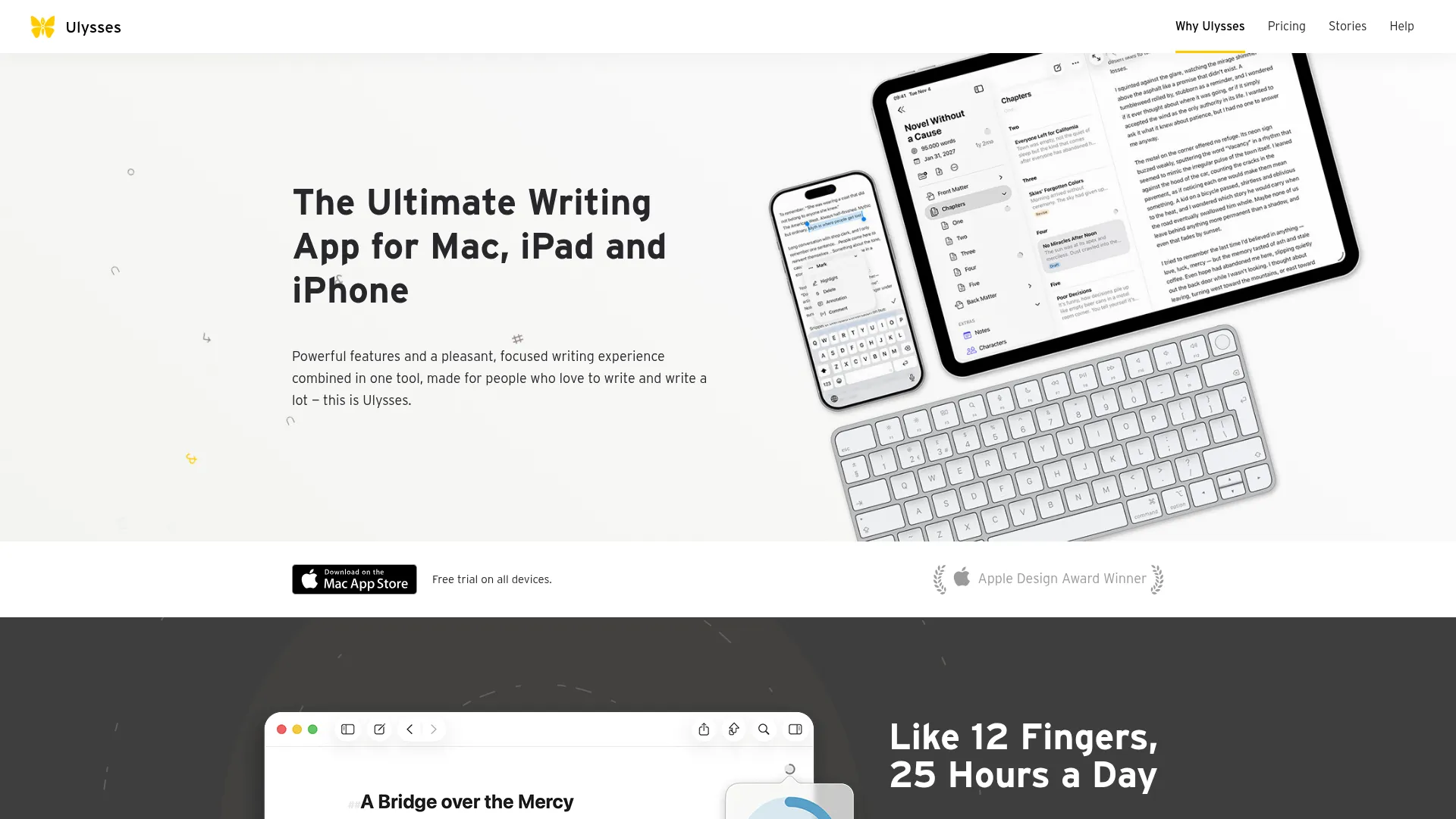
Ulysses is the premier writing app for professional writers on Mac. Its distraction-free Markdown editor, iCloud sync across Apple devices, and direct publishing to WordPress, Ghost, and Medium make it the complete package for serious writers.
Key Features
- Distraction-Free Editor: Markup-based editor that hides formatting for pure focus
- Direct Publishing: Publish to WordPress, Ghost, Medium, and Micro.blog with images, tags, and preview
- iCloud Sync: Seamless sync across Mac, iPhone, and iPad
- Writing Goals: Set word count targets, track daily progress, and monitor writing habits
- Flexible Export: Export to ePub, PDF, HTML, or Word with customizable styles
Pricing
- Monthly: $5.99/month
- Annual: $39.99/year
- Also available through Setapp
Pros & Cons
Pros
- Beautiful, minimal writing interface
- Excellent publishing workflow
- Powerful organization with groups and filters
- Seamless iCloud sync across Apple devices
Cons
- Subscription only — no one-time purchase
- Apple ecosystem only
- No real-time collaboration
3. Scrivener — Best for Book Authors & Complex Projects
Scrivener is the gold standard for novelists, screenwriters, and academics working on long, complex projects. Its Binder, Corkboard, and Outliner views give you unmatched control over manuscript organization.
Key Features
- Binder: Keep all notes, research, and manuscript sections in one organized sidebar
- Corkboard Mode: View and rearrange scenes as index cards on a virtual corkboard
- Linguistic Focus: Highlight specific word types (adverbs, dialogue) to spot writing tics
- Split Screen: View two documents side by side while writing
- Compile System: Export to ePub, Kindle, PDF, Word, and more with full formatting control
Pricing
- Mac: $59.99 one-time
- Educational: $50.99 one-time
- 30-day free trial (counts only days you use it)
Pros & Cons
Pros
- One-time purchase — no subscription
- Unmatched project organization tools
- Handles massive manuscripts effortlessly
- Generous 30-day trial
Cons
- Steep learning curve
- Interface can feel dated
- No real-time collaboration
4. iA Writer — Best Minimalist Markdown Editor
iA Writer is the minimalist's dream. Every design decision removes distraction — no toolbars, no sidebars, just you and your words. Its Focus Mode fades everything except the current sentence, creating a typewriter-like experience.
Key Features
- Focus Mode: Fades everything except the current sentence or paragraph
- Syntax Control: Highlights adjectives, nouns, verbs, and adverbs in your text
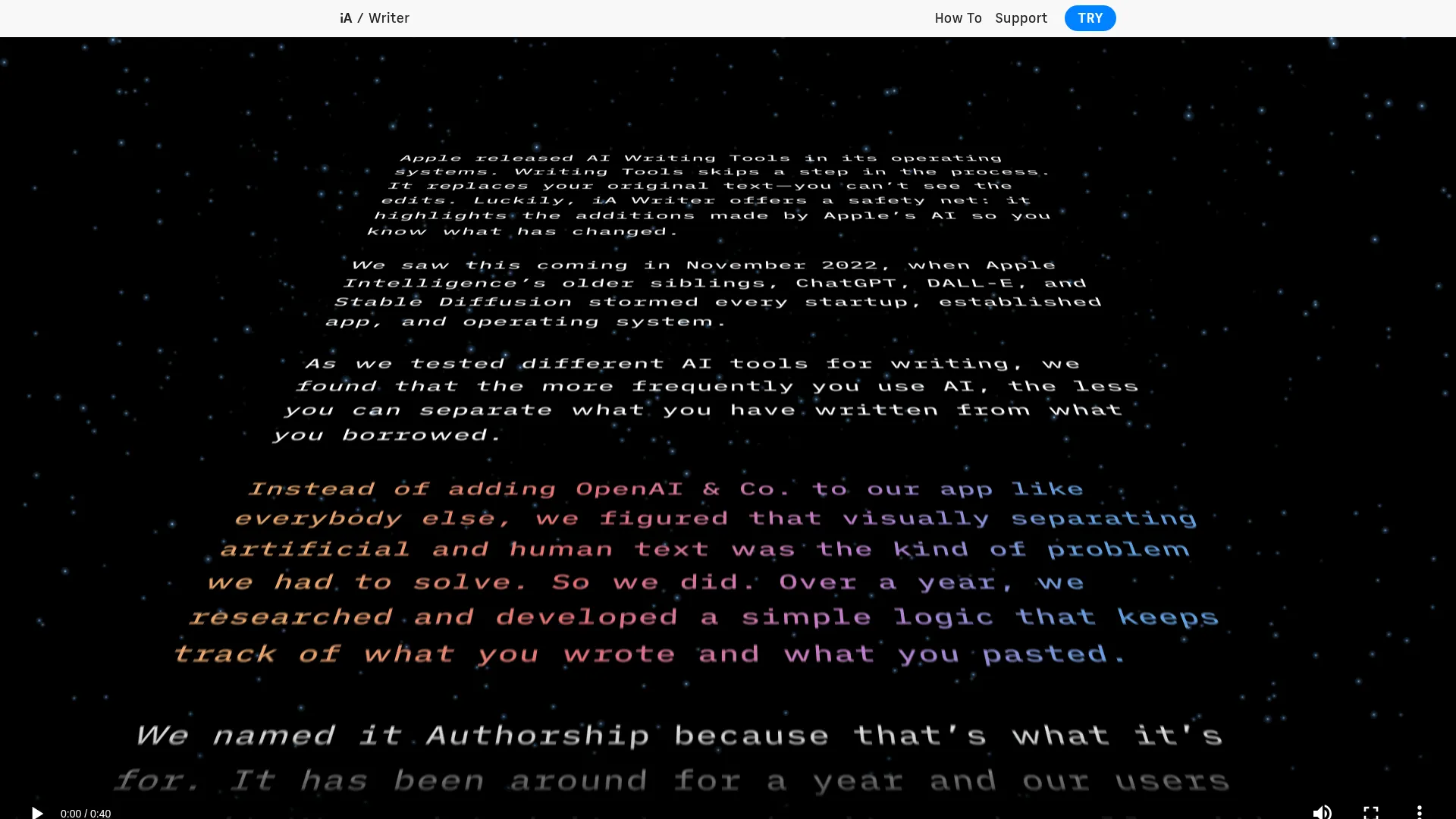
- AI Text Detection: Visually identifies AI-generated text with color overlays
- Content Blocks: Embed files from other documents using Markdown references
- Cross-Platform: Available on Mac, Windows, iPhone, iPad, and Android
Pricing
- Mac: $29.99 one-time
- 14-day free trial
Pros & Cons
Pros
- Beautifully designed, distraction-free
- One-time purchase — great value
- Unique AI text detection feature
- Cross-platform availability
Cons
- Limited document organization
- No real-time collaboration
- Separate purchase per platform
5. Hemingway Editor — Best for Editing & Readability
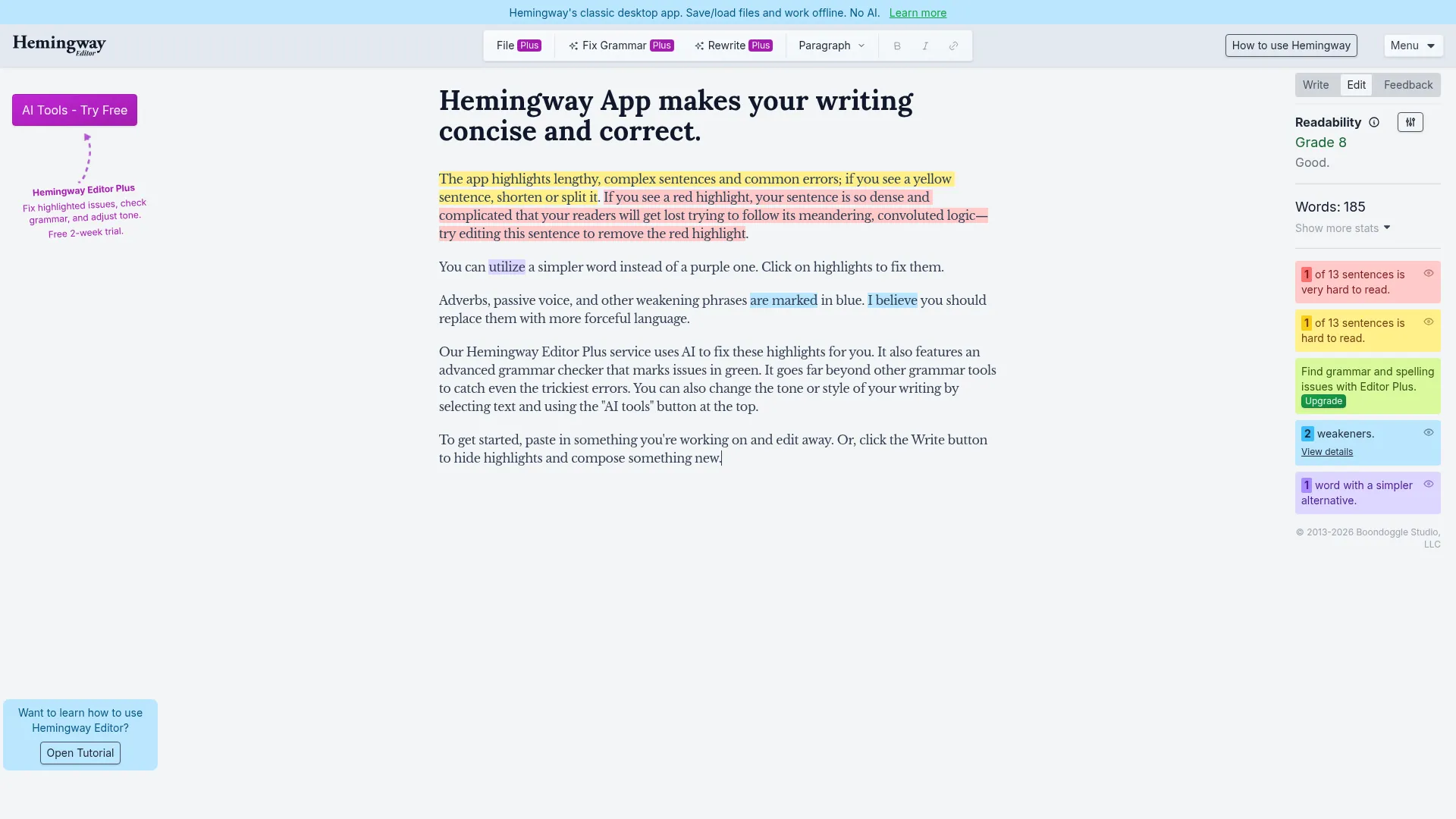
Hemingway Editor makes your writing bold and clear. It highlights wordy sentences, passive voice, and complex phrases with color-coded feedback, giving your prose an instant readability score.
Key Features
- Color-Coded Feedback: Yellow for hard-to-read, red for very hard, blue for passive voice, green for adverbs
- Readability Grade: Automated grade-level score for your text
- Writing & Editing Modes: Separate modes for drafting and polishing
- AI Rewriting (Plus): Adjust tone, shorten content, and restructure with AI
- Direct Publishing: Export to HTML, Markdown, or publish to Medium and WordPress
Pricing
- Web app: Free
- Desktop: $19.99 one-time
- Editor Plus: From $25/month (AI features)
Pros & Cons
Pros
- Free web version for core editing
- Visual color-coding is immediately useful
- Grade-level readability score
- Desktop app is a one-time purchase
Cons
- Not a full writing environment
- AI features require expensive subscription
- Limited organization capabilities
6. Bear — Best for Note-Taking Writers
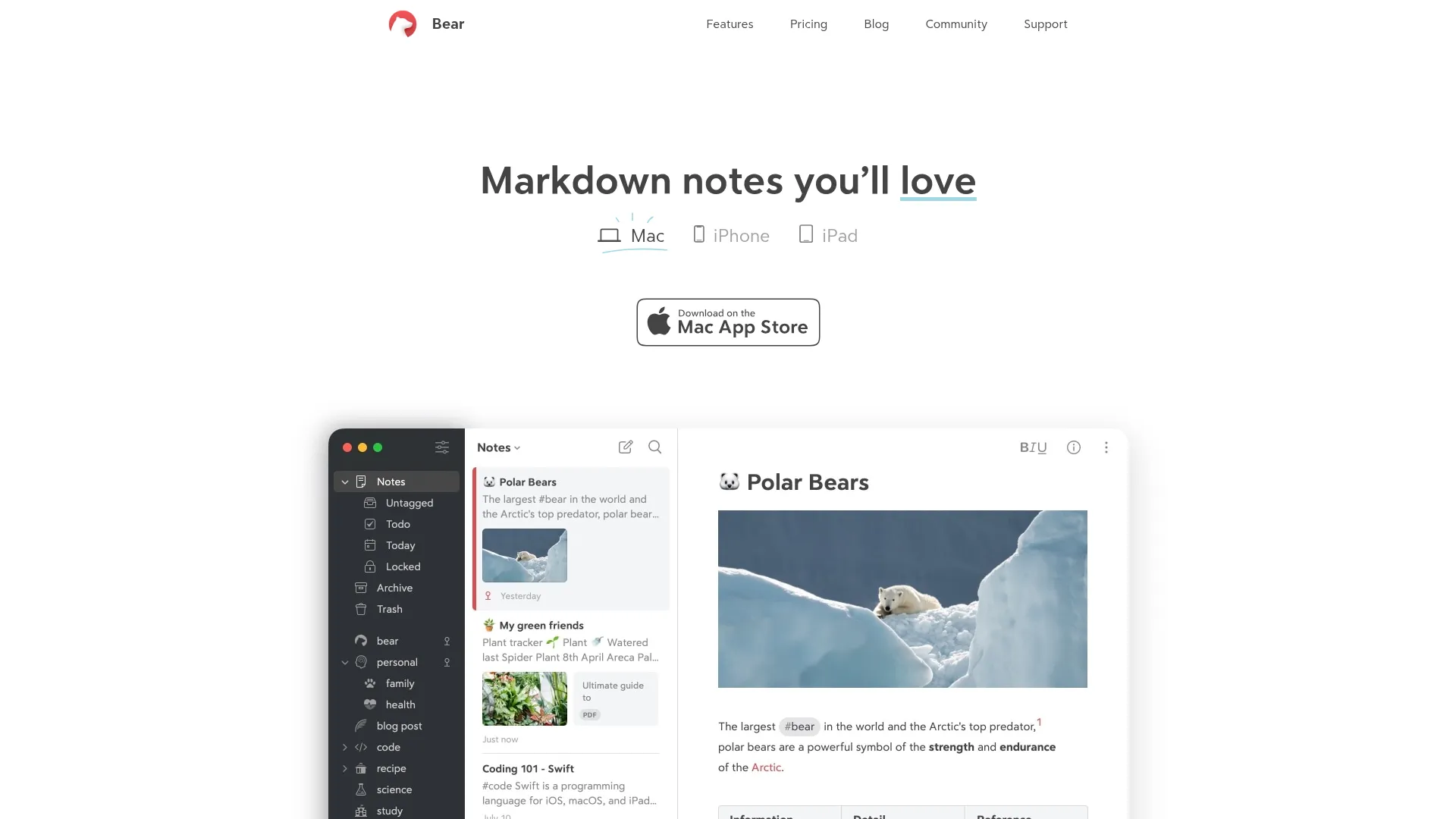
Bear bridges the gap between note-taking and writing. Its award-winning design, flexible Markdown editor, and tag-based organization make it ideal for writers who capture ideas and develop them into finished pieces.
Key Features
- Flexible Markdown: Write in Markdown with formatting that hides for clean reading
- Smart Tags: Organize with hashtags anywhere in notes, including nested tags
- WikiLinks & Backlinks: Connect notes together into a personal wiki
- Focus Mode: Distraction-free writing that hides everything except your note
- OCR Search (Pro): Search for text inside photos and PDFs
Pricing
- Free: Basic features, single device
- Pro: $2.99/month or $29.99/year
Pros & Cons
Pros
- Apple Design Award-winning interface
- Excellent for capturing and developing ideas
- Very affordable Pro subscription
- WikiLinks create a personal knowledge graph
Cons
- Apple ecosystem only
- Sync requires Pro subscription
- Not ideal for very long-form projects
7. Drafts — Best for Quick Text Capture
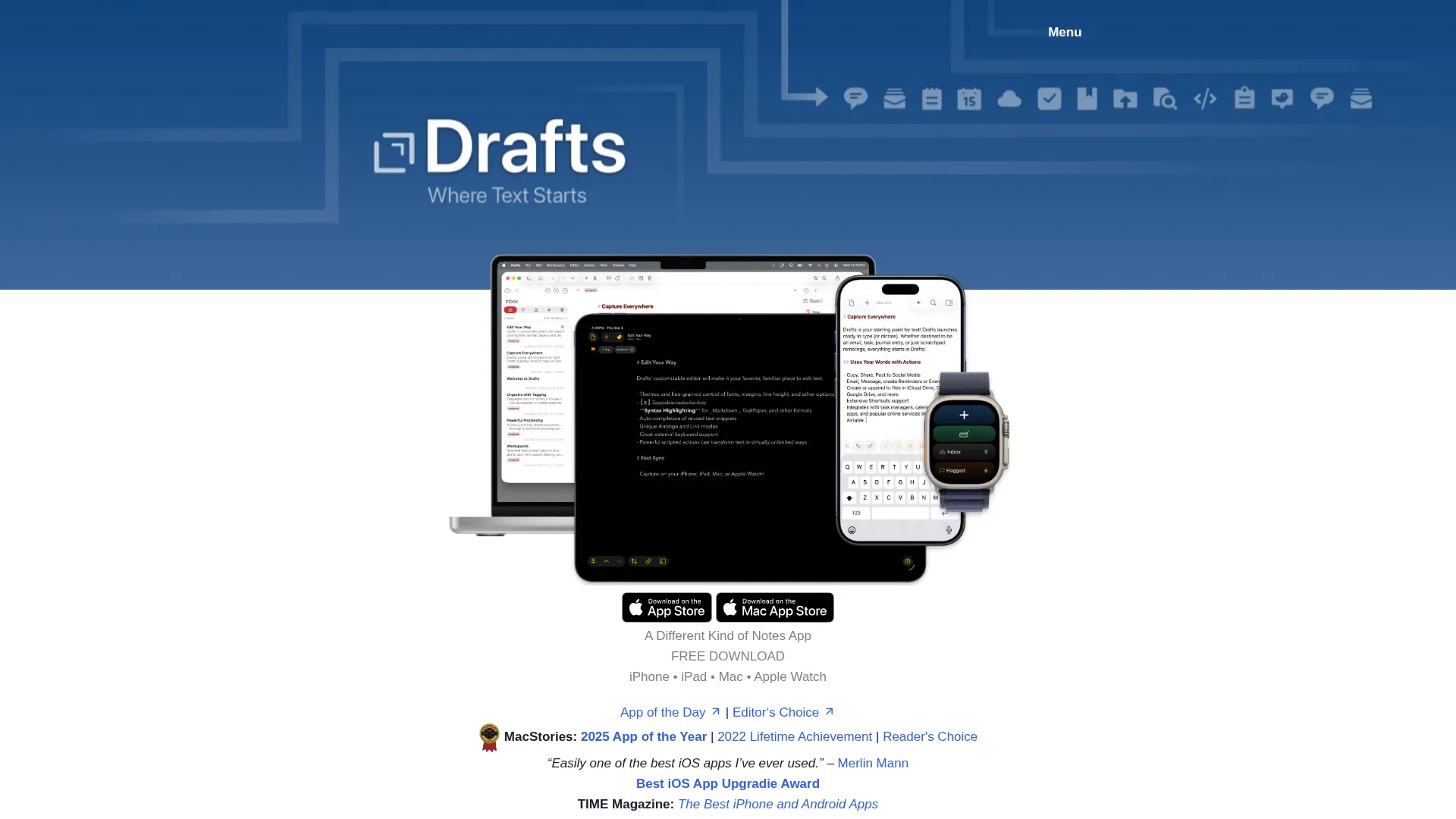
Drafts is where text starts. It opens instantly to a blank page — the fastest way to capture an idea, draft a message, or jot down a note before routing it to the right destination.
Key Features
- Instant Capture: Opens immediately to a blank draft for zero-friction writing
- Action System: Route text to apps, messages, or scripts with one tap
- AI Integration: Built-in Apple Intelligence, Claude, and Gemini support
- Shortcuts Support: 50+ Shortcuts actions for workflow automation
- Workspaces: Saved views with tag, query, and sort settings
Pricing
- Free: Unlimited drafts and sync
- Pro: $1.99/month or $19.99/year
Pros & Cons
Pros
- Fastest text capture experience anywhere
- Incredibly powerful action system
- Built-in AI integrations
- Generous free tier
Cons
- Designed for capture, not long-form writing
- Action scripting has a learning curve
- Apple ecosystem only
8. Typora — Best WYSIWYG Markdown Editor
Typora renders Markdown in real time as you type — no split-pane preview needed. Type # Heading and it instantly becomes a formatted heading. It's the most seamless Markdown editing experience available.
Key Features
- Live WYSIWYG Preview: Markdown renders instantly — no split panes
- Diagrams & Math: Mermaid diagrams and LaTeX math support
- 100+ Language Highlighting: Syntax highlighting for code fences
- Focus & Typewriter Modes: Distraction-free writing with centered active line
- Flexible Export: PDF, HTML, Word, ePub, LaTeX, and more
Pricing
- License: $14.99 one-time (3 devices)
- 15-day free trial
9. Notebooks — Best for Research & Document Organization
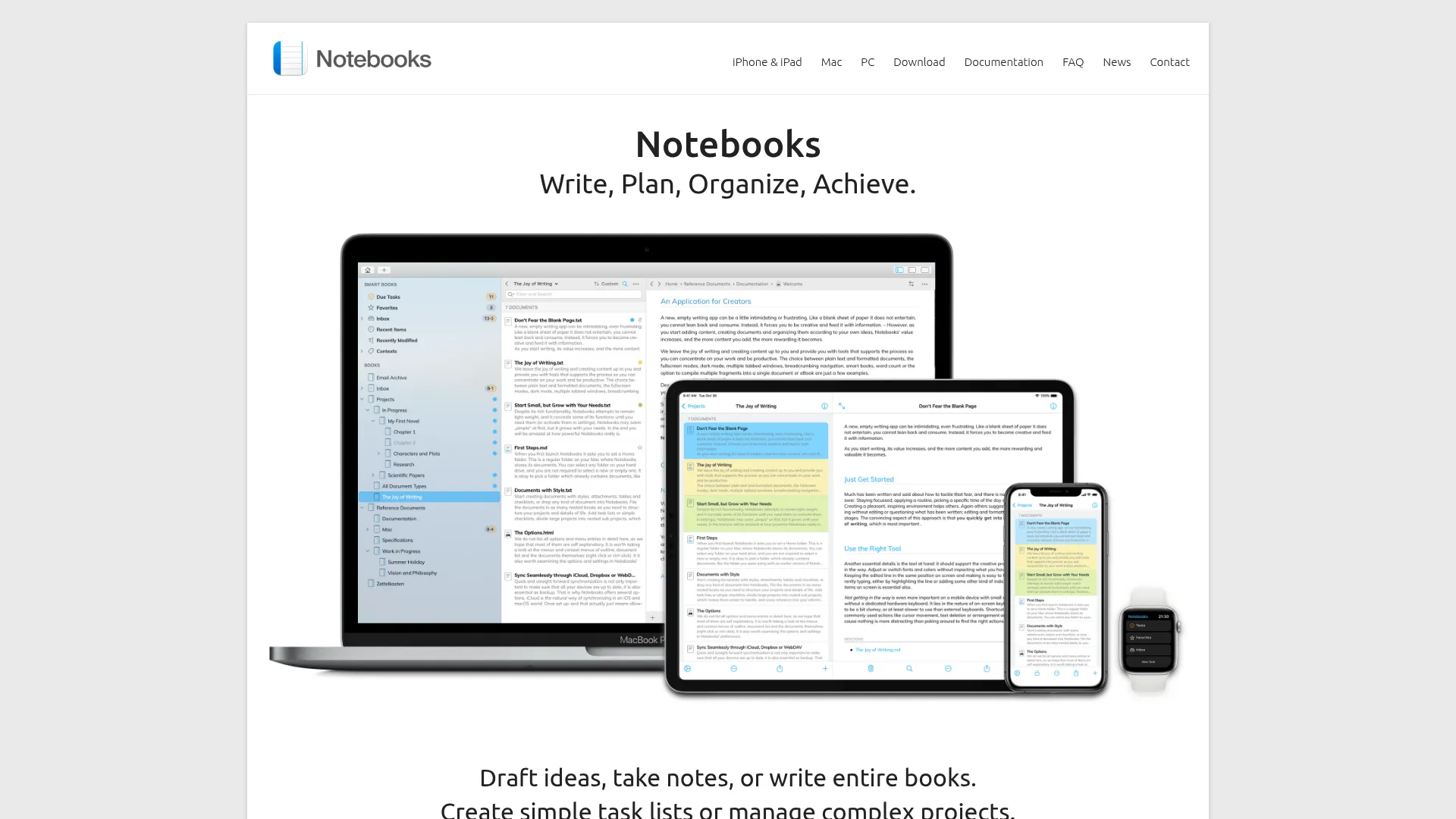
Notebooks is an all-in-one writing environment that combines text editing, personal wiki, Zettelkasten method, file organization, and task management. It stores everything as regular files on your Mac — you always own your data.
Key Features
- All-in-One: Text editor, wiki, Zettelkasten, file organizer, and task manager
- Local File Storage: Documents stored as regular files you control
- Backlinks: Automatic link management when you move or rename content
- Nested Books: Organize files in nested "books" with breadcrumb navigation
- Multi-Format: Formatted text, Markdown, attachments, tables, and checklists
Pricing
- Mac: $30.49 one-time
10. Byword — Best Lightweight Markdown Blogging Tool
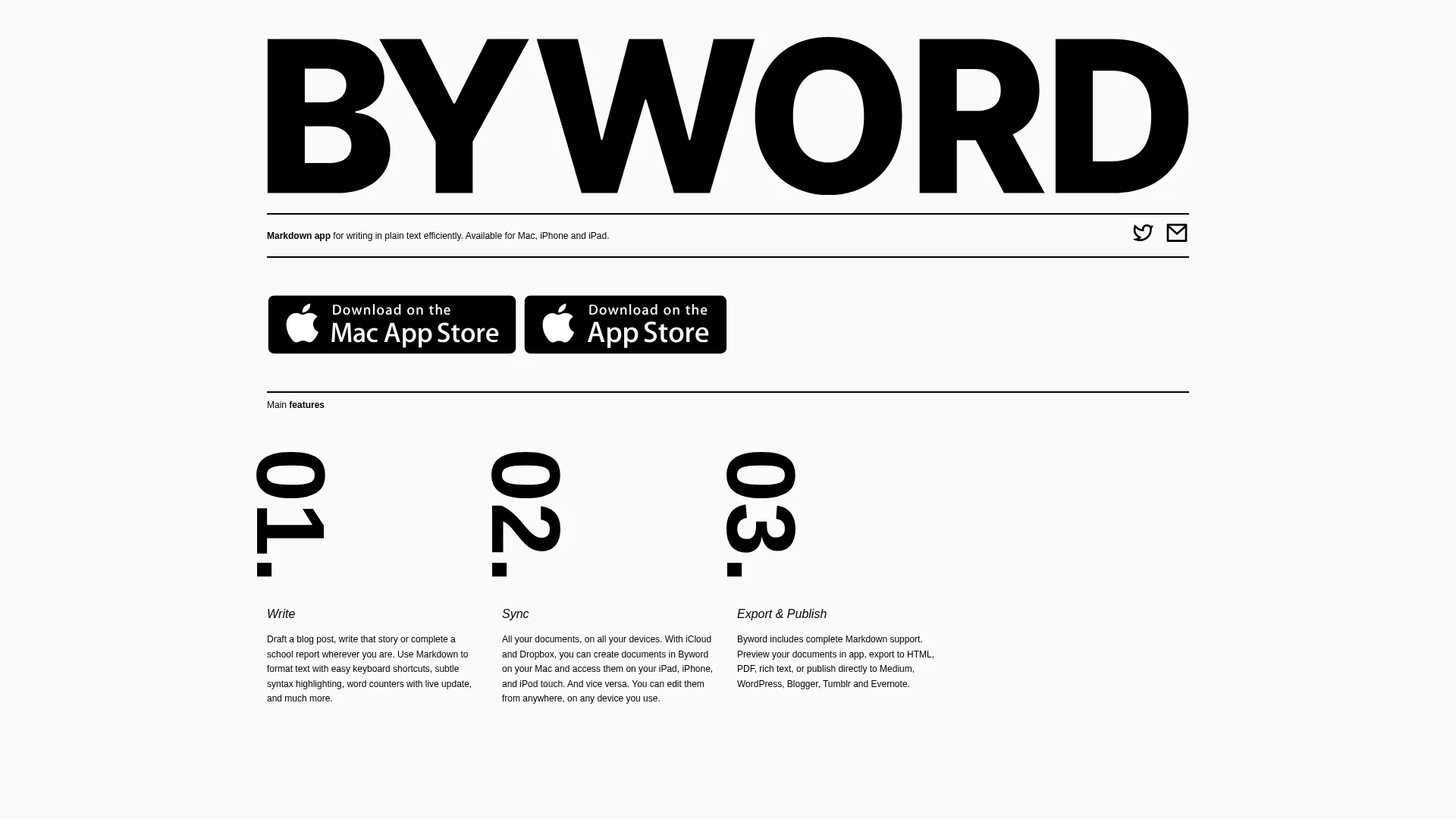
Byword does one thing well: distraction-free Markdown writing with publishing to major platforms. It's one of the most affordable writing apps for Mac and includes direct publishing to Medium, WordPress, Tumblr, Blogger, and Evernote.
Key Features
- Clean Markdown Writing: Minimal interface for pure Markdown editing
- Multi-Platform Publishing: Publish to Medium, WordPress, Tumblr, Blogger, Evernote
- iCloud & Dropbox Sync: Access documents across Mac and iOS
- Full Markdown Support: Including footnotes, tables, and cross-references
- Comfort Features: Full-screen mode, typewriter scrolling, dark/light themes
Pricing
- Mac: $5.99 one-time
- iOS: $2.99 one-time