
How We Evaluated AI Apps for Mac
We tested over 20 AI applications for Mac, evaluating each based on:
- Mac Integration - Does it feel native and integrate with macOS?
- AI Quality - How good are the AI responses and capabilities?
- System-Wide Access - Can you use it from any app?
- Privacy - Does it respect your data and offer local processing?
- Value - Is the pricing fair for what you get?
1. Elephas - Best Overall AI App for Mac
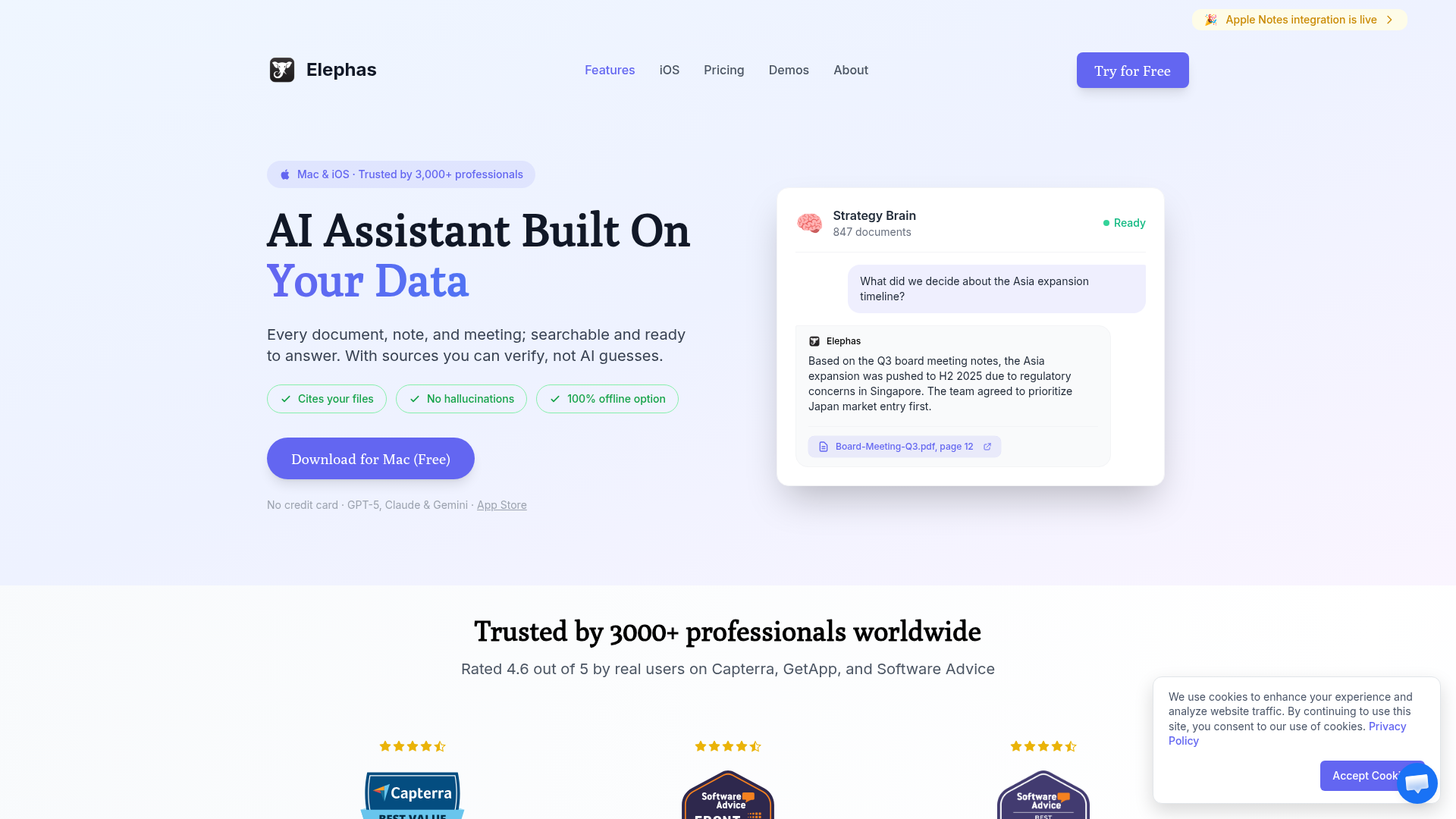
Elephas is the best AI app for Mac because it brings AI assistance directly into every app you use. Instead of switching to a browser or separate app, you can summon AI help anywhere with a keyboard shortcut.
Key Features
- System-Wide Access: Press a shortcut in any app to get AI help instantly
- Multiple AI Models: Use GPT-4, Claude, Gemini, or run local models
- Knowledge Base: Upload documents and chat with your own data
- Writing Personas: Maintain consistent tone across different contexts
- Smart Actions: Rewrite, summarize, expand, translate, fix grammar
Pricing
- Monthly: $9.99/month
- Lifetime: $99 one-time (best value)
Pros & Cons
Pros
- System-wide AI from any app
- Multiple AI model support
- Knowledge base for document Q&A
- Affordable lifetime option
- True native Mac experience
Cons
- Mac only (no Windows)
- Learning curve for power features
2. ChatGPT Desktop - Best Official AI Experience
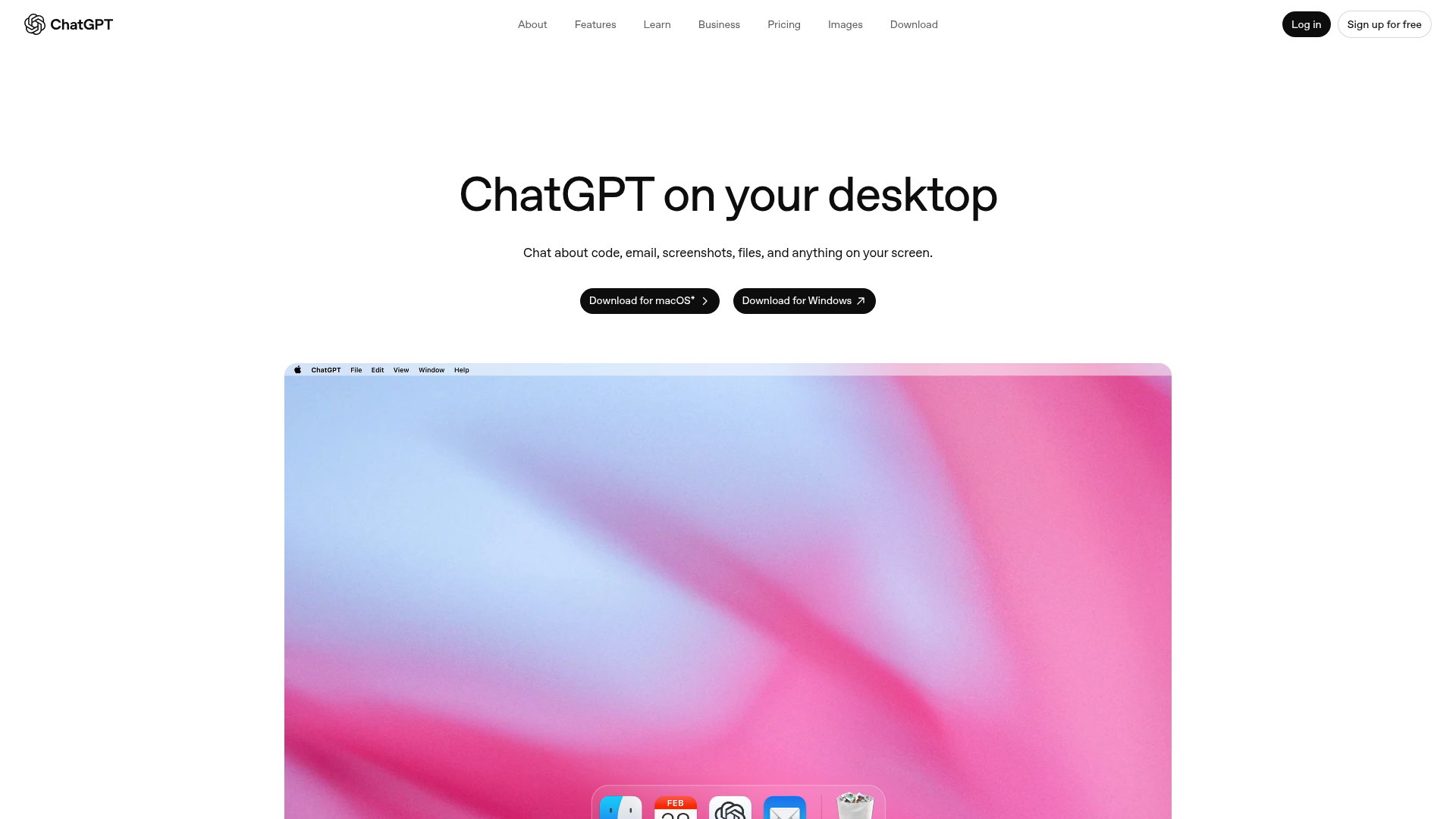
OpenAI's official ChatGPT desktop app for Mac brings the full ChatGPT experience to your desktop with voice mode, screen sharing, and a convenient keyboard shortcut.
Key Features
- Option+Space Shortcut: Quick access to ChatGPT from anywhere
- Advanced Voice Mode: Natural conversations with GPT-4
- Screen Sharing: Let ChatGPT see what you're working on
- Custom GPTs: Access specialized GPTs from the store
- DALL-E Integration: Generate images directly
Pricing
- Free: Limited GPT-4o access
- Plus: $20/month for unlimited GPT-4, DALL-E, voice
- Pro: $200/month for extended limits and o1 access
3. Raycast AI - Best for Power Users
If you already use Raycast as your Mac launcher, their AI add-on integrates ChatGPT and Claude directly into your launcher workflow.
Key Features
- Launcher Integration: AI built into your existing workflow
- AI Commands: Create custom AI-powered commands
- Quick AI: Get instant answers without opening an app
- Multiple Models: Choose between GPT-4 and Claude
Pricing
- Raycast Pro: $8/month (includes AI)
4. Apple Intelligence - Best Built-In Option
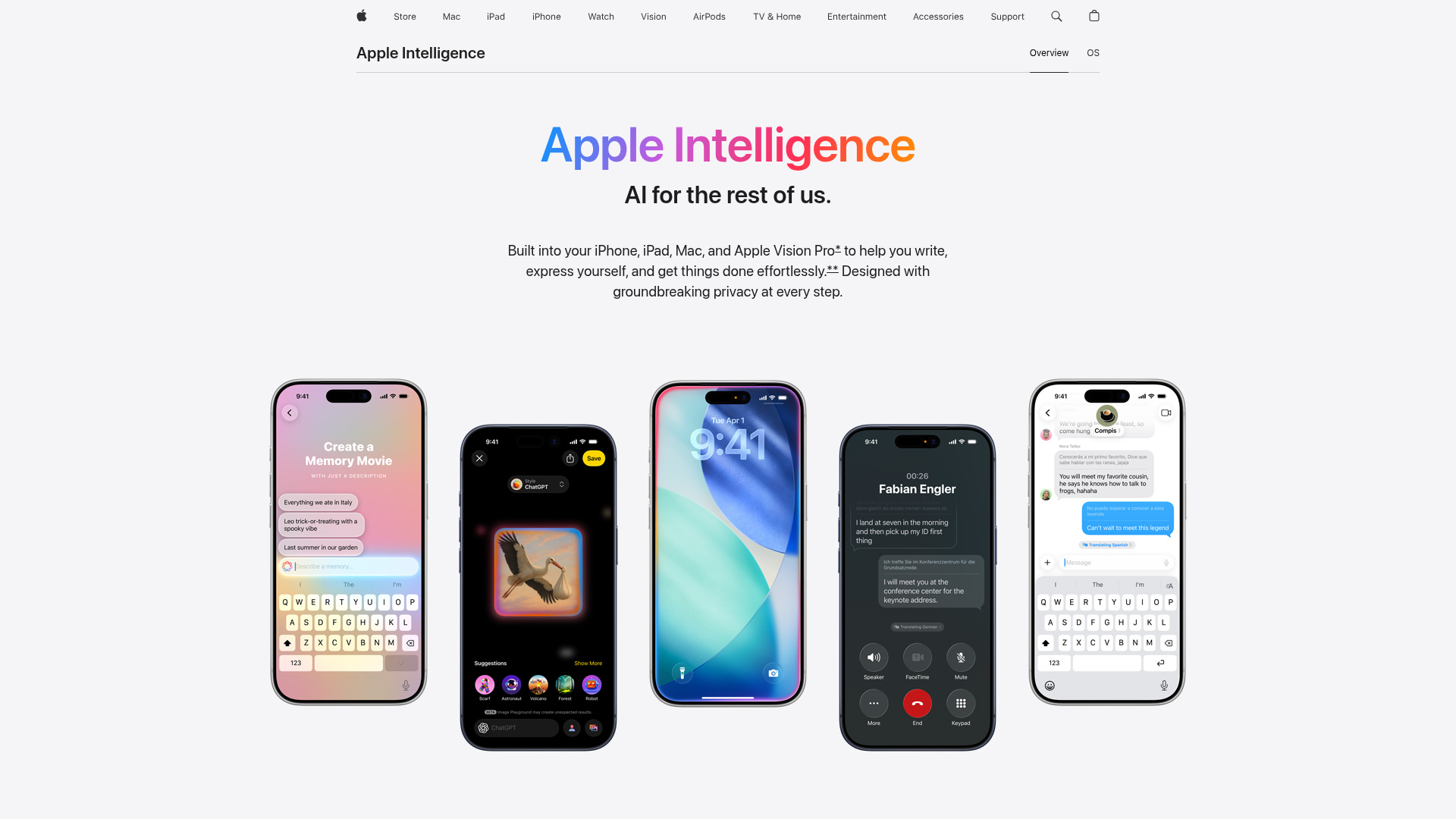
Apple Intelligence is Apple's built-in AI that works across macOS. It provides writing tools, image generation, and smart features directly in Apple apps.
Key Features
- Writing Tools: Rewrite, proofread, and summarize in any text field
- Image Playground: Generate images with AI
- Genmoji: Create custom emoji with AI
- Siri Enhancement: Smarter, more contextual Siri
- Priority Notifications: AI-filtered notification summaries
Pricing
- Free (built into macOS Sequoia and later)
- Requires Apple Silicon Mac (M1 or later)
5. Cursor - Best AI Coding Assistant
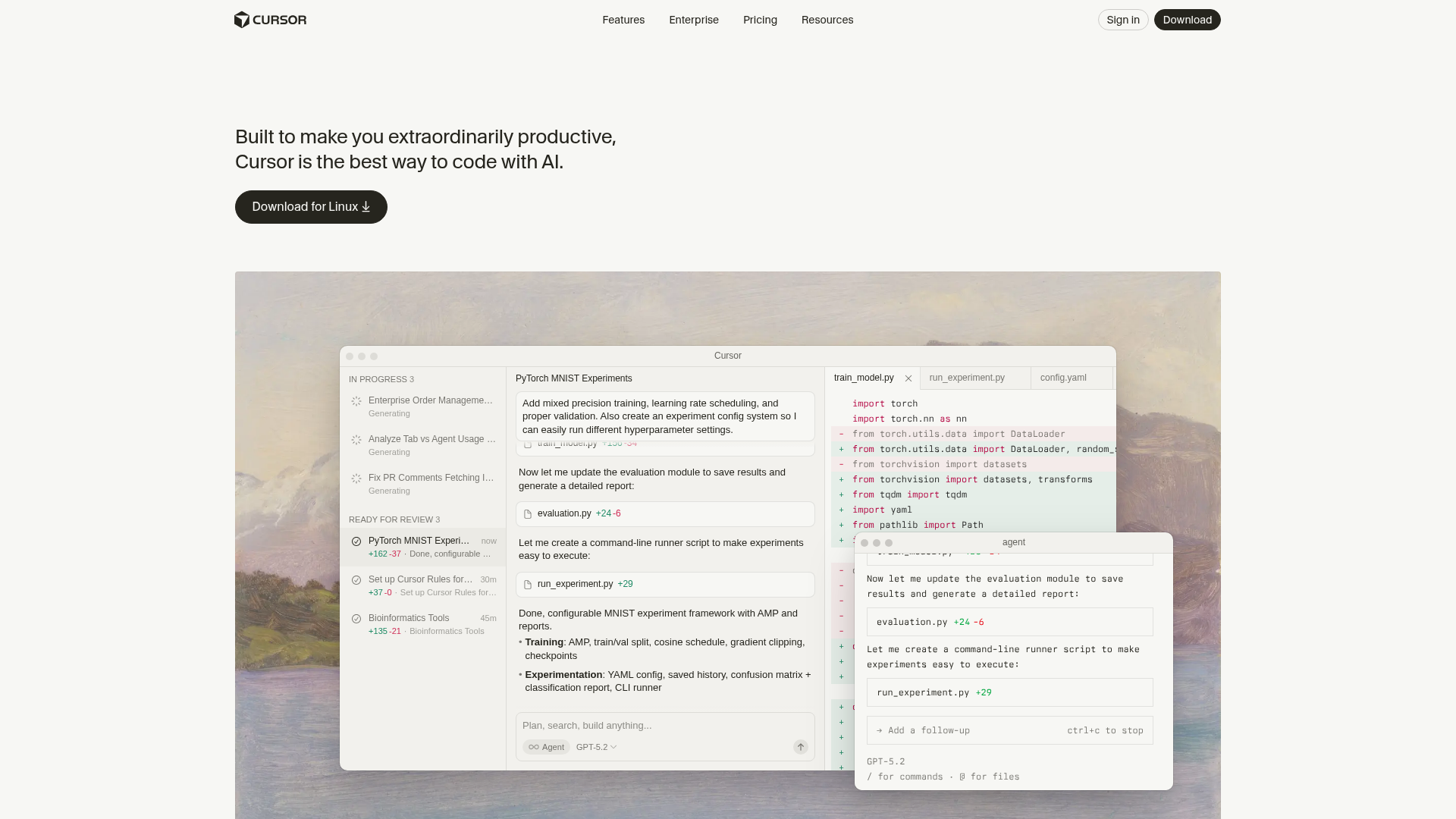
Cursor is a full IDE built on VS Code with AI deeply integrated. It's the best choice for developers who want AI assistance while coding.
Key Features
- AI Code Generation: Generate code from natural language
- Codebase Chat: Ask questions about your entire project
- Multi-File Editing: AI can refactor across multiple files
- Error Fixing: Automatic bug detection and fixes
- Tab Completion: Smart autocomplete powered by AI
Pricing
- Free: Limited completions
- Pro: $20/month (unlimited AI usage)
- Business: $40/month (team features)
6. Grammarly - Best AI Writing Assistant
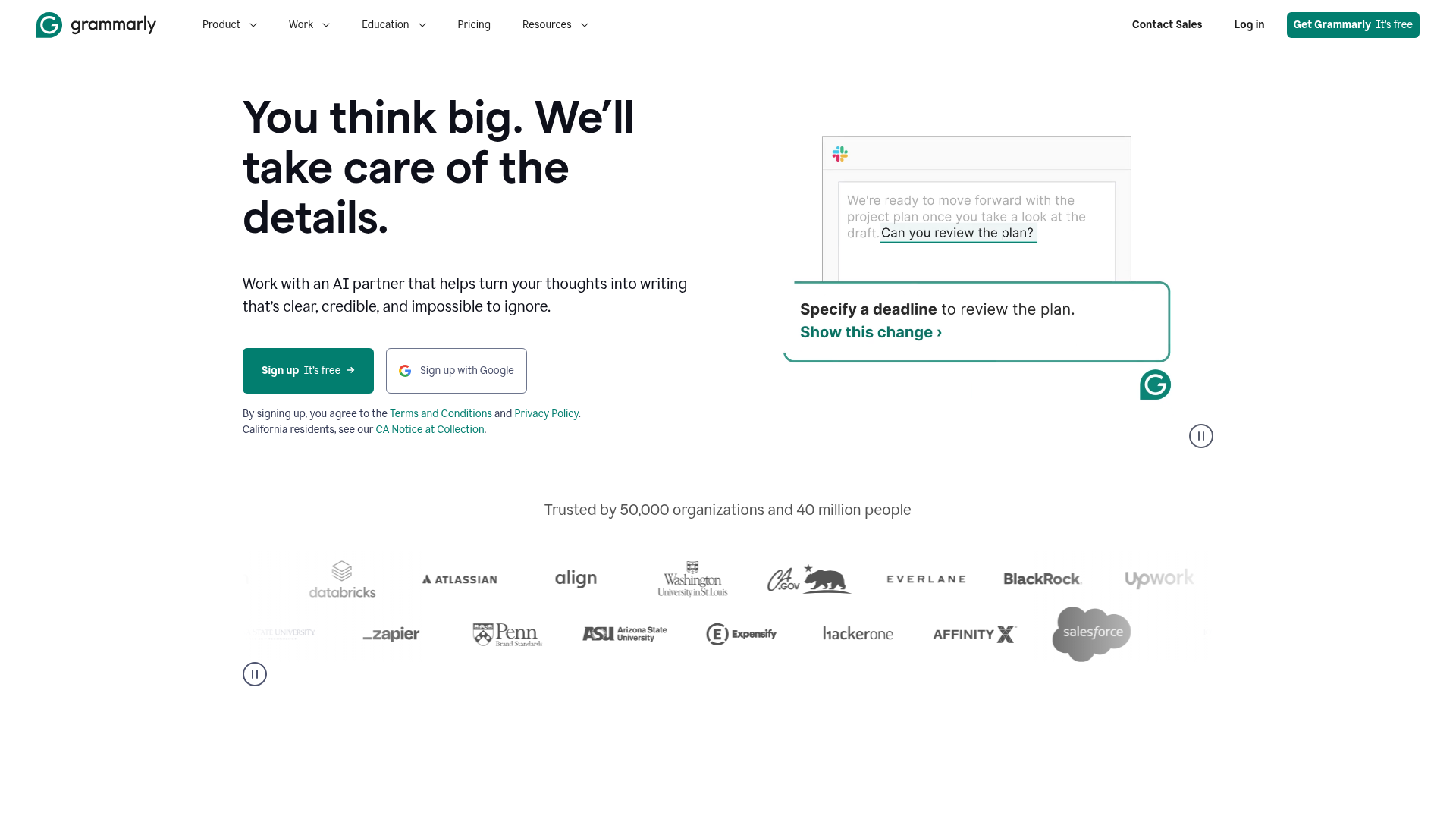
Grammarly is the most polished AI writing assistant, catching errors and improving your writing in real-time across all apps.
Key Features
- Grammar & Spelling: Catches errors other tools miss
- Tone Detection: Ensures your writing matches your intent
- AI Writing: Generate and rewrite content
- Plagiarism Check: Verify originality (Premium)
- Works Everywhere: Browser, desktop app, and integrations
Pricing
- Free: Basic grammar and spelling
- Premium: $12/month (full features)
- Business: $15/user/month (team features)
7. TypingMind - Best Custom ChatGPT Interface
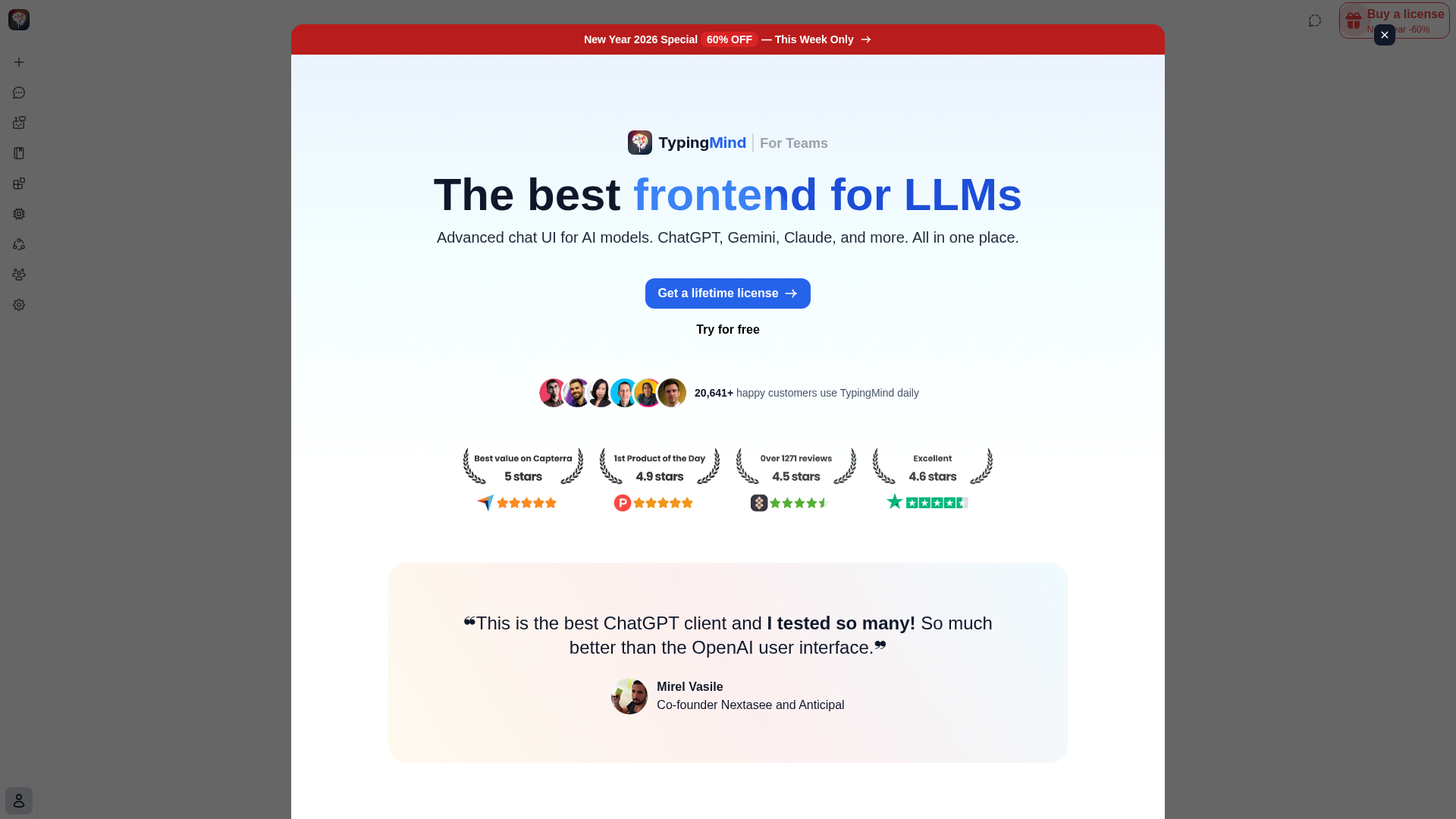
TypingMind provides a better interface for ChatGPT than OpenAI's own, with features like folders, prompt library, and multi-model support.
Key Features
- Better UI: Cleaner, faster interface than ChatGPT
- Folders & Tags: Organize conversations properly
- Prompt Library: Save and reuse your best prompts
- Multiple Models: GPT-4, Claude, Gemini in one place
- Local Storage: Conversations stored on your device
Pricing
- One-time: $39 (uses your own API keys)
- Premium: $79 (includes plugins and agents)
8. Cotypist - Best Local AI Autocomplete
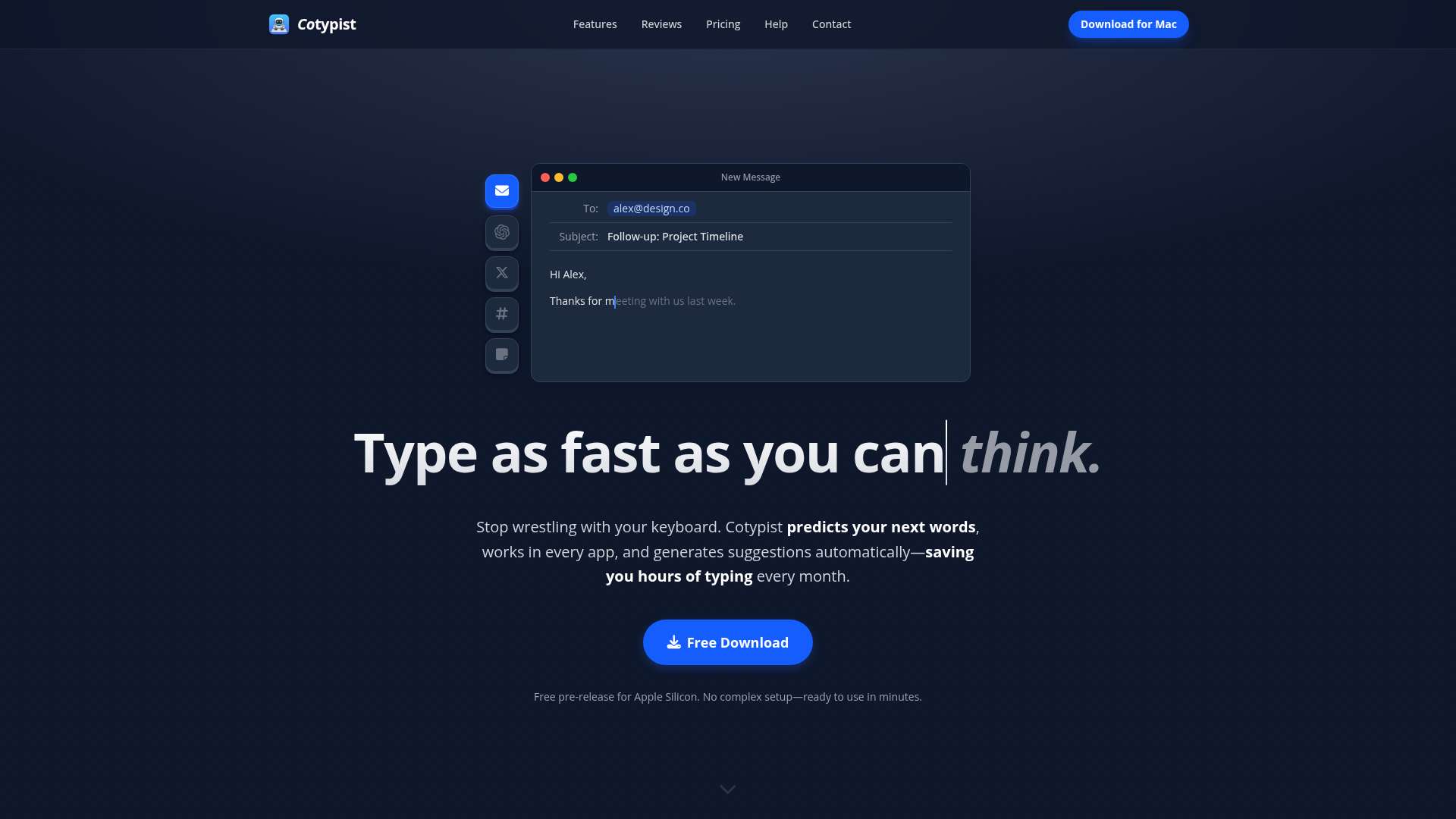
Cotypist brings AI-powered autocomplete to every Mac app using completely local processing. Your data never leaves your computer.
Key Features
- 100% Local: All processing happens on your Mac
- System-Wide: Works in any text field
- Privacy-First: Data never leaves your device
- Smart Suggestions: Context-aware completions
Pricing
- One-time: $29
9. Mochi Diffusion - Best Local Image Generation
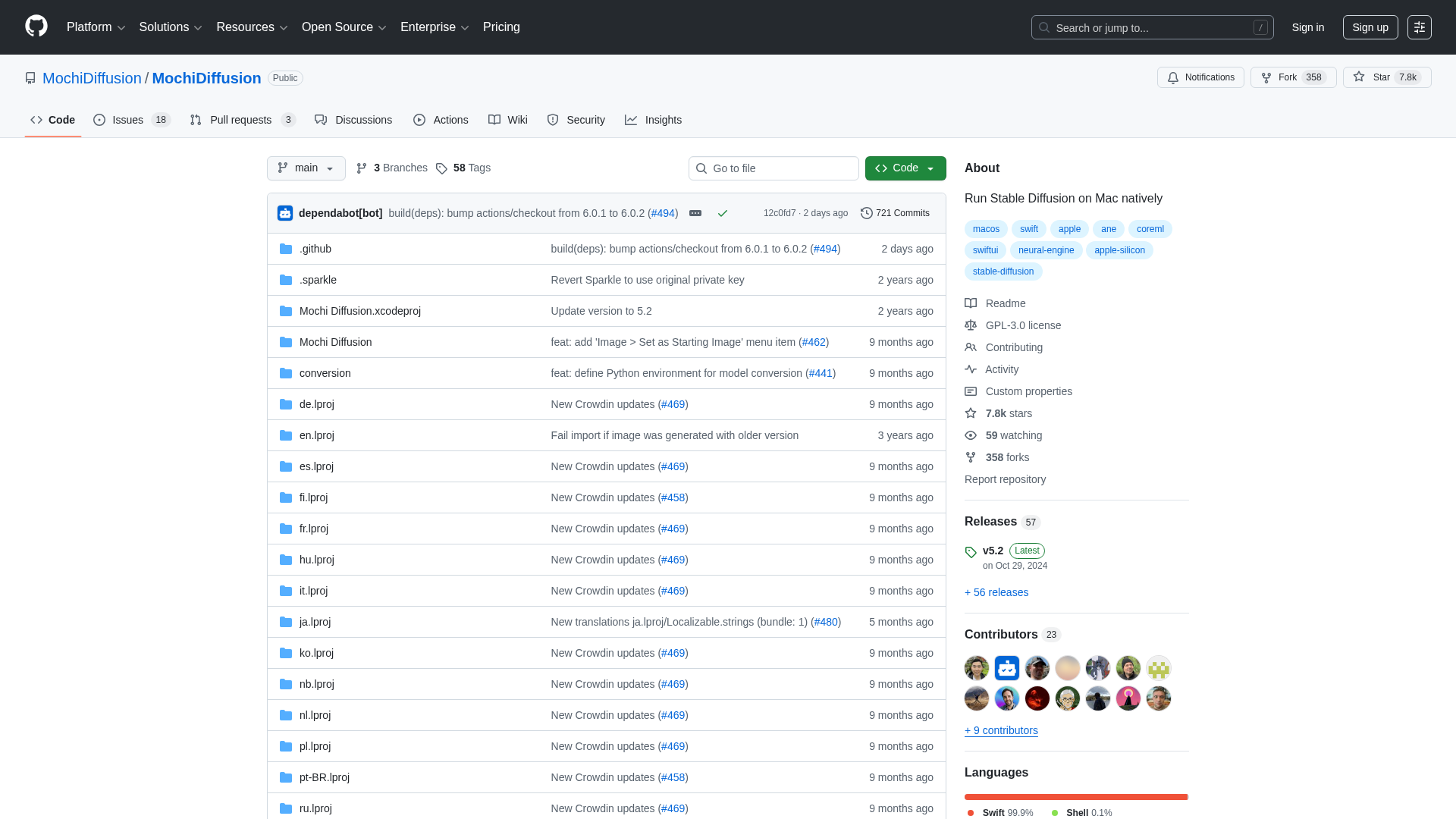
Mochi Diffusion runs Stable Diffusion locally on your Mac, generating AI images without cloud services or subscriptions.
Key Features
- 100% Local: Runs entirely on Apple Silicon
- Multiple Models: Support for various Stable Diffusion models
- Free & Open Source: No subscription required
- Fast Generation: Optimized for M1/M2/M3 chips
Pricing
- Free and open-source
- Requires Apple Silicon Mac
10. Ollama - Best for Running Local LLMs
Ollama lets you run large language models locally on your Mac. Perfect for privacy-conscious users who want AI without cloud dependencies.
Key Features
- Run Any Model: Llama, Mistral, Gemma, and more
- Complete Privacy: Nothing sent to the cloud
- API Compatible: Works with apps expecting OpenAI API
- Easy Setup: One command to download and run models
Pricing
- Free and open-source