
How We Evaluated Note-Taking Apps for Mac
We compared over 15 note-taking applications for Mac, evaluating each based on:
- AI Capabilities — Does it offer AI-powered search, summarization, or Q&A?
- Organization — How well does it handle large collections of notes?
- Sync & Cross-Platform — Does it sync reliably across devices?
- Data Ownership — Do you control your data, or is it locked in a cloud service?
- Value — Is the pricing fair for what you get?
1. Elephas — Best AI-Powered Knowledge Base for Mac
Elephas is the best AI-powered note-taking app for Mac because it turns your documents into a searchable knowledge base. Upload PDFs, Word files, Apple Notes, Obsidian vaults, or any other content — then ask questions and get answers grounded in your own data with source citations.

Key Features
- Super Brain Knowledge Base: Build personalized knowledge bases from 20+ file formats with source citations
- System-Wide AI: Query your notes from any Mac app with a keyboard shortcut
- Multiple AI Models: GPT-4, Claude, Gemini, plus local models via Ollama
- App Integrations: Syncs with Notion, Obsidian, Apple Notes, and DEVONthink
- Privacy-First: End-to-end encryption with full offline capability
Pricing
- Standard: $9.99/month or $299 lifetime
- Pro: $19.99/month or $349 lifetime
Pros & Cons
Pros
- AI answers grounded in your own documents
- Works system-wide from any Mac app
- Integrates with Notion, Obsidian, Apple Notes
- Lifetime purchase available
- Full offline mode with local AI
Cons
- Apple-only ecosystem
- Learning curve for Super Brain setup
2. Obsidian — Best for Power Users & Local-First PKM
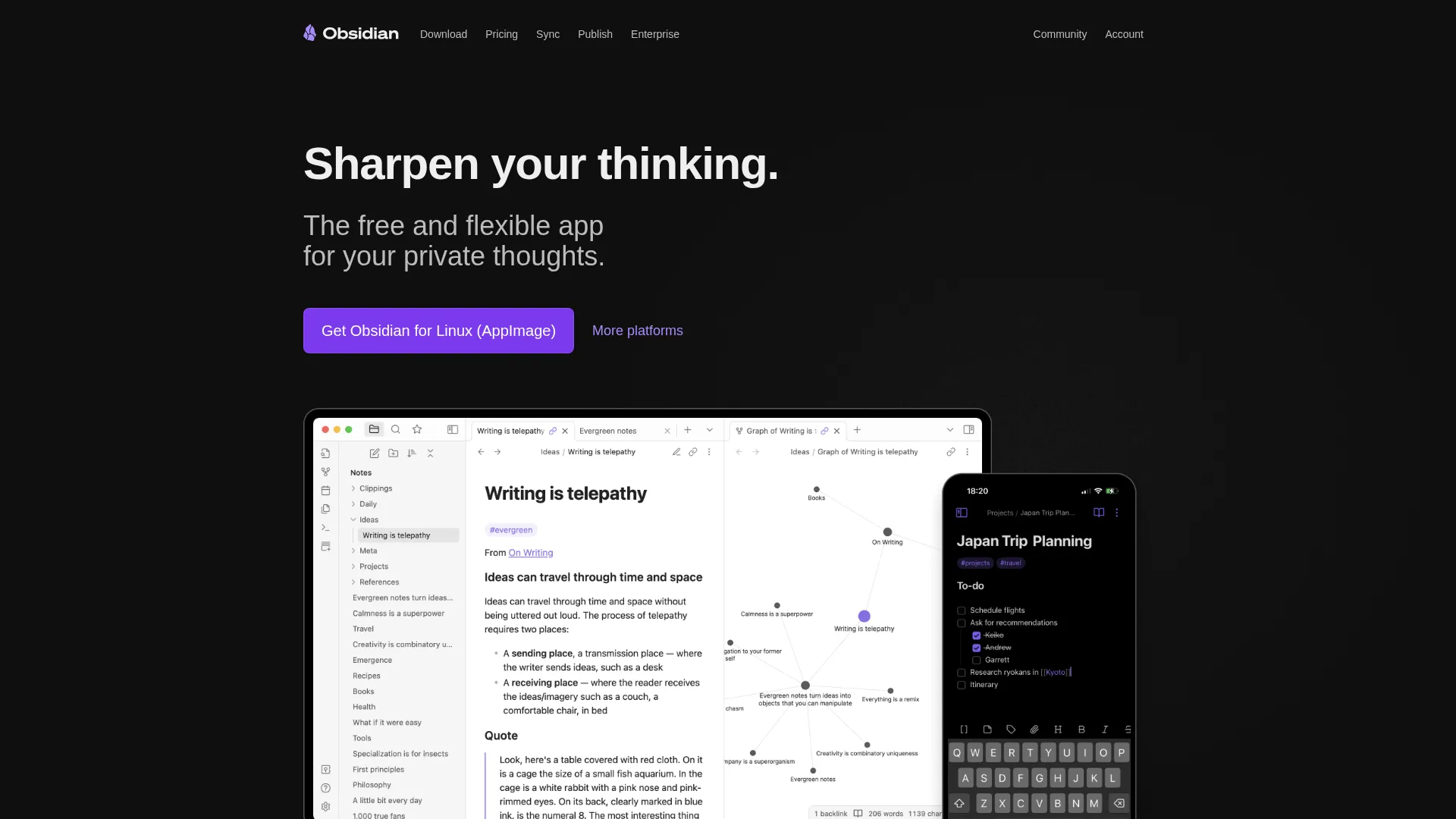
Obsidian is the top choice for power users who want total control over their notes. Every note is a plain Markdown file stored locally — no vendor lock-in, no proprietary formats. Its graph view, bidirectional linking, and 1,000+ community plugins make it the most customizable note-taking app available.
Key Features
- Local-First Markdown: Every note is a .md file you control — no lock-in
- Graph View: Visualize connections between notes in an interactive graph
- 1,000+ Plugins: Extend with kanban boards, spaced repetition, databases, and more
- Bidirectional Linking: Automatic backlinks between connected notes
- Databases (2026): New structured data management within Obsidian
Pricing
- Personal use: Free
- Obsidian Sync: $10/month
- Commercial license: $50/user/year
Pros & Cons
Pros
- Completely free for personal use
- Total data ownership — plain Markdown files
- Massive plugin ecosystem (1,000+)
- Works offline with local storage
- Cross-platform (Mac, Windows, Linux, mobile)
Cons
- Steep learning curve
- Sync costs extra ($10/month)
- No real-time team collaboration
3. Notion — Best All-in-One Workspace & Team Collaboration
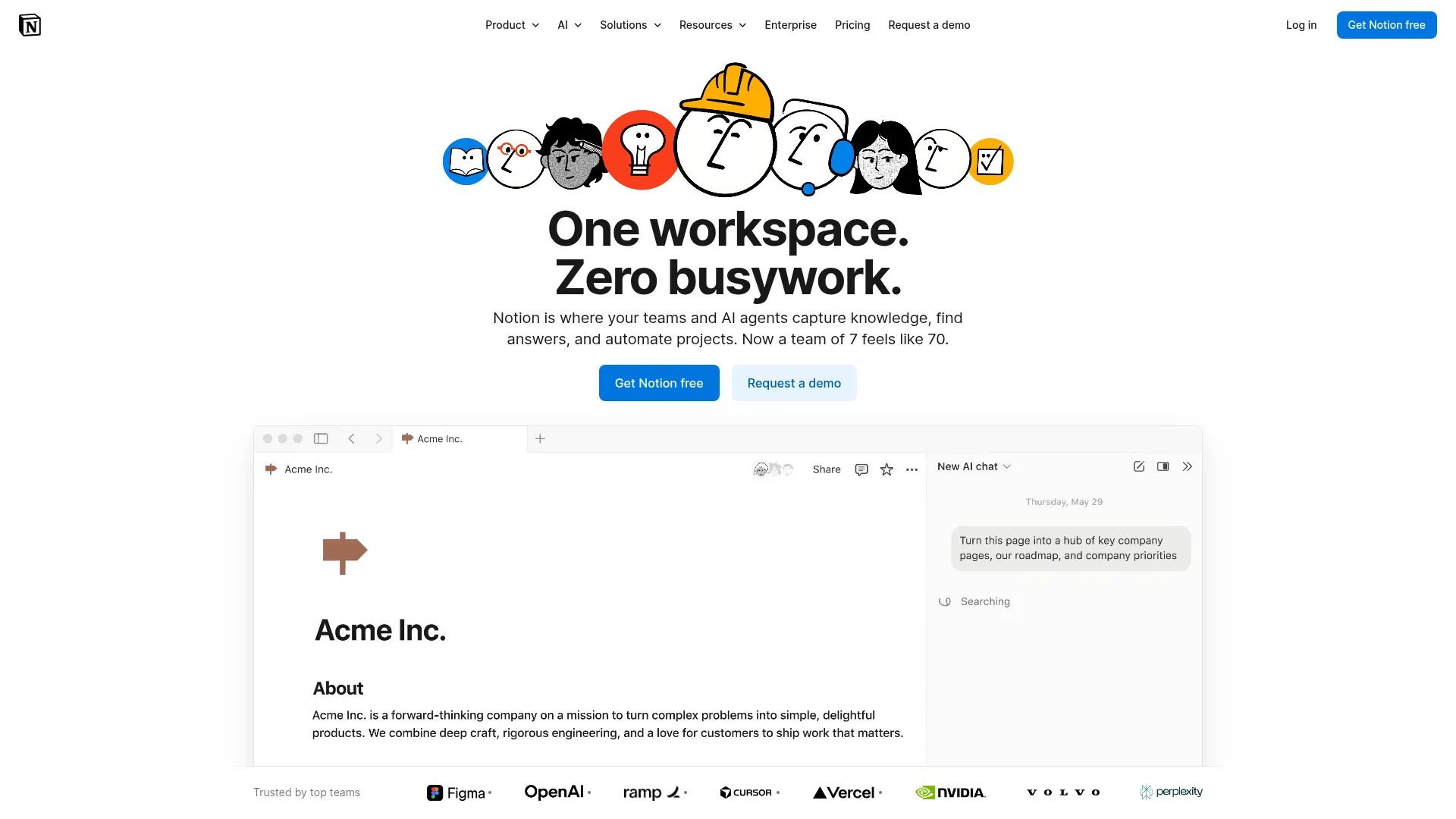
Notion is the Swiss Army knife of productivity tools. It combines notes, wikis, databases, project management, and documents in one platform — making it the best choice for teams and individuals who want everything in a single workspace.
Key Features
- Unified Workspace: Notes, wikis, databases, and project management in one place
- Powerful Databases: Relational data with table, board, timeline, and gallery views
- AI Integration: Built-in AI for writing, summarizing, and Q&A (Business/Enterprise)
- Real-Time Collaboration: Multiple users editing simultaneously with permissions
- Notion Sites & Forms: Publish web pages and create forms from your workspace
Pricing
- Free: Personal use with limitations
- Plus: $10/user/month (annual)
- Business: $20/user/month (annual, includes AI)
Pros & Cons
Pros
- Replaces multiple tools (notes, wiki, PM, DB)
- Excellent team collaboration
- Powerful databases and views
- Free for students and educators
Cons
- Can feel slow for simple note-taking
- AI features limited on lower tiers
- Limited offline support
4. Bear — Best for Beautiful Markdown Notes
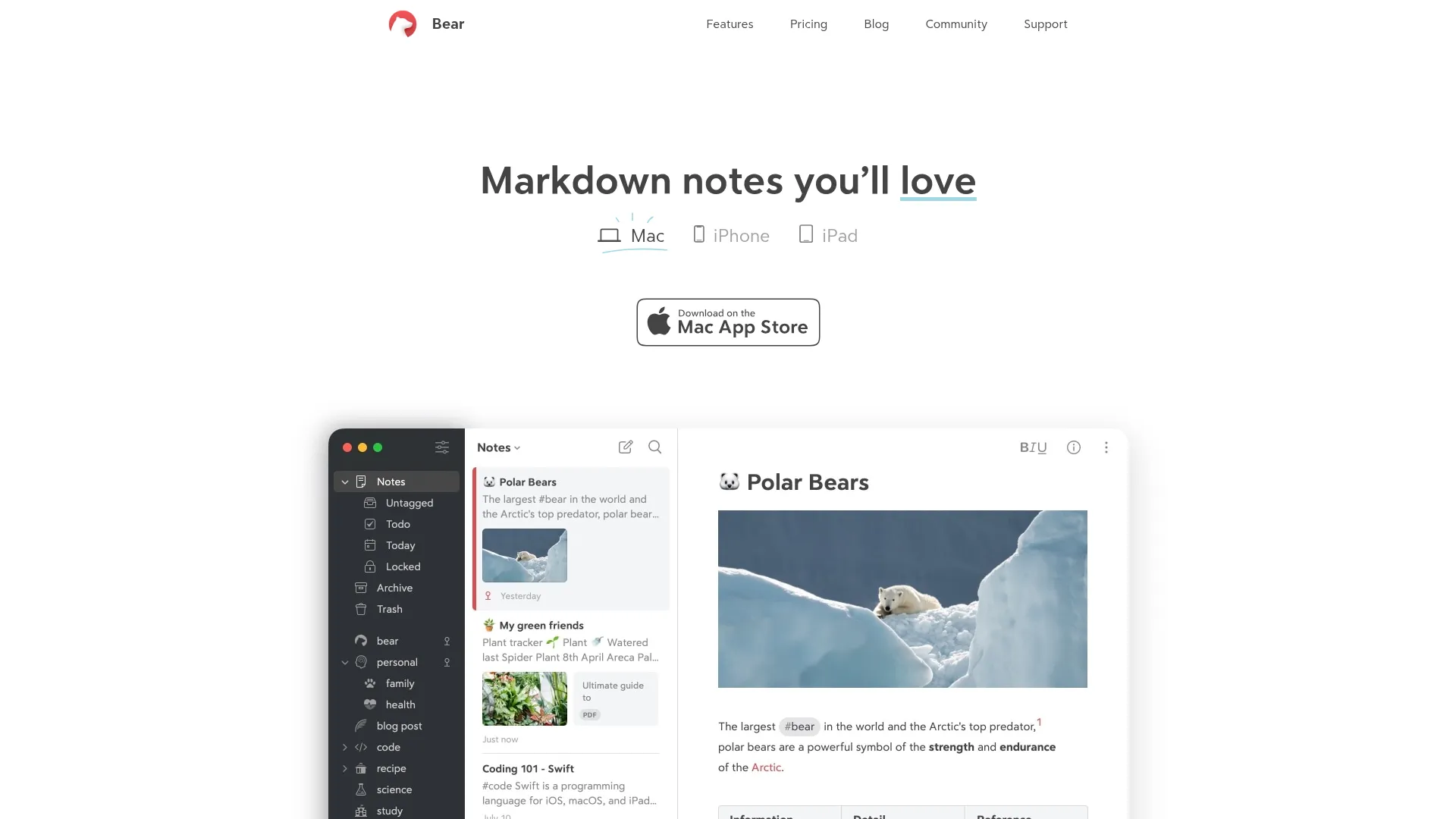
Bear is an Apple Design Award-winning note-taking app that prioritizes beauty and speed. Its Markdown editor, smart tag organization, and WikiLinks make it the best choice for Apple users who want an elegant writing experience.
Key Features
- Elegant Markdown Editor: Flexible formatting that hides for a clean reading experience
- Smart Tags: Organize with hashtags, nested tags, and custom tag icons
- WikiLinks & Backlinks: Connect notes into a personal wiki
- OCR Search (Pro): Search text inside photos and scanned documents
- Web Version (Beta): Access notes from any browser
Pricing
- Free: Basic features, single device
- Pro: $2.99/month or $29.99/year
Pros & Cons
Pros
- Stunning, award-winning design
- Blazing fast and lightweight
- Very affordable Pro pricing
- Flawless iCloud sync
Cons
- Apple-only — no Windows or Linux
- No real-time collaboration
- Limited structure vs. Obsidian or Notion
5. Apple Notes — Best Free Built-In Option
Apple Notes has evolved into a surprisingly capable note-taking app. With the macOS 26 update, it gained Markdown import/export, an adaptive toolbar, and improved smart folders — making it a strong free option for Apple users.
Apple Notes
Built into every Mac, iPhone, and iPad
Key Features
- Markdown Import/Export (2026): New Markdown support in macOS 26
- Smart Folders & Tags: Auto-organize with rules-based smart folders
- Document Scanning & OCR: Scan with iPhone camera and search within images
- Collaboration: Share notes and folders with other Apple users
- Deep OS Integration: Quick Notes, Shortcuts, Siri, and system-wide capture
Pricing
- Free — included with every Mac
Pros & Cons
Pros
- Completely free, no subscription
- Seamless iCloud sync
- Surprisingly powerful features
- Deep macOS and iOS integration
Cons
- Apple-only — no Windows or web
- No plugin ecosystem
- Limited organization vs. dedicated apps
6. Craft — Best for Beautiful Documents & Sharing
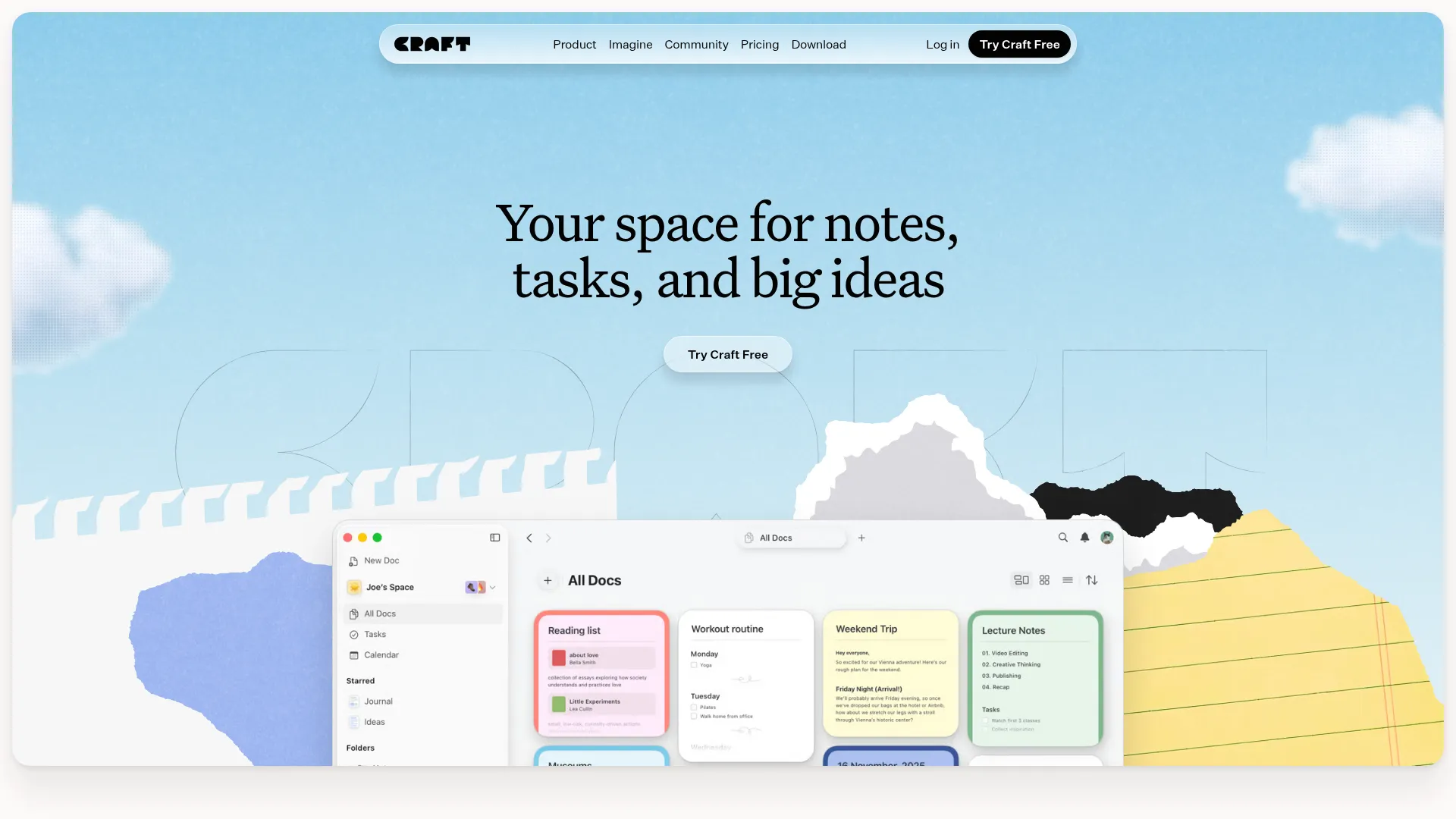
Craft creates the most visually stunning documents of any note-taking app. Its block-based editor, built-in AI assistant, and excellent sharing make it ideal for freelancers and small teams who need notes that look professional.
Key Features
- Visually Stunning Editor: Block-based editor with beautiful styling and page breaks
- AI Assistant: Built-in AI for summarization, grammar, translation, and rewriting
- Offline-First: Full access to all features offline with auto-sync
- Task Management: Tasks with priorities, due dates, and Reminders integration
- Collections: Database-like functionality with filters and sorting
Pricing
- Free: Basic features
- Plus: $15/month (annual) or $18/month
7. Evernote — Best for Web Clipping & Multimedia
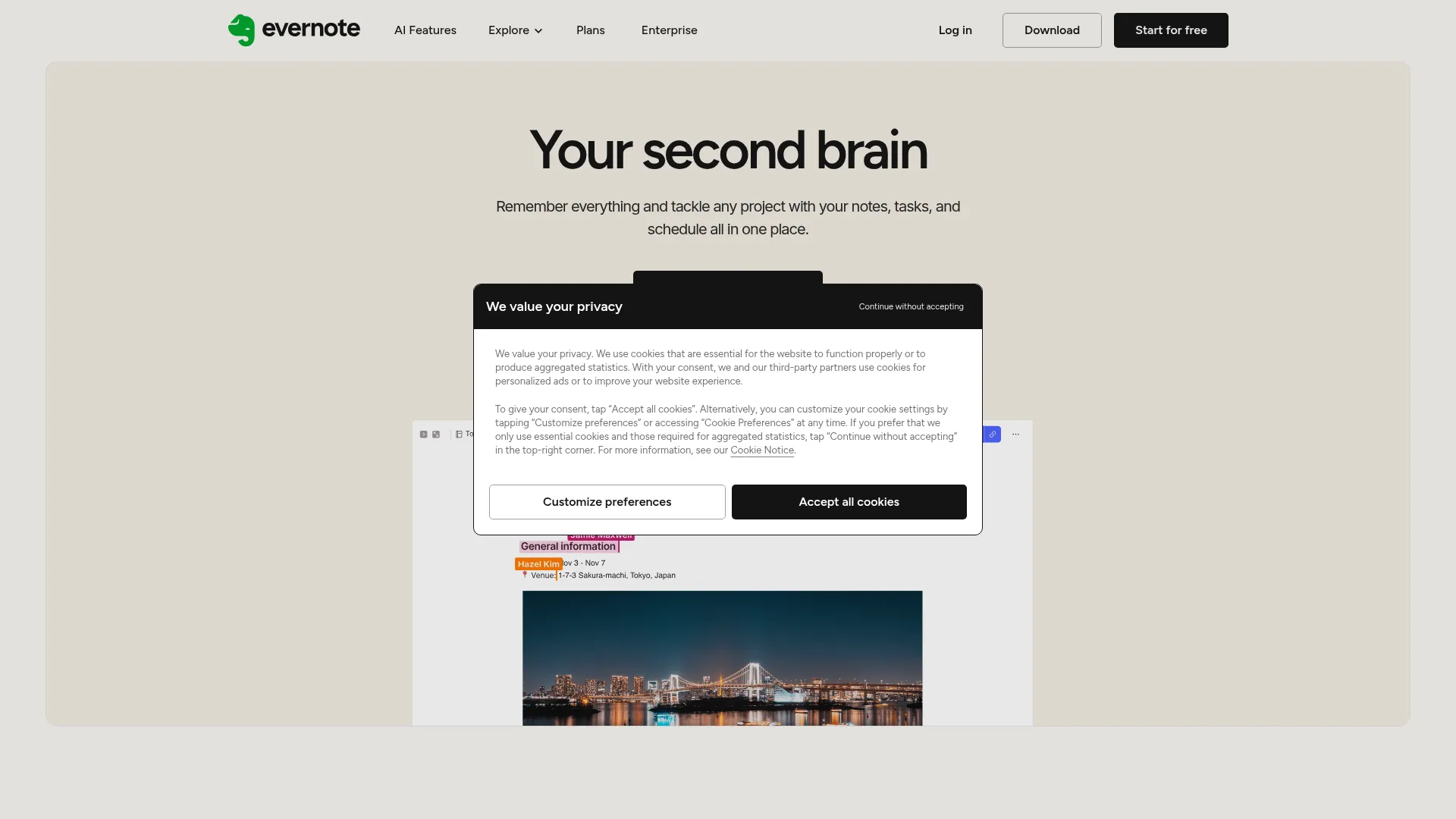
Evernote pioneered digital note-taking and still offers the best web clipper in the business. Its ability to capture web pages, search inside images, and handle multimedia notes makes it a strong choice for information collectors.
Key Features
- Best-in-Class Web Clipper: Save entire pages, simplified articles, or selected clips
- OCR & Document Scanning: Search text inside images, PDFs, and scanned docs
- AI-Powered Tools: AI editing, transcription, and intelligent search
- Multi-Format Notes: Text, images, audio, PDFs, sketches, and web clips
- Cross-Platform: Mac, Windows, iOS, Android, and web
Pricing
- Free: 50 notes, 1 notebook, 1 device
- Starter: ~$8.25/month (annual)
- Advanced: ~$20.83/month (annual)
8. Capacities — Best for Object-Based Knowledge Management
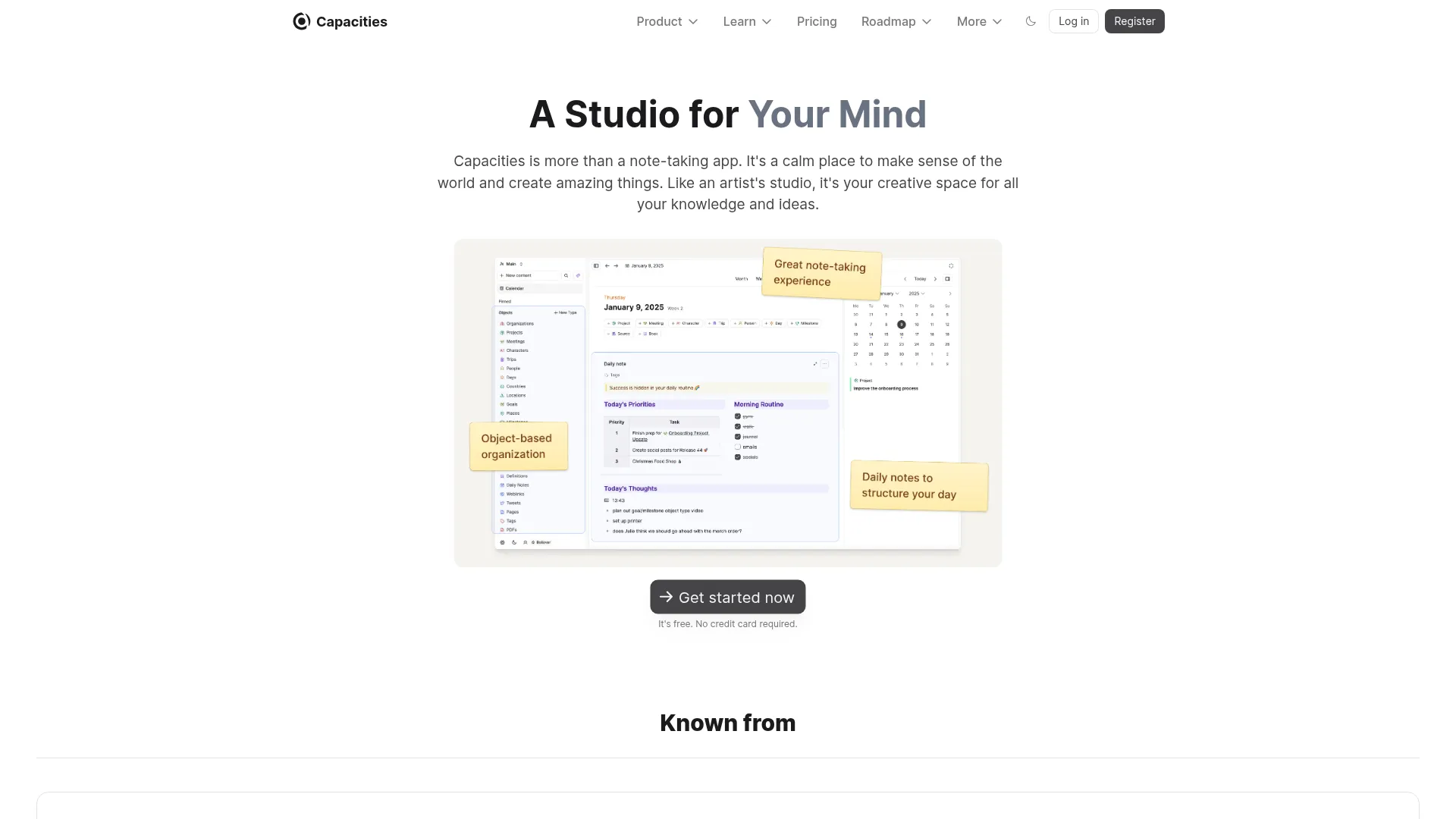
Capacities takes a fundamentally different approach to note-taking. Instead of files and folders, you organize by objects — books, people, conversations, ideas. It mirrors how you actually think about information.
Key Features
- Object-Based System: Organize by concepts (books, people, ideas) instead of files
- Daily Notes: Built-in daily journaling and planning
- Backlinks & Connections: Automatic connections between related objects
- AI Assistant (Pro): Ask questions about your notes
- Calendar Integration: Import events from Google Calendar
Pricing
- Free: Generous individual tier
- Pro: $9.99/month (annual)
9. UpNote — Best Budget-Friendly Evernote Alternative
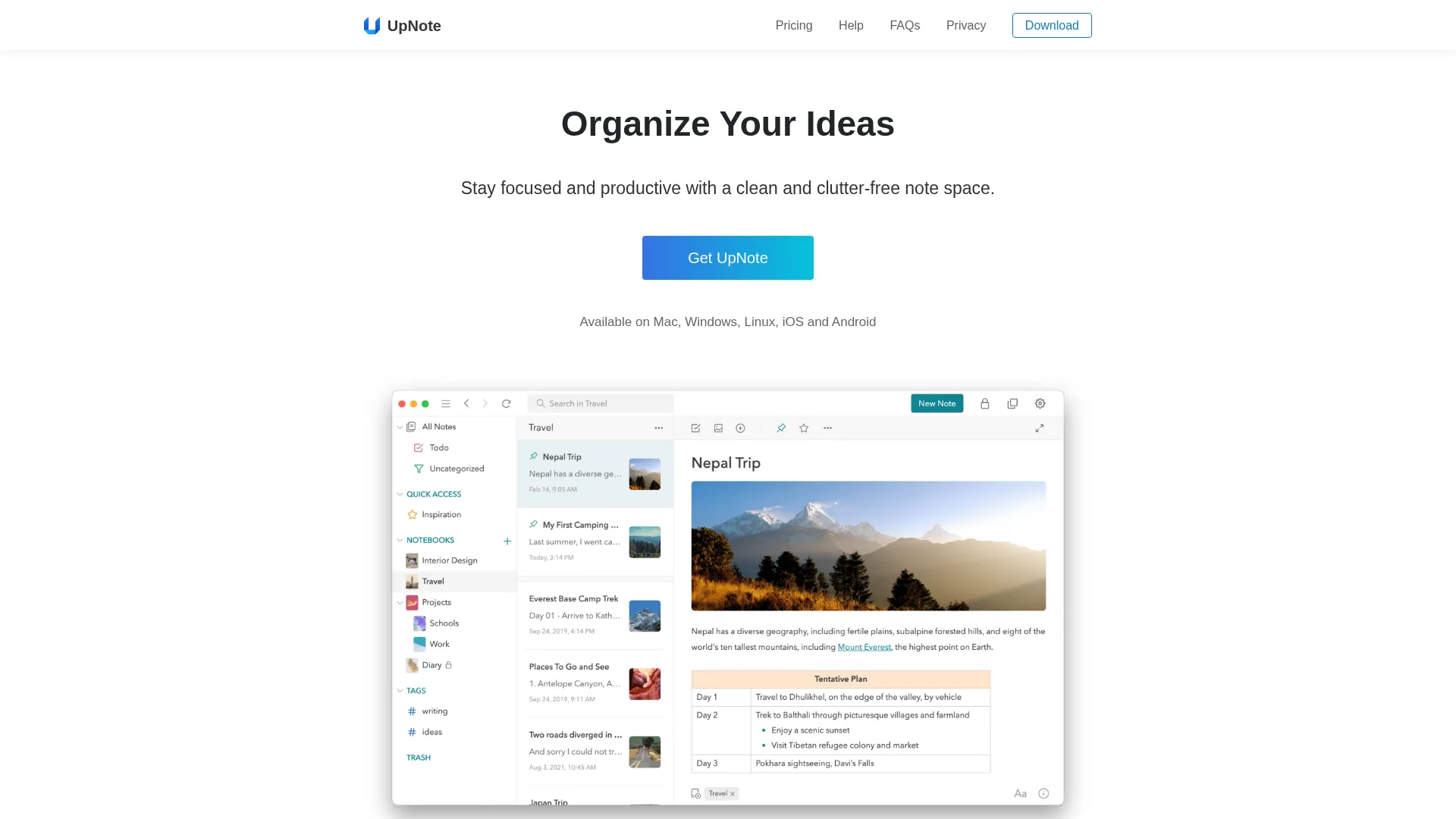
UpNote offers the best value in note-taking. For a one-time payment of $29.99, you get lifetime premium access across Mac, Windows, Linux, iOS, and Android — a fraction of what Evernote or Notion cost annually.
Key Features
- Rich Text & Markdown: Full editor with formatting, code blocks, and color highlighting
- Cross-Platform: Native apps for Mac, Windows, Linux, iOS, and Android
- Nested Notebooks: Organize with nested notebooks, tags, and Quick Access
- Web Clipper: Browser extensions for Chrome, Safari, and Firefox
- Focus Mode: Distraction-free writing with themes and dark mode
Pricing
- Free: Up to 50 notes
- Premium: $29.99 lifetime (all platforms)
10. Joplin — Best Free & Open-Source Option
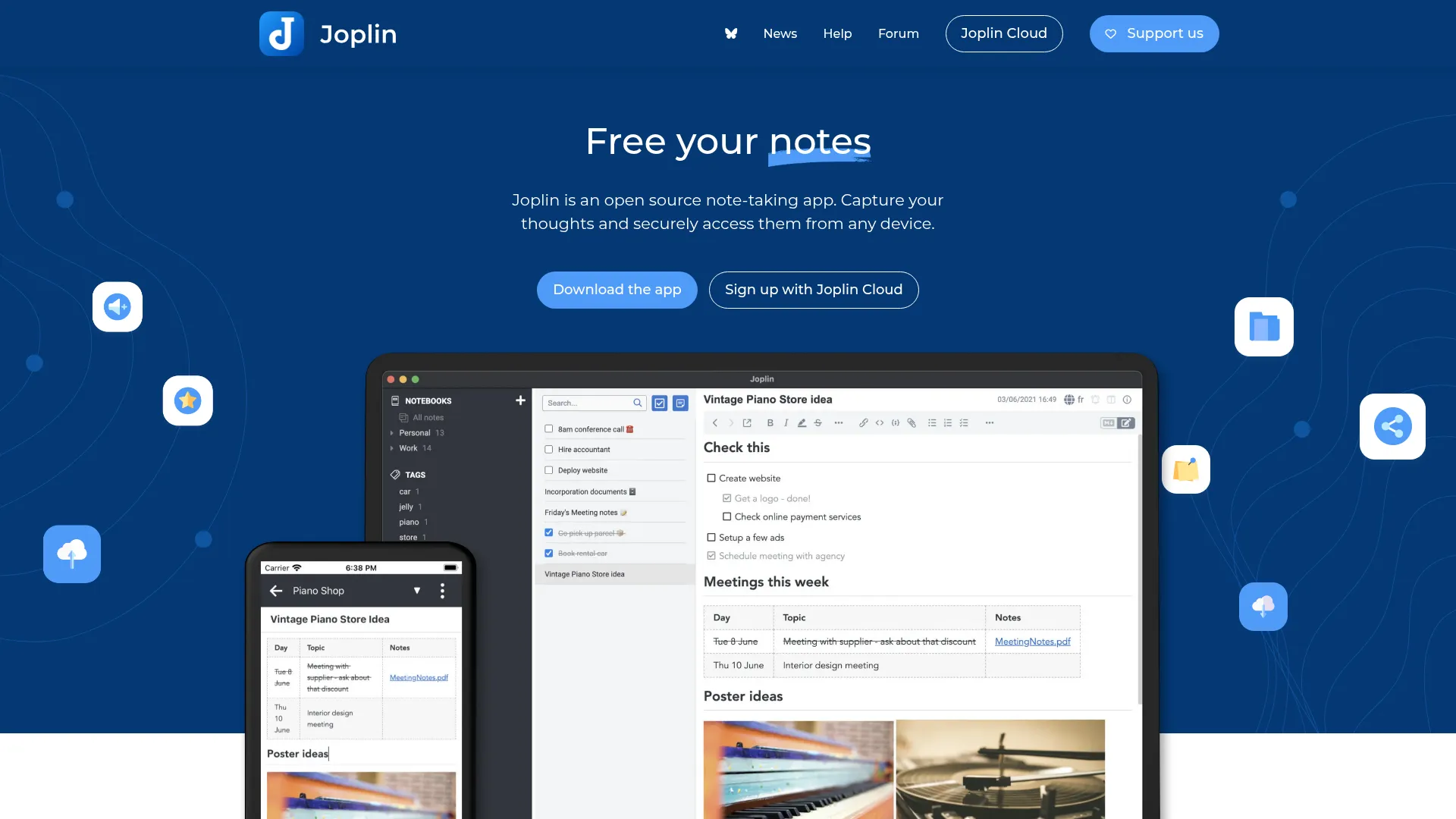
Joplin is the best free, open-source note-taking app. It offers end-to-end encryption, self-hosting options, and an Evernote import tool — making it the top choice for privacy-conscious users who want complete control.
Key Features
- Free & Open Source: Full-featured app with no cost or feature gates
- End-to-End Encryption: Strong E2EE with EU-hosted cloud option
- Flexible Sync: Joplin Cloud, Dropbox, OneDrive, or self-hosted
- Web Clipper: Chrome and Firefox extension for saving web pages
- Cross-Platform: Mac, Windows, Linux, iOS, Android, and terminal
Pricing
- App: Free (open source)
- Joplin Cloud: From EUR 2.40/month (annual)