
How We Evaluated Mac Apps
We tested over 50 Mac applications, evaluating each based on:
- Native Mac Experience - Does it feel like a true Mac app with proper design and keyboard shortcuts?
- Performance - Is it fast, lightweight, and resource-efficient?
- Features - Does it solve a real problem effectively?
- Value - Is the pricing fair for what you get?
- Reliability - Does it work consistently without crashes?
1. Elephas - Best AI Assistant for Mac
Elephas is the best overall Mac app because it brings AI assistance directly into every app you use. Instead of switching to ChatGPT in a browser, you can access AI anywhere with a keyboard shortcut.

Key Features
- System-Wide AI: Press a shortcut in any app to get AI help
- Multiple Models: Use GPT-4, Claude, Gemini, or local models
- Knowledge Base: Chat with your own documents and notes
- Writing Tools: Rewrite, summarize, expand, or fix grammar inline
- App Integrations: Works with Notion, Obsidian, Apple Notes, and more
Pricing
- Monthly: $9.99/month
- Lifetime: $99 one-time (best value)
Pros & Cons
Pros
- System-wide AI from any app
- Multiple AI model support
- Knowledge base for document Q&A
- Affordable lifetime option
- True native Mac experience
Cons
- Mac only (no Windows)
- Learning curve for power features
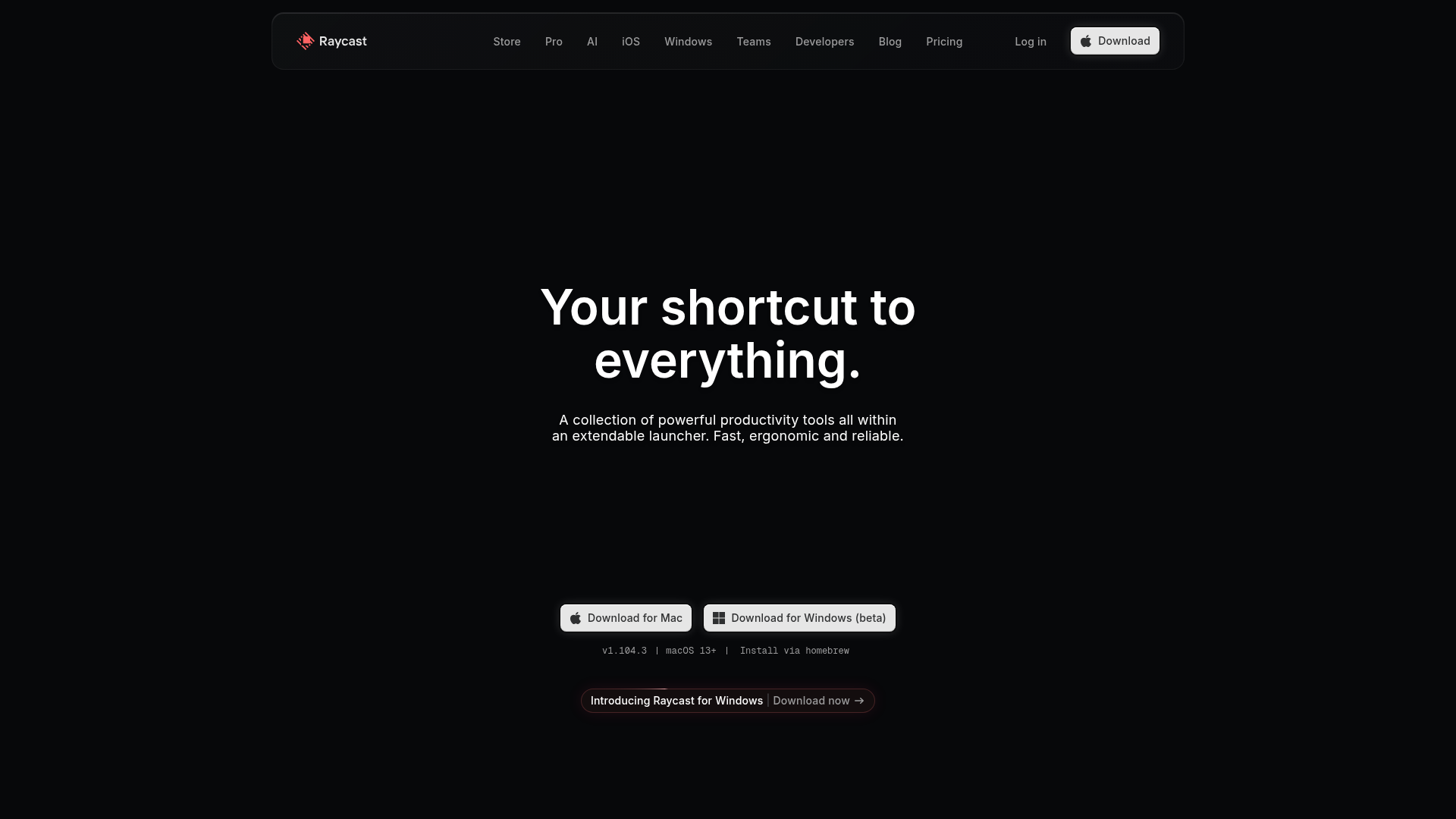
2. Raycast - Best Launcher for Mac
Raycast is a blazing-fast launcher that replaces Spotlight with a more powerful alternative. It's become essential for developers and power users who want to do everything from their keyboard.
Key Features
- Extensions: Over 1,300 extensions for apps like GitHub, Jira, Slack
- Clipboard History: Access everything you've copied
- Snippets: Text expansion with variables
- Window Management: Built-in window snapping
- AI Integration: ChatGPT built into your launcher (Pro)
Pricing
- Free: Most features included
- Pro: $8/month (AI, cloud sync, teams)
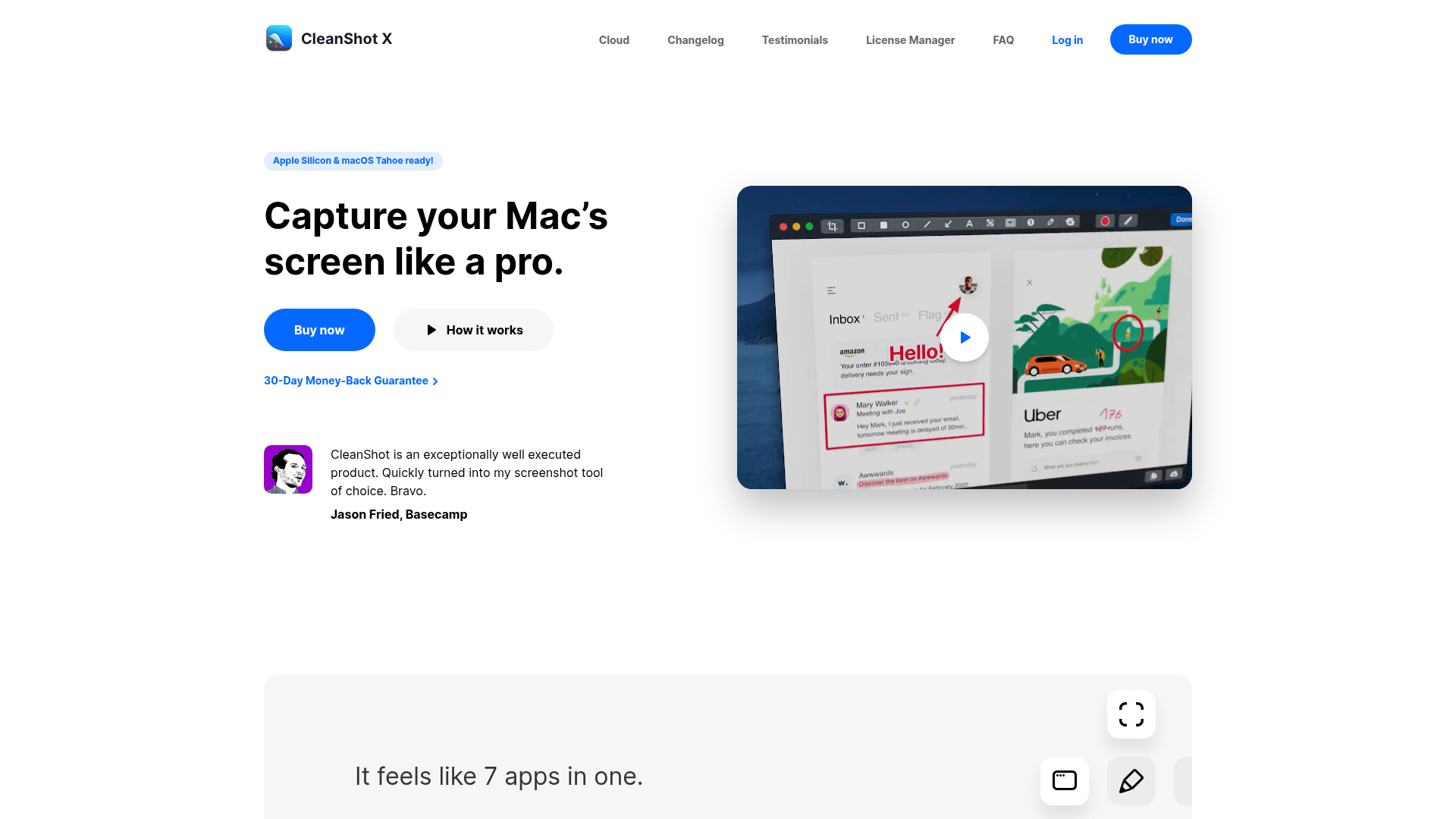
3. CleanShot X - Best Screenshot Tool for Mac
CleanShot X is the ultimate screenshot and screen recording tool. It makes macOS's built-in screenshot tool look primitive.
Key Features
- Clean Captures: Automatically hide desktop icons
- Instant Markup: Annotate screenshots immediately
- Scrolling Capture: Screenshot entire web pages
- Screen Recording: With annotation while recording
- Cloud Storage: Share screenshots with a link
Pricing
- One-time: $29 (includes 1 year of updates)
- Setapp: Included in subscription
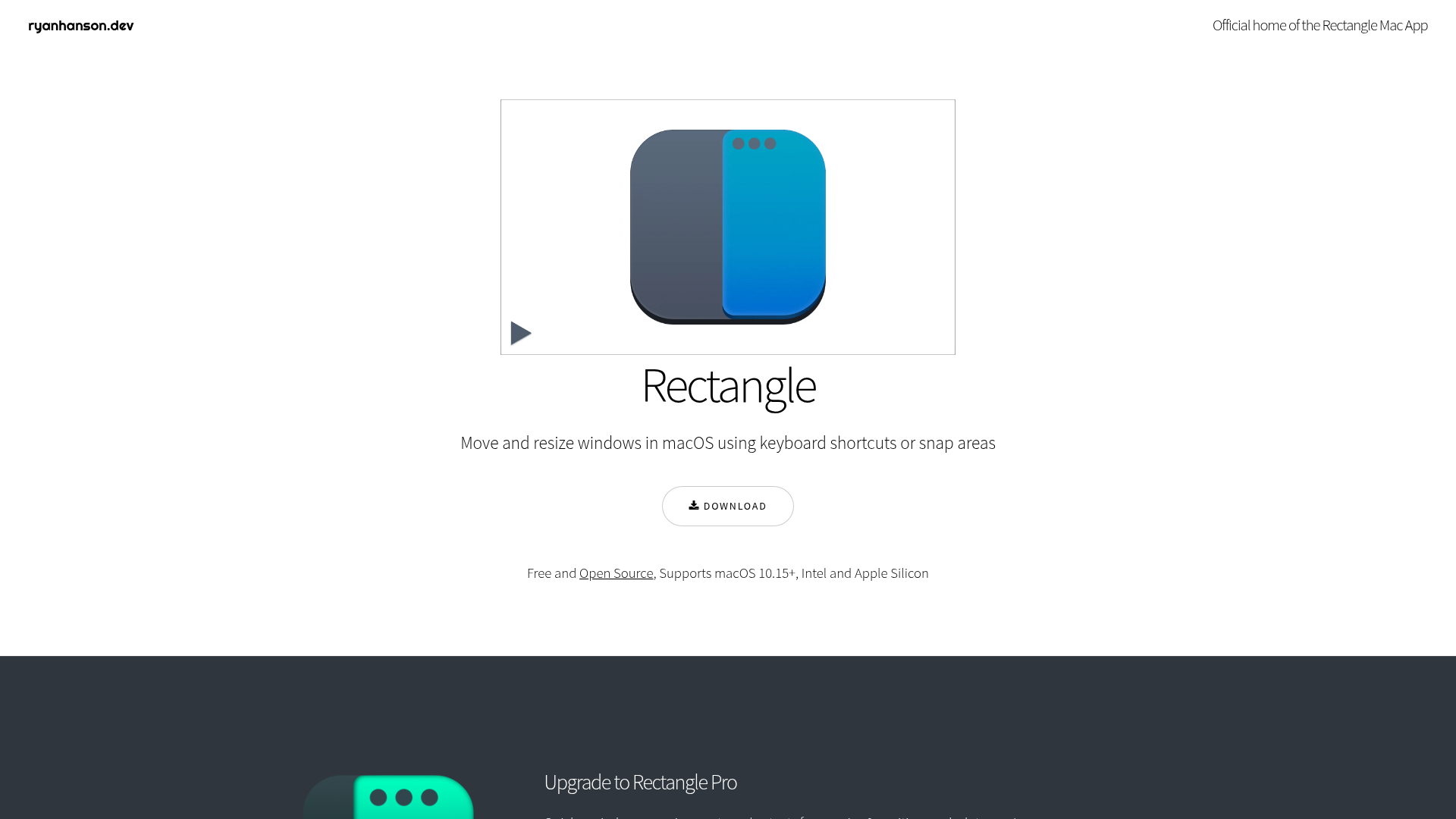
4. Rectangle - Best Free Window Manager
Rectangle is a free, open-source window manager that should be installed on every Mac. It adds Windows-style window snapping with keyboard shortcuts.
Key Features
- Keyboard Shortcuts: Snap windows with hotkeys
- Drag to Snap: Drag windows to screen edges
- Multiple Displays: Move windows between monitors
- Custom Sizes: Define your own window positions
Pricing
- Free and open-source
- Rectangle Pro: $9.99 (additional features)
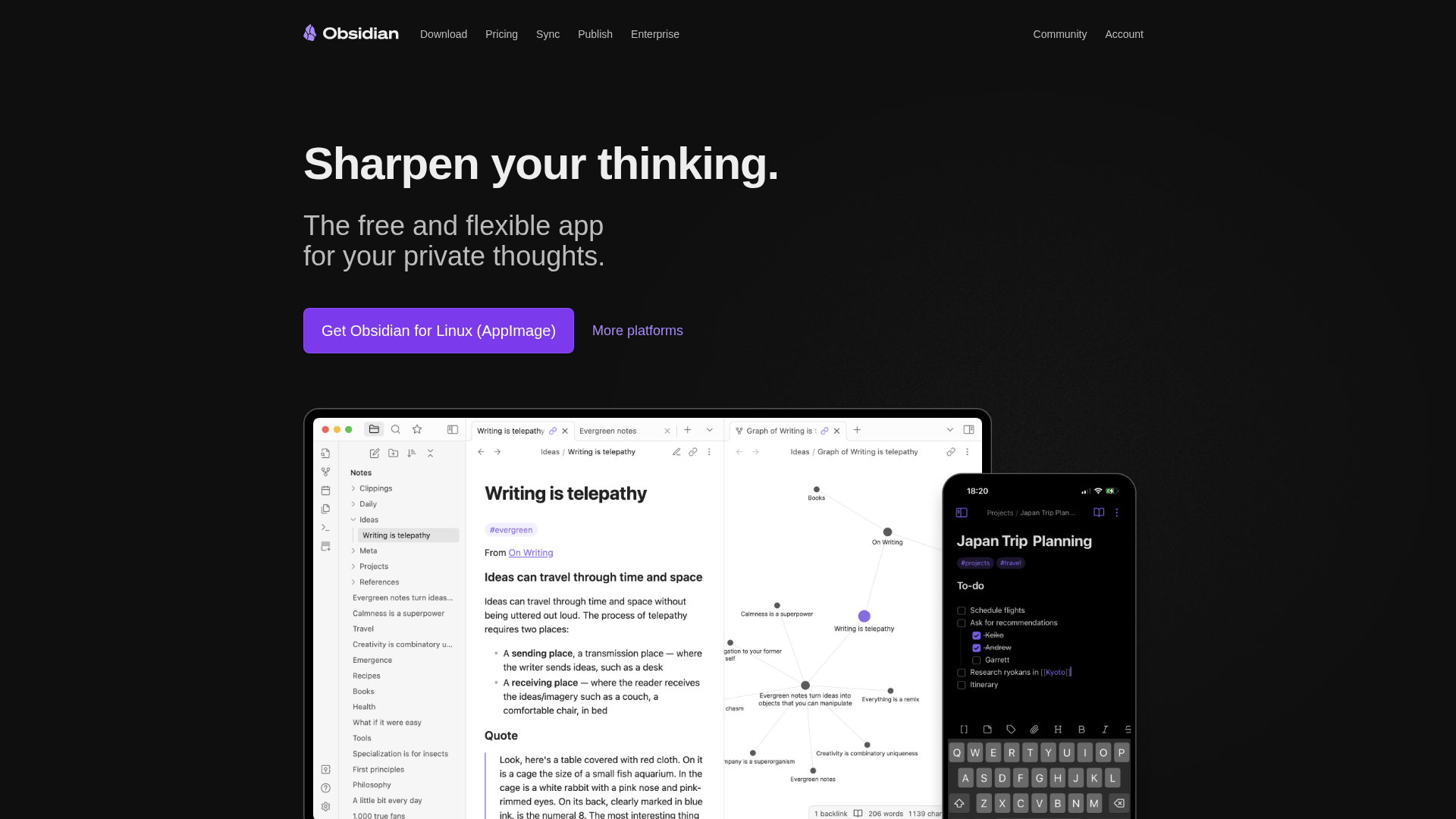
5. Obsidian - Best Note-Taking App
Obsidian is a powerful knowledge management app that stores your notes as local markdown files. It's perfect for building a personal knowledge base with linked notes.
Key Features
- Local Files: Your notes are yours forever
- Linked Notes: Create connections between ideas
- Graph View: Visualize your knowledge network
- Plugins: Thousands of community plugins
- Customizable: Themes and CSS customization
Pricing
- Free: Full app functionality
- Sync: $50/year (cross-device sync)
- Publish: $100/year (publish notes online)
6. 1Password - Best Password Manager
1Password is the gold standard for password management on Mac. It integrates seamlessly with Safari and other browsers, and uses Face ID on MacBooks.

Key Features
- Universal Autofill: Works in any app, not just browsers
- Watchtower: Alerts for compromised passwords
- Secure Notes: Store documents and licenses
- Family Sharing: Share passwords securely
- Quick Access: Cmd+Shift+Space for instant access
Pricing
- Individual: $36/year
- Family: $60/year (up to 5 members)
7. CleanMyMac - Best System Maintenance
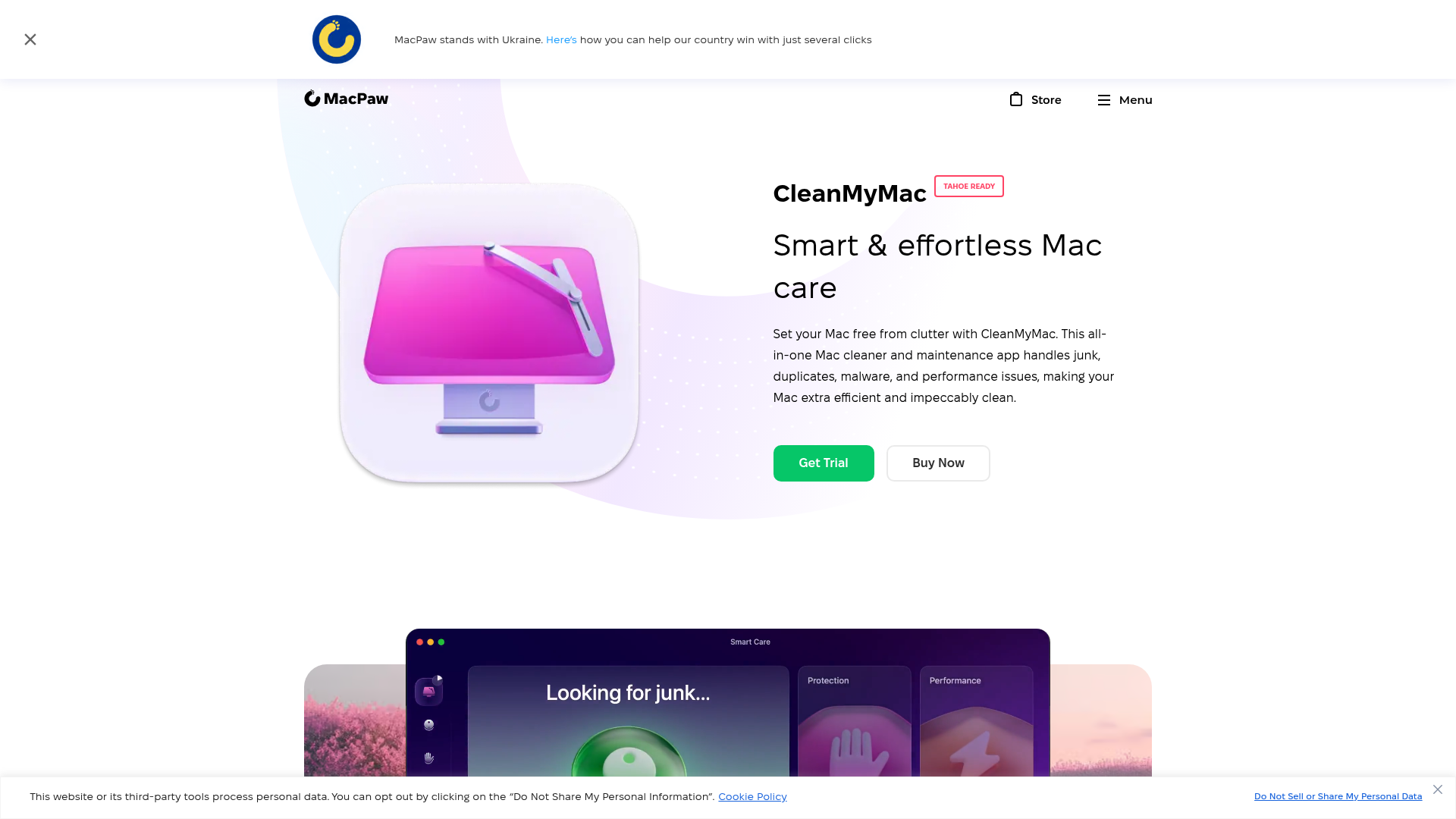
CleanMyMac keeps your Mac running smoothly by cleaning junk files, removing malware, and optimizing performance.
Key Features
- Smart Scan: One-click cleanup and optimization
- Malware Removal: Built-in security scanning
- App Uninstaller: Complete removal with leftovers
- Performance: Free up RAM and optimize startup
Pricing
- Subscription: $39.95/year
- One-time: $89.95
- Setapp: Included in subscription
8. Alfred - Best for Automation
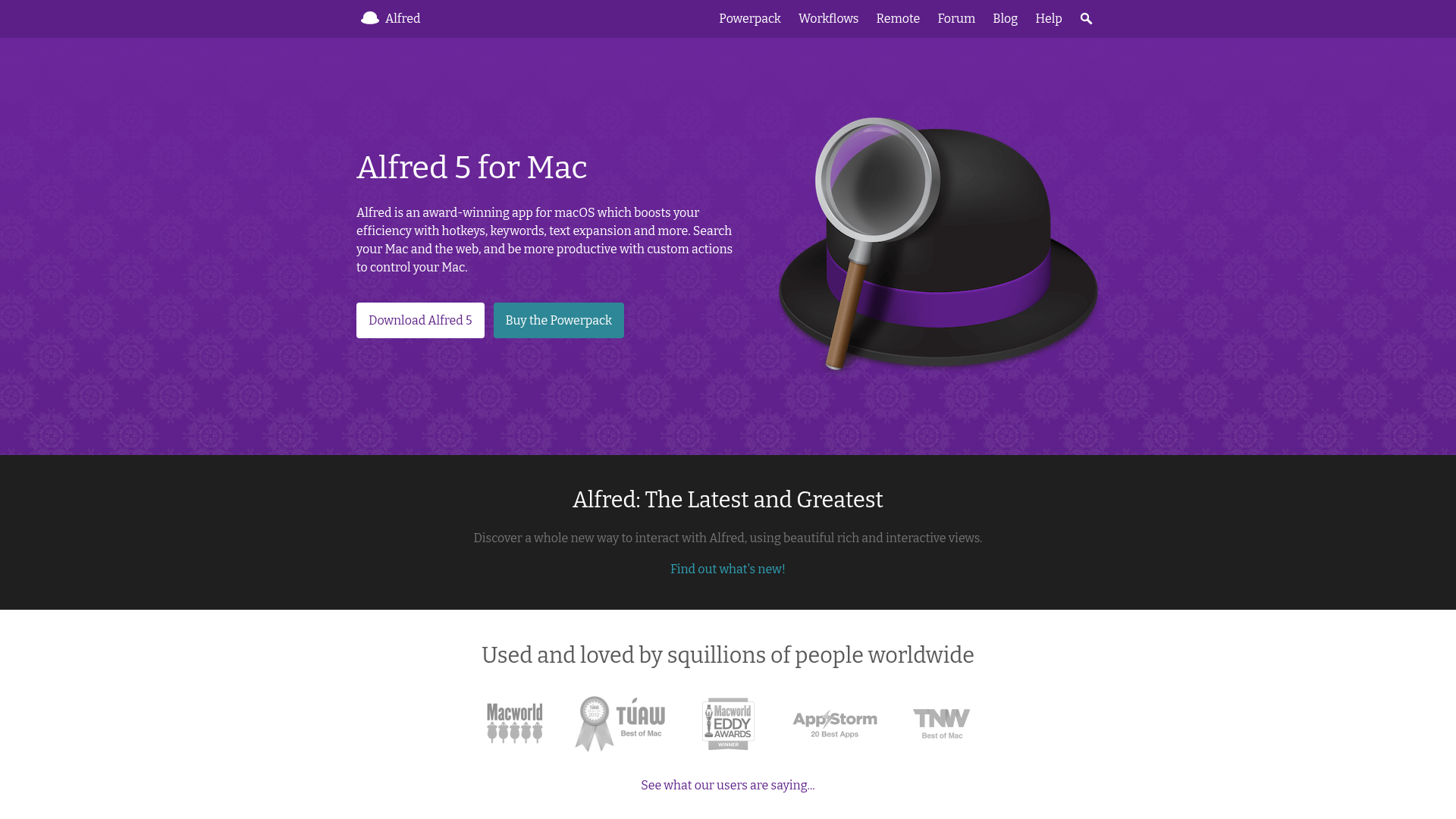
Alfred is the original Mac launcher, beloved by users who want powerful workflows and automation without leaving the keyboard.
Key Features
- Workflows: Automate complex tasks with visual builder
- Clipboard History: Searchable clipboard manager
- Snippets: Text expansion with auto-trigger
- File Navigation: Quick file search and actions
Pricing
- Free: Basic launcher features
- Powerpack: $34 one-time (workflows, clipboard, etc.)
9. Bartender - Best Menu Bar Manager
Bartender tames your menu bar by hiding icons you don't need and showing them when you do.
Key Features
- Hide Icons: Keep menu bar clean
- Show on Update: Icons appear when they change
- Keyboard Shortcut: Toggle hidden icons quickly
- Menu Bar Presets: Different layouts for different tasks
Pricing
- One-time: $16
10. Craft - Best for Documents
Craft creates beautiful documents with a native Mac experience. It's perfect for notes, documentation, and collaborative writing.
Key Features
- Native Design: Beautiful, fast Mac app
- Blocks: Flexible content organization
- AI Assistant: Built-in AI writing help
- Export: PDF, Markdown, Word, and more
Pricing
- Free: Basic features
- Pro: $5/month (unlimited docs, sync)
11. Alt-Tab - Best Window Switcher
Alt-Tab brings Windows-style Alt+Tab window switching to Mac, with thumbnail previews of all open windows.
Key Features
- Window Previews: See thumbnails of all windows
- Window Within Apps: Switch between windows, not just apps
- Customizable: Adjust appearance and behavior
Pricing
- Free and open-source
12. AppCleaner - Best Uninstaller
AppCleaner is a simple, free app that completely removes applications and all their associated files.
Key Features
- Complete Removal: Finds all related files
- Drag & Drop: Just drag an app to uninstall
- SmartDelete: Automatic detection when moving to trash
Pricing
- Free