
MacAppHub - Mac Apps Directory
ListicleUpdated January 2026

7 Best ChatGPT Apps for Mac in 2026

We tested 15+ ChatGPT clients and AI assistants to find the best options for Mac users who want native, fast, and feature-rich AI tools.

Quick Answer

The best ChatGPT app for Mac is Elephas - it provides system-wide AI access with a keyboard shortcut, supports multiple models (GPT-4, Claude), and integrates with your favorite Mac apps.

For a free option, the official ChatGPT Desktop app is solid. For power users already using Raycast, Raycast AI is a great choice.

Best ChatGPT Apps for Mac 20261ElephasSystem-wide2MacGPTMenu bar3ChatGPTOfficial4Raycast AILauncher5TypingMindCustom UI
AppBest ForPriceRating
1. ElephasSystem-wide AI access$9.99/mo or $99 lifetime4.9/5
2. MacGPTMenu bar quick access$25 one-time4.5/5
3. ChatGPT DesktopOfficial experienceFree / $20/mo Plus4.4/5
4. Raycast AILauncher integration$8/mo Pro4.6/5
5. TypingMindCustom AI interface$39 one-time4.3/5
6. BoltAINative Mac experience$29 one-time4.2/5
7. MachatoLightweight & fastFree / $15 Pro4.1/5

How We Evaluated ChatGPT Apps for Mac

We tested over 15 ChatGPT clients and AI assistants for Mac, evaluating each based on:

  • Native Mac Experience - Does it feel like a true Mac app with proper keyboard shortcuts?
  • System Integration - Can you access AI from anywhere on your Mac?
  • Speed & Performance - How responsive is the app?
  • AI Model Support - Does it support GPT-4, Claude, and other models?
  • Value for Money - Is the pricing fair for what you get?

1. Elephas - Best Overall ChatGPT App for Mac

Elephas stands out as our top pick because it turns ChatGPT (and other AI models) into a truly native Mac experience. Instead of switching to a browser tab, you can summon AI assistance anywhere with a simple keyboard shortcut.
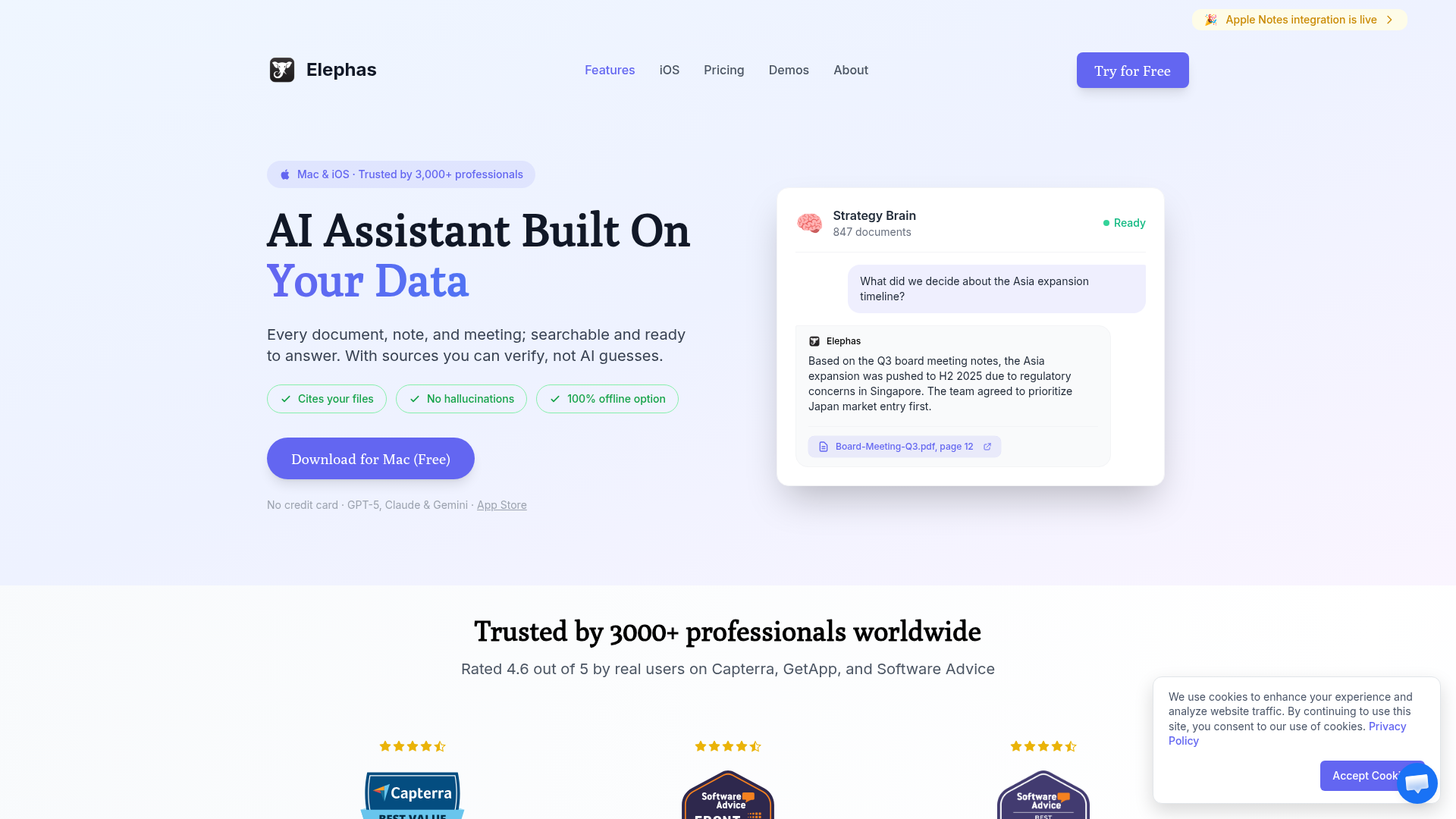
Elephas AI assistant for Mac interface

Key Features

  • System-Wide Access: Press a shortcut in any app to get AI help
  • Multiple AI Models: Use GPT-4, Claude, Gemini, or local models
  • Knowledge Base: Upload your documents and chat with your own data
  • Writing Assistance: Rewrite, summarize, or expand text inline
  • App Integrations: Works with Notion, Obsidian, Apple Notes, and more

Pricing

  • Monthly: $9.99/month
  • Lifetime: $99 one-time (best value)

Try Elephas for Free →

Pros & Cons

Pros

  • System-wide AI access from any app
  • Multiple AI model support
  • Knowledge base for document Q&A
  • Affordable lifetime option
  • True native Mac experience

Cons

  • Mac only (no Windows)
  • Learning curve for power features

2. MacGPT - Best Menu Bar ChatGPT Client

MacGPT is a lightweight ChatGPT client that lives in your menu bar. It's perfect if you want quick access to ChatGPT without a full app taking up space.
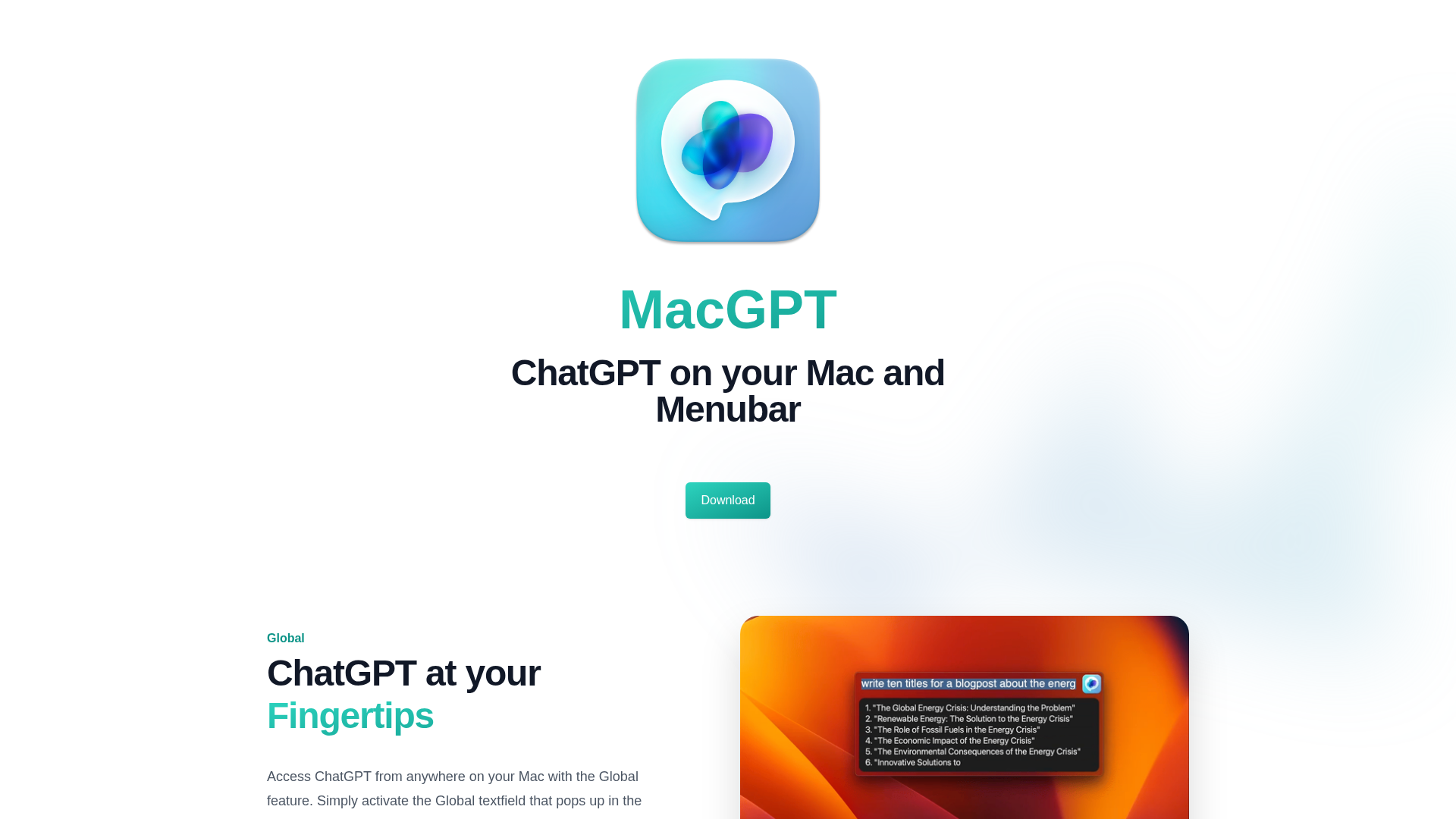
MacGPT menu bar ChatGPT client

Key Features

  • Menu Bar Access: Always one click away
  • Global Shortcut: Launch ChatGPT from anywhere
  • Conversation History: All your chats saved locally
  • Inline Mode: Type directly in any text field

Pricing

  • One-time: $25 (uses your OpenAI API key)

3. ChatGPT Desktop - Official OpenAI App

OpenAI's official ChatGPT desktop app for Mac launched in 2024 and offers a native experience with all the features you'd expect from the web version.
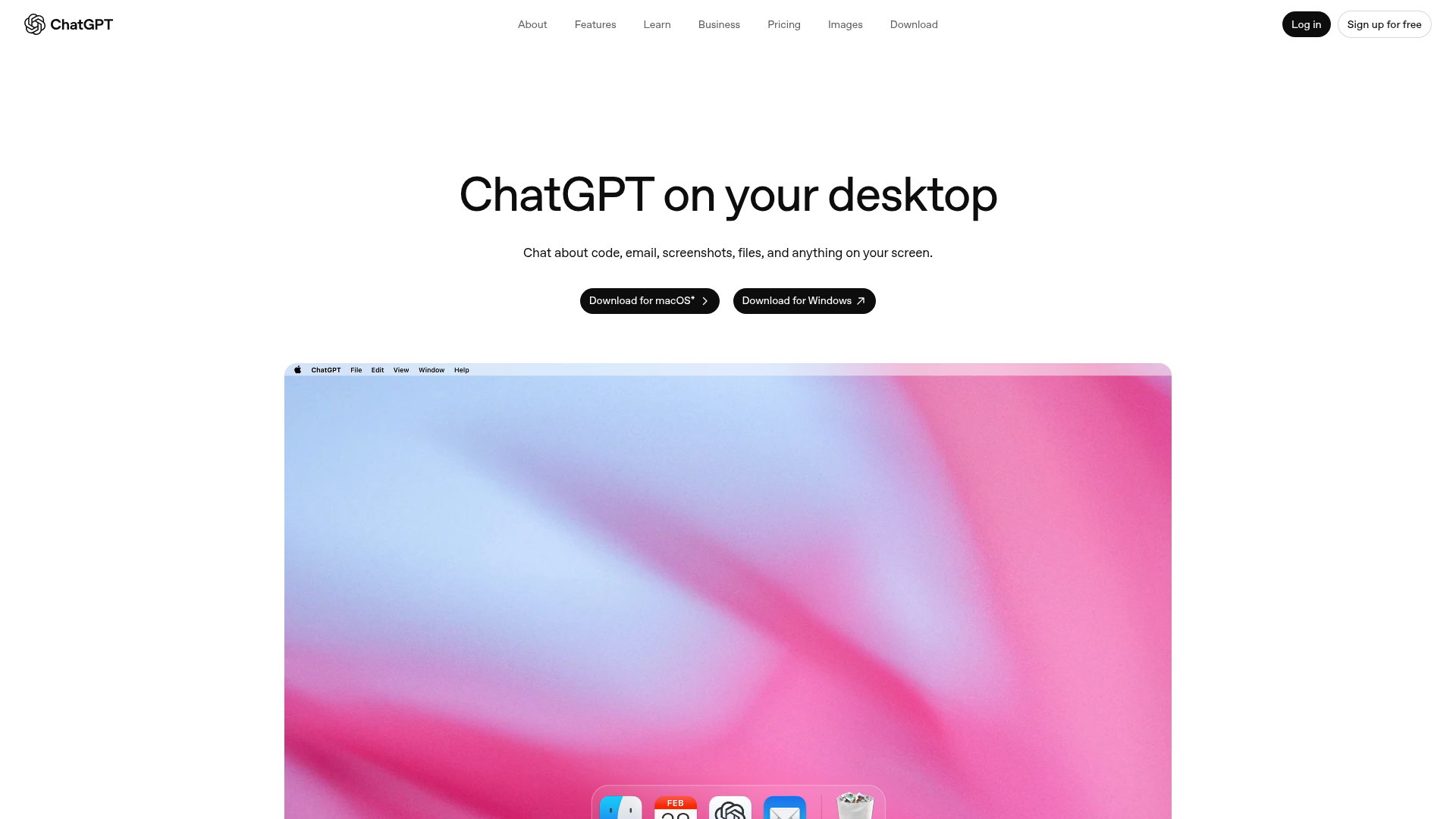
ChatGPT Desktop official Mac app

Key Features

  • Option+Space Shortcut: Quick access to ChatGPT
  • Voice Mode: Talk to ChatGPT naturally
  • Screenshot Analysis: Share your screen with ChatGPT
  • GPTs Access: Use custom GPTs from the store

Pricing

  • Free: GPT-4o limited access
  • Plus: $20/month for unlimited GPT-4

4. Raycast AI - Best for Power Users

If you already use Raycast as your Mac launcher, their AI add-on is a no-brainer. It integrates ChatGPT directly into your launcher workflow.
Raycast AI launcher integration

Key Features

  • Launcher Integration: AI in your existing workflow
  • AI Commands: Custom AI-powered commands
  • Quick AI: Instant answers without opening an app
  • Extensions: Huge library of AI extensions

Pricing

  • Raycast Pro: $8/month (includes AI)

5. TypingMind - Best Custom ChatGPT Interface

TypingMind offers a better ChatGPT interface than OpenAI's own. It's web-based but has a Mac app wrapper with additional features.
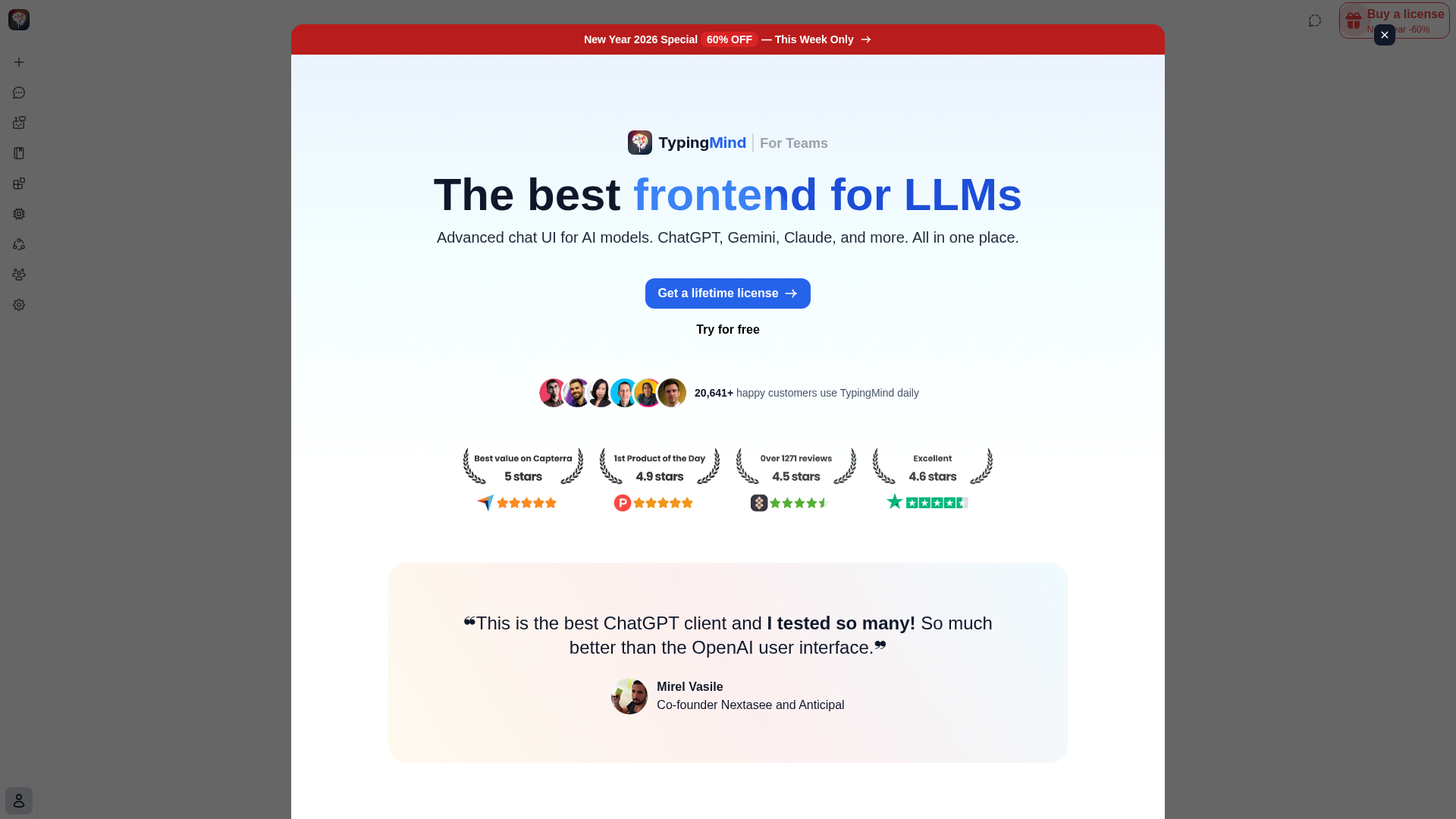
TypingMind custom ChatGPT interface

Key Features

  • Better UI: Cleaner interface than ChatGPT
  • Folders & Tags: Organize your conversations
  • Prompt Library: Save and reuse prompts
  • Multiple Models: GPT-4, Claude, and more

Pricing

  • One-time: $39 (uses your own API keys)

6. BoltAI - Native Mac AI Client

BoltAI is a native Mac app focused on providing a clean, fast ChatGPT experience with support for multiple AI providers.
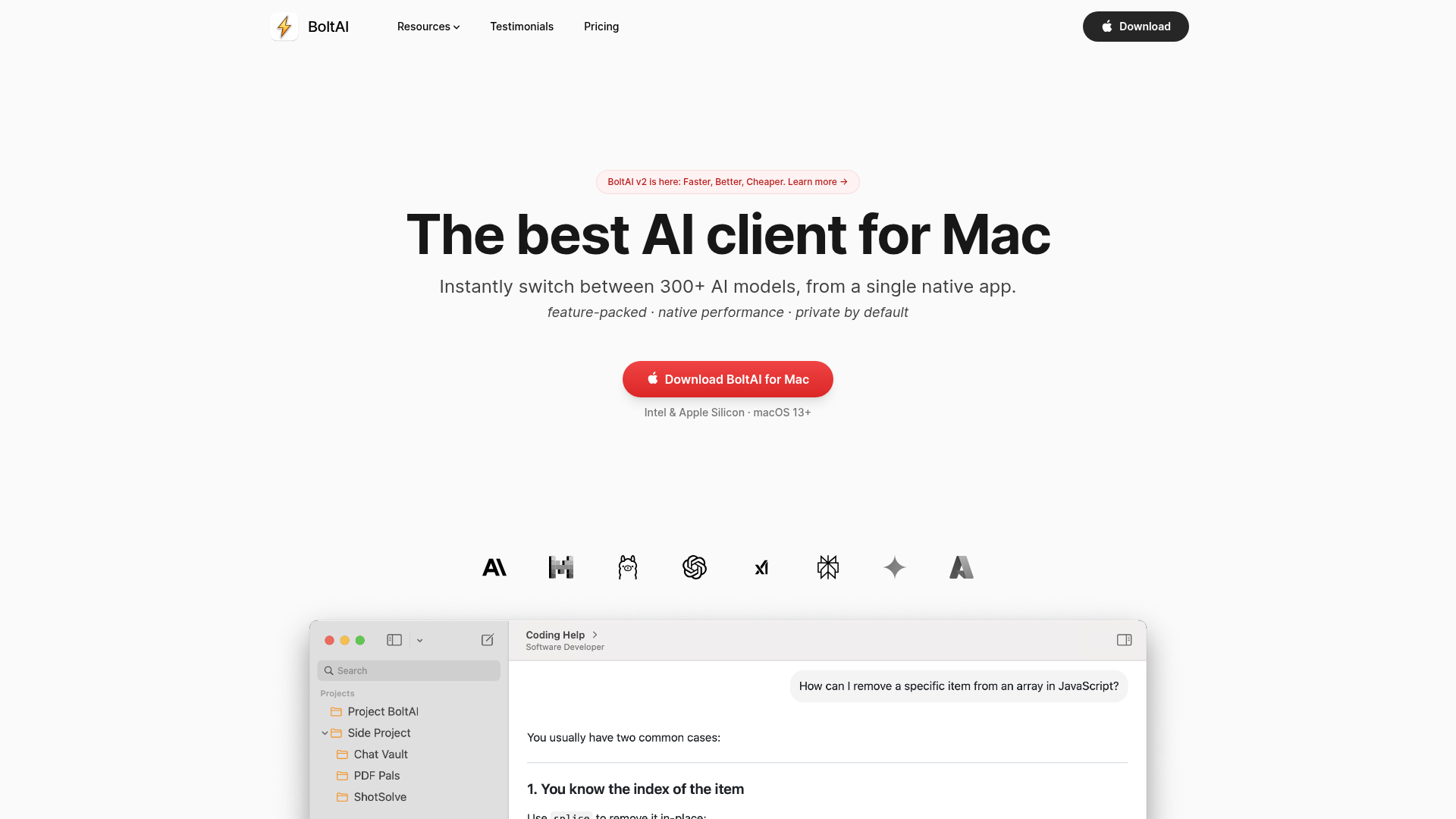
BoltAI native Mac AI client

Key Features

  • Native Mac App: Built with Swift for performance
  • Multiple Providers: OpenAI, Anthropic, Google
  • Prompt Library: Built-in and custom prompts
  • Keyboard Shortcuts: Full keyboard navigation

Pricing

  • One-time: $29 (uses your API keys)

7. Machato - Best Lightweight Option

Machato is a minimalist ChatGPT client for Mac that focuses on speed and simplicity.
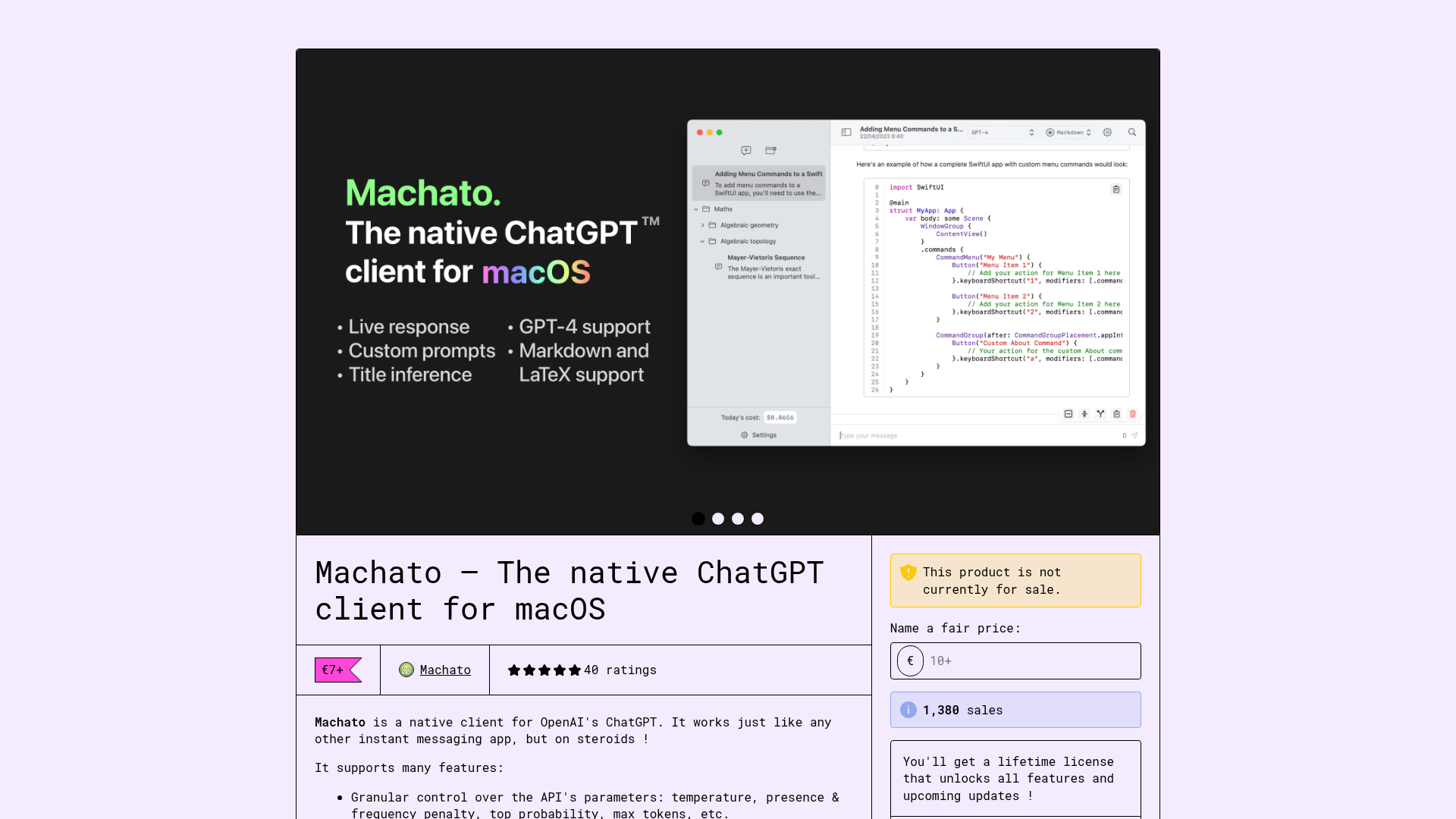
Machato lightweight ChatGPT client

Key Features

  • Lightweight: Tiny app size, fast launch
  • Simple UI: Just you and the AI
  • Markdown Support: Beautiful response formatting
  • Export: Save conversations as files

Pricing

  • Free tier available
  • Pro: $15 one-time
Feature ComparisonNative MacSpeedFeaturesIntegrationElephas10/109/1010/1010/10MacGPT9/108/107/106/10ChatGPT7/108/109/105/10Raycast AI10/1010/108/109/10Scores based on our testing of 15+ ChatGPT apps for Mac

🧠 Before You Decide: Consider This Complement

While ChatGPT apps optimize how you launch apps, there's a gap neither fills: managing the knowledge you accumulate across all your tools.

Elephas takes a different approach — instead of launching apps, it creates an AI-powered "Super Brain" from your documents. Every answer cites YOUR files, not internet guesses. It's the perfect complement to whichever launcher you choose.

System-Wide Access

⌘+Space from any app to query your knowledge base.

📎

Cites Your Sources

Every answer links to the actual document. No hallucinations.

🔗

Syncs Your Apps

Connects to Notion, Obsidian, Apple Notes automatically.

Best for:Knowledge workers managing multiple projectsUsers who want AI that knows their context

Try Elephas Free

Which ChatGPT App Should You Choose?

BEST OVERALL

Elephas

System-wide AI, multiple models, knowledge base. Best for Mac power users.

BEST FREE

ChatGPT Desktop

Official app with voice mode and screen sharing. Free tier available.

BEST FOR POWER USERS

Raycast AI

AI in your launcher. Perfect if you already use Raycast.

Frequently Asked Questions

What is the best ChatGPT app for Mac?

Elephas is the best ChatGPT app for Mac in 2026. It provides system-wide AI access, supports multiple models (GPT-4, Claude, Gemini), and offers features like knowledge base chat and writing assistance that work in any app.

Is there an official ChatGPT app for Mac?

Yes, OpenAI released an official ChatGPT desktop app for Mac in 2024. It includes features like voice mode, screen sharing, and the Option+Space shortcut. However, third-party apps like Elephas offer better Mac integration and additional features.

Are ChatGPT Mac apps free?

Some ChatGPT Mac apps are free. The official ChatGPT Desktop app has a free tier with limited GPT-4 access. Apps like MacGPT and TypingMind are one-time purchases that use your own OpenAI API key. Elephas offers both monthly ($9.99) and lifetime ($99) pricing.

Can I use my own API key with ChatGPT Mac apps?

Yes, many ChatGPT Mac apps let you use your own OpenAI API key, which can be more cost-effective for heavy users. MacGPT, TypingMind, and BoltAI all support this. Elephas provides its own API access but also supports custom keys.

Which ChatGPT app has the best Mac integration?

Elephas has the best Mac integration, allowing you to access AI from any app with a keyboard shortcut. Raycast AI is a close second if you already use Raycast as your launcher. The official ChatGPT app has improved but still feels more like a web wrapper.

Related Articles

Ayush Chaturvedi
AC
Ayush Chaturvedi
January 28, 2026