NotebookLM is great for document analysis, but it lacks system-wide access and offline support. We found 8 alternatives that fill these gaps.
Quick Answer
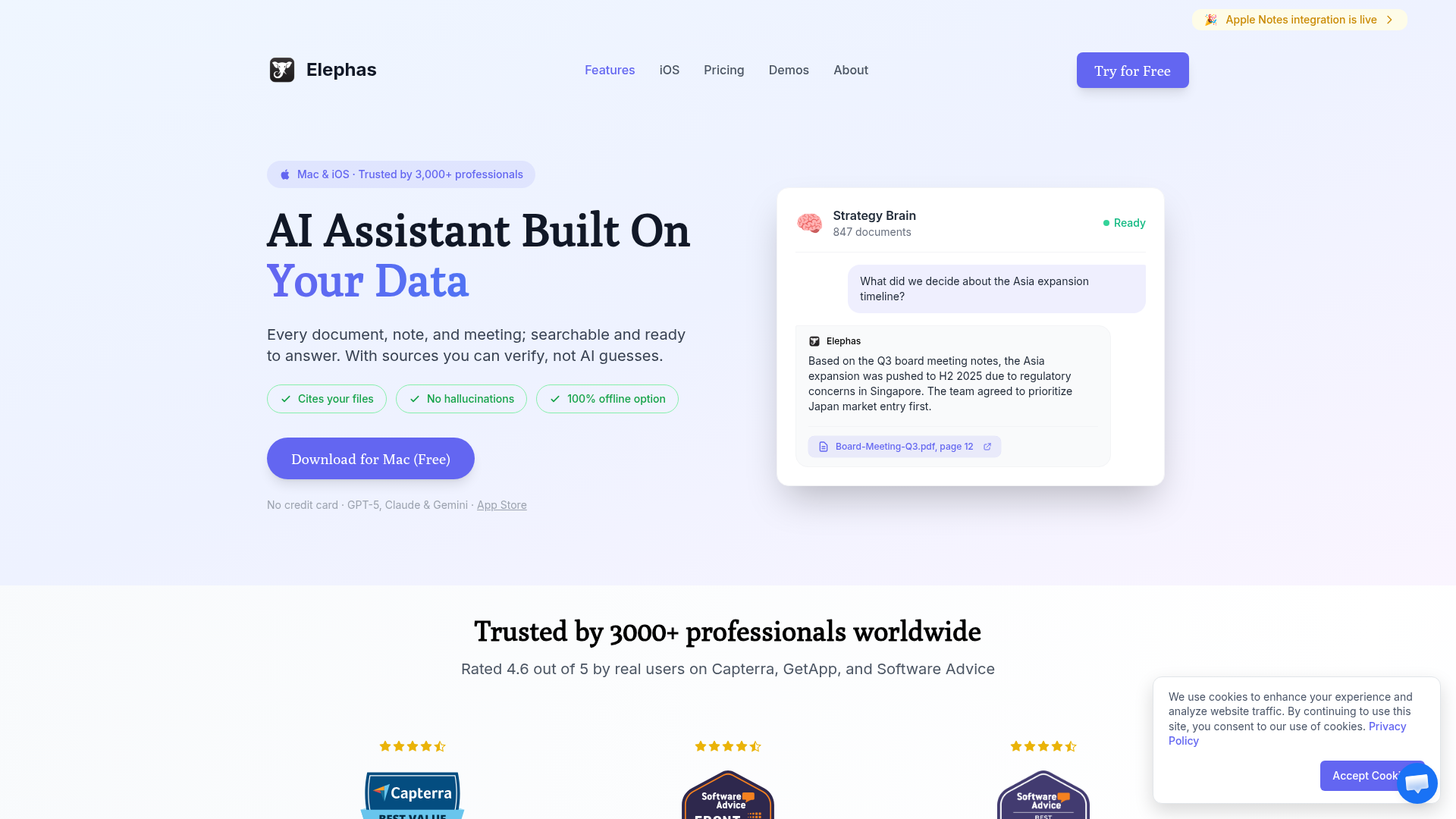
The best NotebookLM alternative is Elephas - it offers similar document chat capabilities but with system-wide Mac access, multiple AI models, and offline support.
For team collaboration, Notion AI is the best choice. For privacy-focused users, Obsidian with AI plugins keeps everything local.
Why Consider NotebookLM Alternatives?
Google's NotebookLM is impressive for document analysis and its unique Audio Overview feature. But it has limitations:
Web-only: No native Mac or Windows app
No offline mode: Requires internet connection
Google ecosystem lock-in: Limited integrations outside Google Workspace
No system-wide access: Must switch to browser tab
Privacy concerns: Your documents are uploaded to Google servers
The alternatives below address these gaps while offering similar or better AI-powered document analysis.
Alternative
Best For
Price
Rating
1. Elephas
System-wide document AI on Mac
$9.99/mo or $99 lifetime
4.9/5
2. Notion AI
Team knowledge management
$10/mo add-on
4.6/5
3. Obsidian + AI
Local-first, privacy-focused
Free + plugins
4.5/5
4. Mem
AI-first note-taking
$14.99/mo
4.4/5
5. Reflect
Networked thought + AI
$10/mo
4.3/5
6. Tana
Supertags + AI workflows
$10/mo
4.2/5
7. Craft
Beautiful docs + AI
$5/mo Pro
4.1/5
8. Capacities
Object-based PKM + AI
$9.99/mo
4.0/5
1. Elephas - Best Overall NotebookLM Alternative
Elephas is our top pick because it brings NotebookLM-style document chat to every app on your Mac. Upload PDFs, web pages, or connect your notes, then query them from anywhere with a keyboard shortcut.
Why Elephas Over NotebookLM
System-Wide Access: Query your documents from any Mac app
Multiple AI Models: Use GPT-4, Claude, or local models
Broader Integrations: Notion, Obsidian, Apple Notes, web pages
Offline Option: Use local AI models without internet
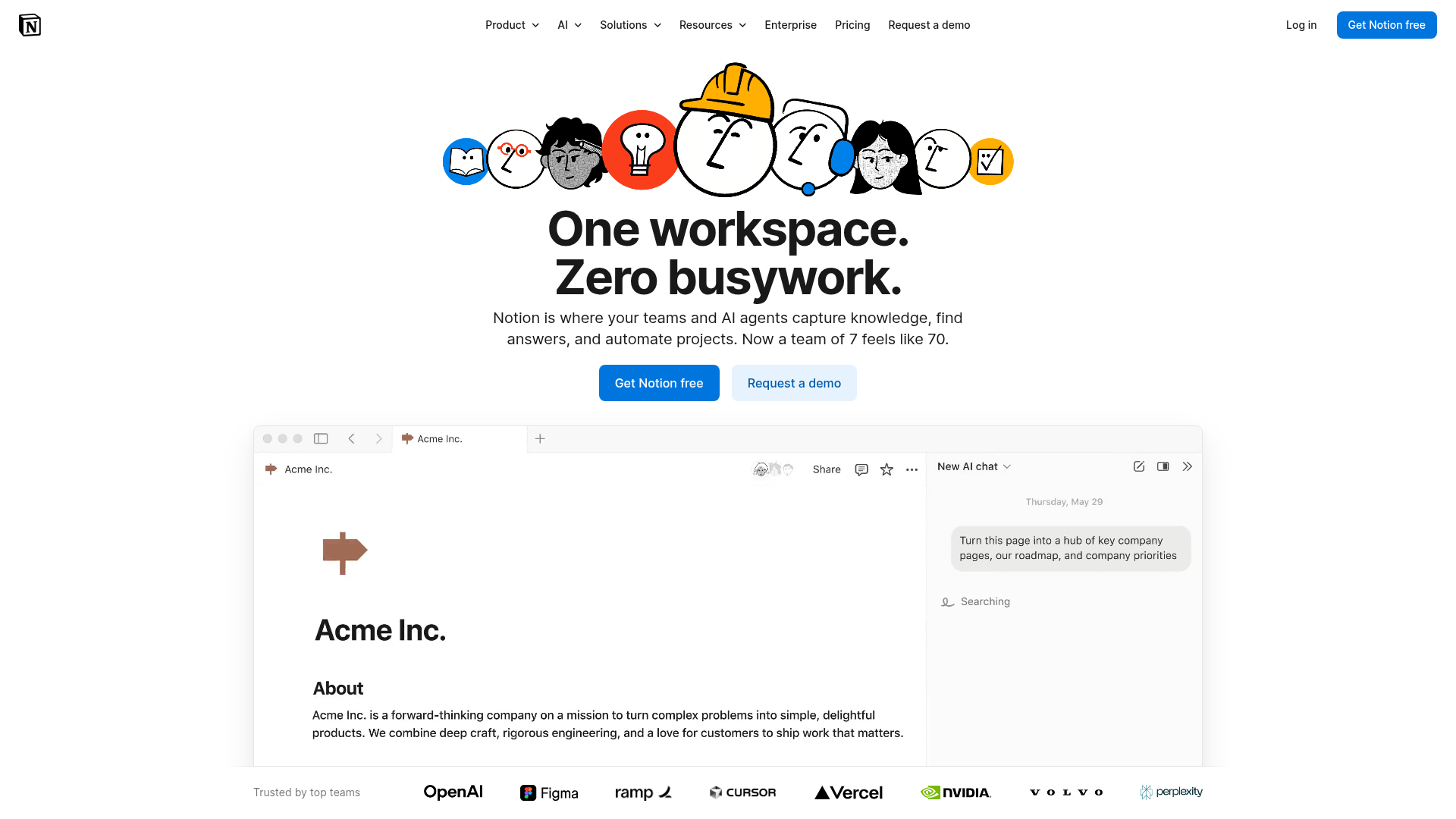
If your team already uses Notion, Notion AI adds ChatGPT-like capabilities directly in your workspace. Ask questions about your documents, generate summaries, and get writing help.
Key Features
Q&A: Ask questions about any page or database
Summarization: Instant summaries of long documents
Writing Assistant: Draft, edit, and translate content
Autofill: AI-powered database property filling
Pricing
Notion AI: $10/member/month add-on
Free tier: Limited AI queries
3. Obsidian + AI Plugins - Best for Privacy
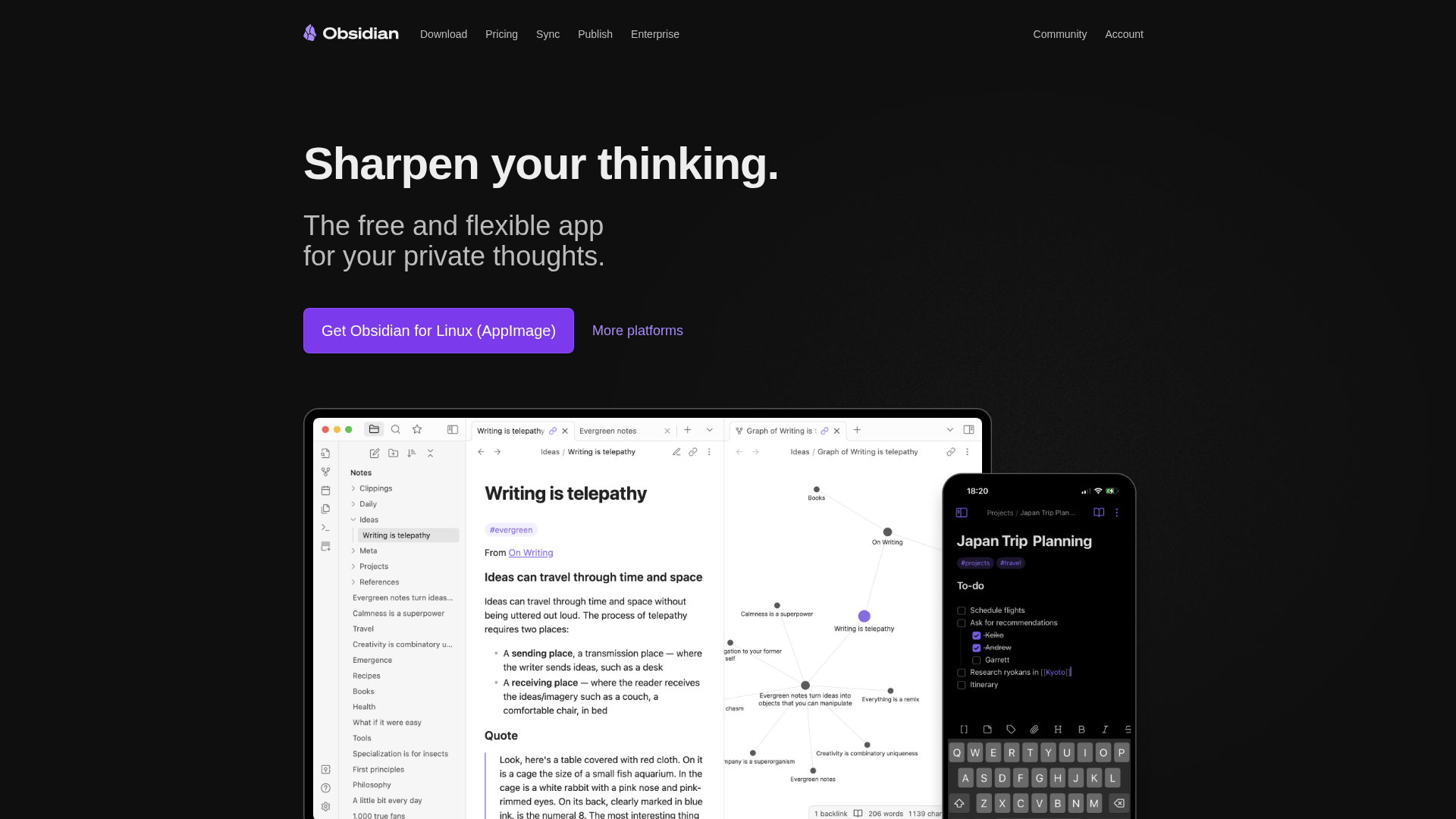
Obsidian keeps your notes as local markdown files. Combined with AI plugins like Smart Connections or Copilot, you get document analysis without uploading anything to cloud servers.
Key Features
100% Local: Notes never leave your device
Smart Connections: AI finds related notes automatically
Copilot Plugin: Chat with your vault using GPT-4 or local models
Graph View: Visual connections NotebookLM lacks
Pricing
Obsidian: Free for personal use
AI Plugins: Free (use your own API keys)
4. Mem - Best AI-First Note App
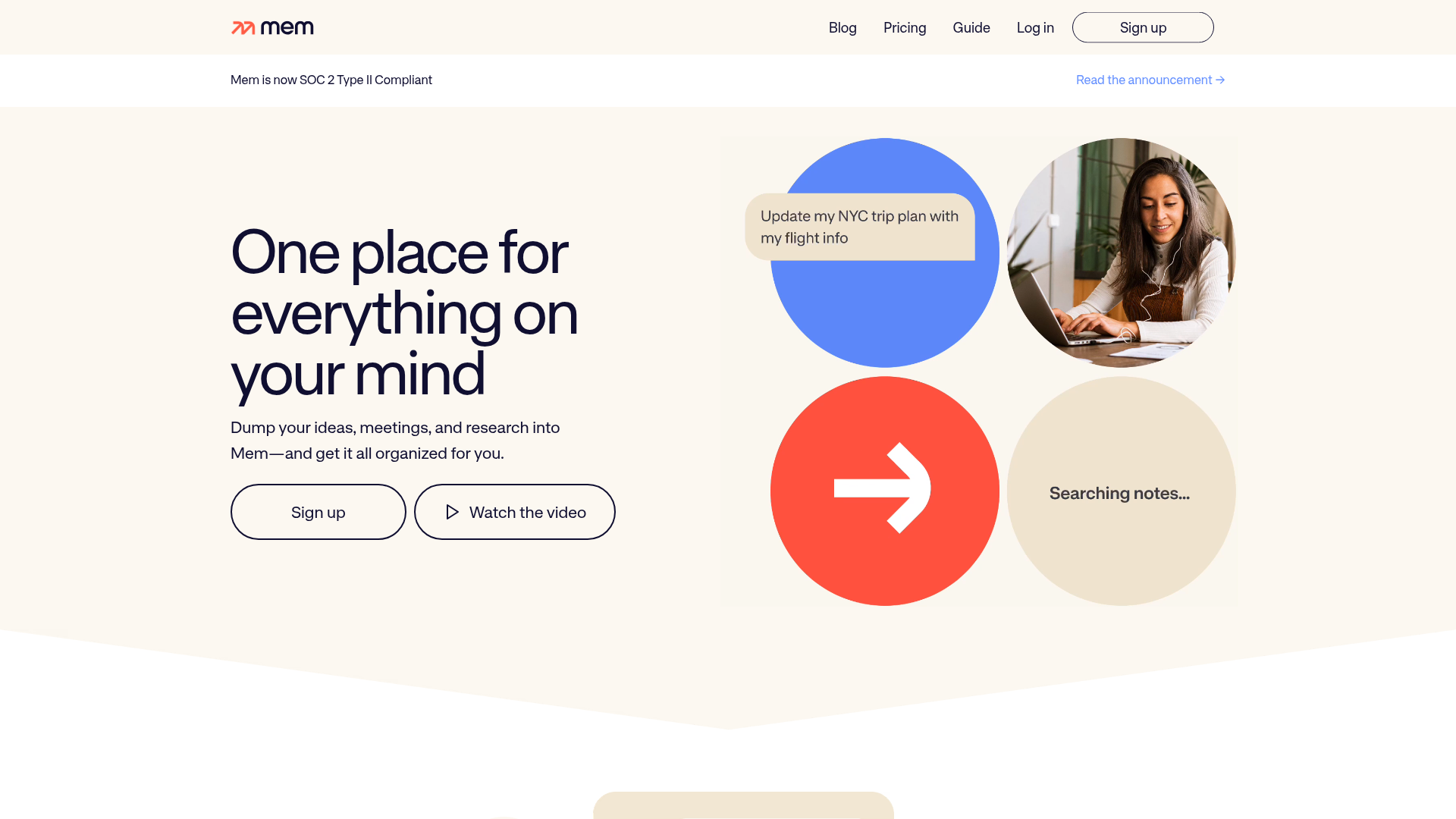
Mem was built from the ground up around AI. It automatically organizes your notes, surfaces relevant information, and can answer questions across your entire knowledge base.
Key Features
AI Organization: Notes auto-categorize themselves
Smart Search: Natural language queries
Meeting Notes: Automatic meeting summaries
Collections: AI-curated related notes
Pricing
Mem Pro: $14.99/month
Teams: $19.99/member/month
5. Reflect - Best for Networked Thinking
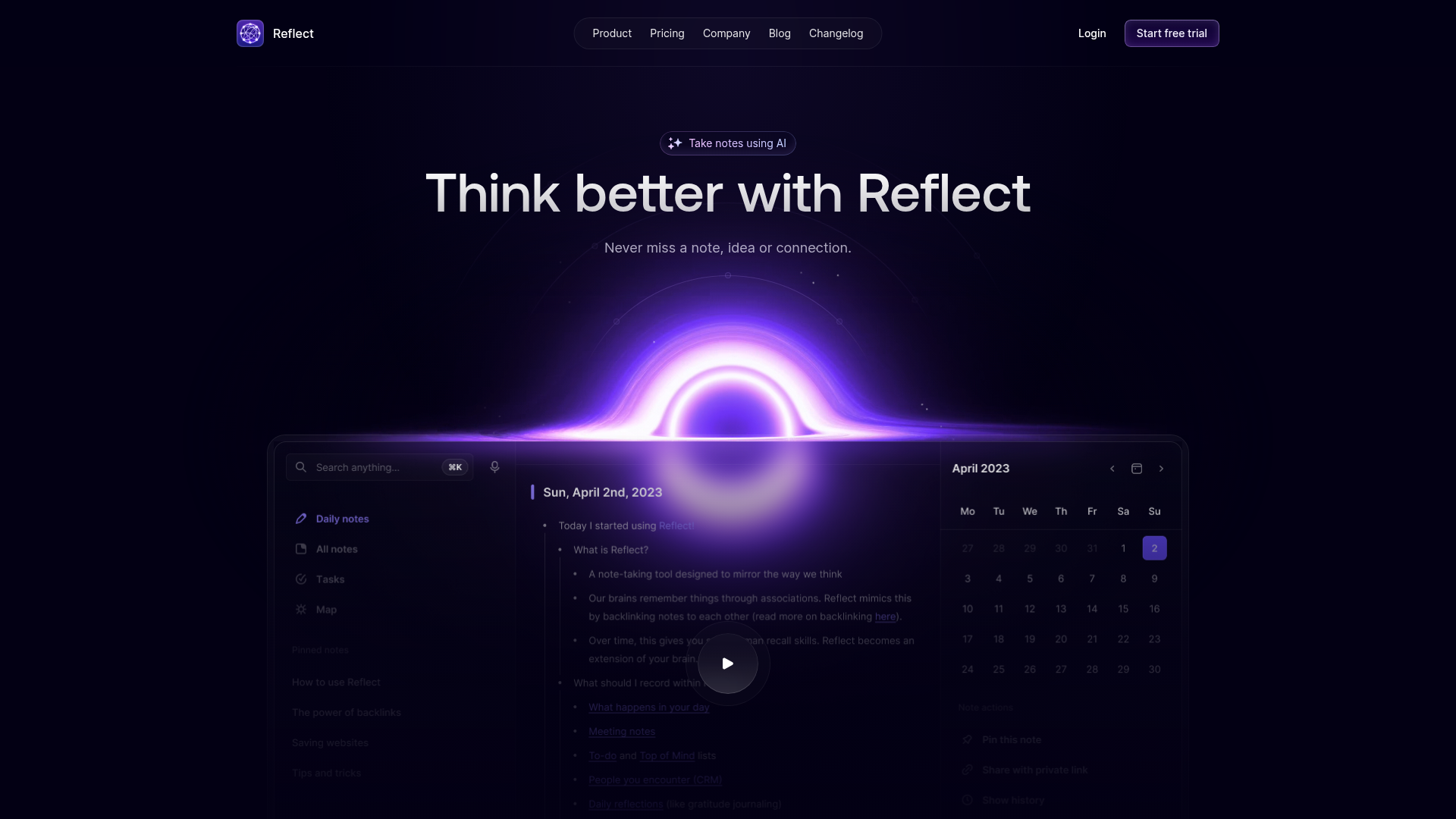
Reflect combines networked note-taking with AI assistance. It's end-to-end encrypted and offers a clean, fast interface.
Key Features
AI Assistant: Ask questions about your notes
Backlinks: Automatic note connections
Encryption: End-to-end encrypted
iOS App: True native mobile experience
Pricing
Reflect: $10/month or $120/year
6. Tana - Best for Power Users
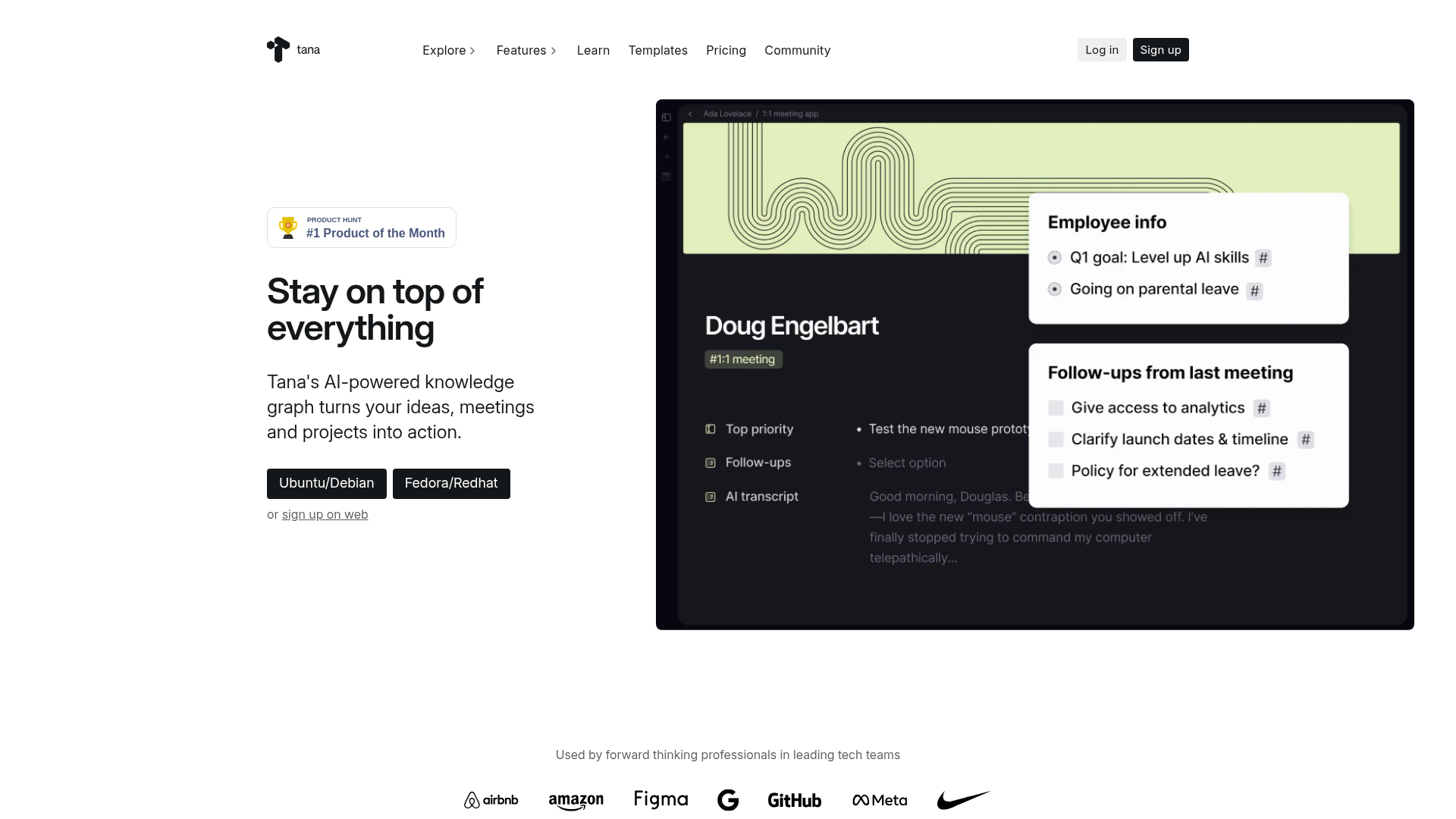
Tana offers a unique "supertag" system that lets you create complex knowledge structures with AI integration throughout.
Key Features
Supertags: Rich metadata for any node
AI Commands: Custom AI workflows
Live Queries: Dynamic search results
Daily Notes: Powerful journaling system
Pricing
Tana: Currently in beta (free)
Pro plan coming soon
7. Craft - Best for Beautiful Documents
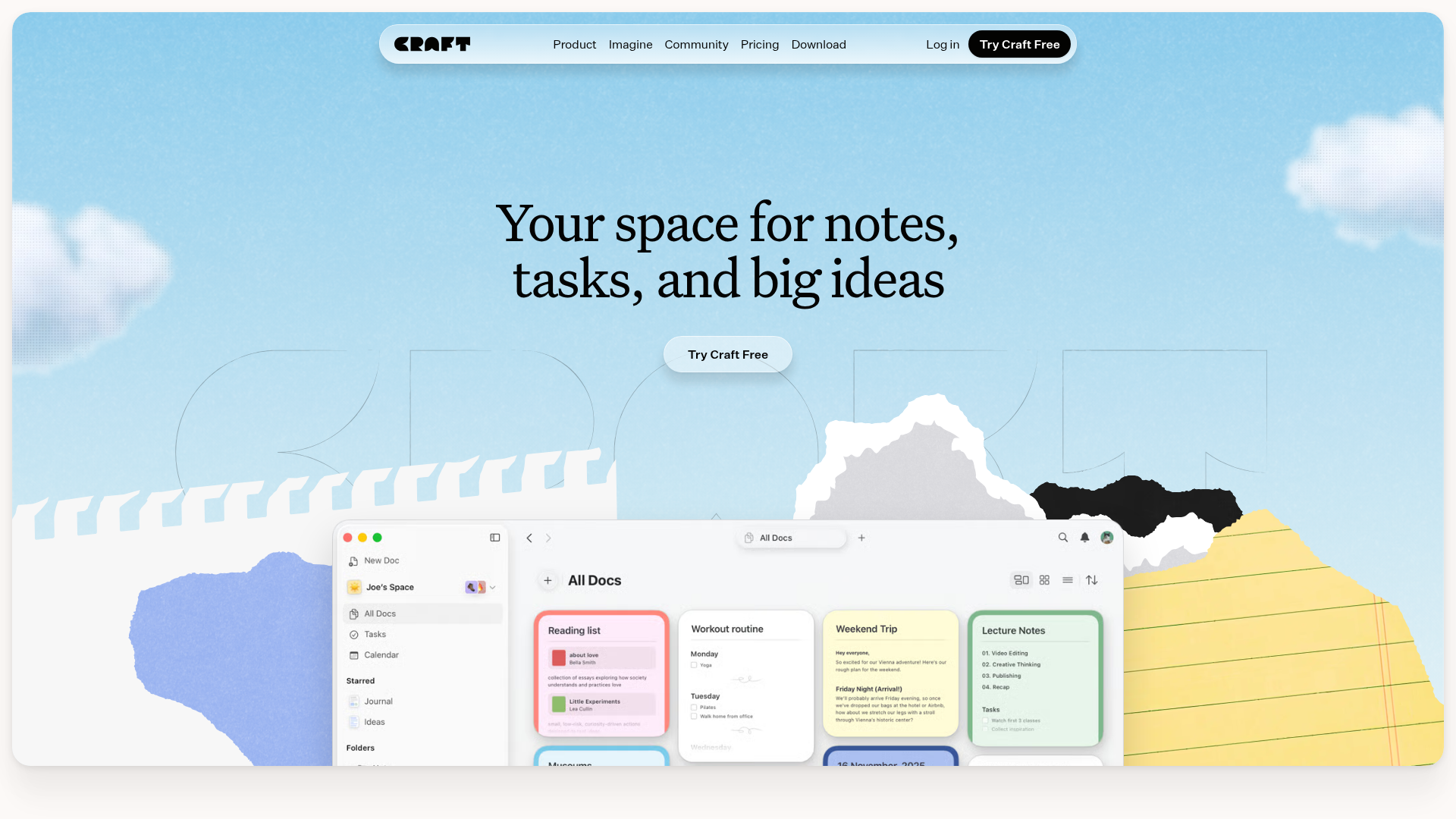
Craft is a Mac-native document app with gorgeous design and built-in AI assistance. Great for creating polished documents with AI help.
Key Features
Beautiful Editor: Polished Mac-native design
AI Assistant: Writing and summarization
Export Options: PDF, Word, Markdown
Sharing: Beautiful web publishing
Pricing
Free: Basic features
Pro: $5/month (includes AI)
8. Capacities - Best Object-Based PKM
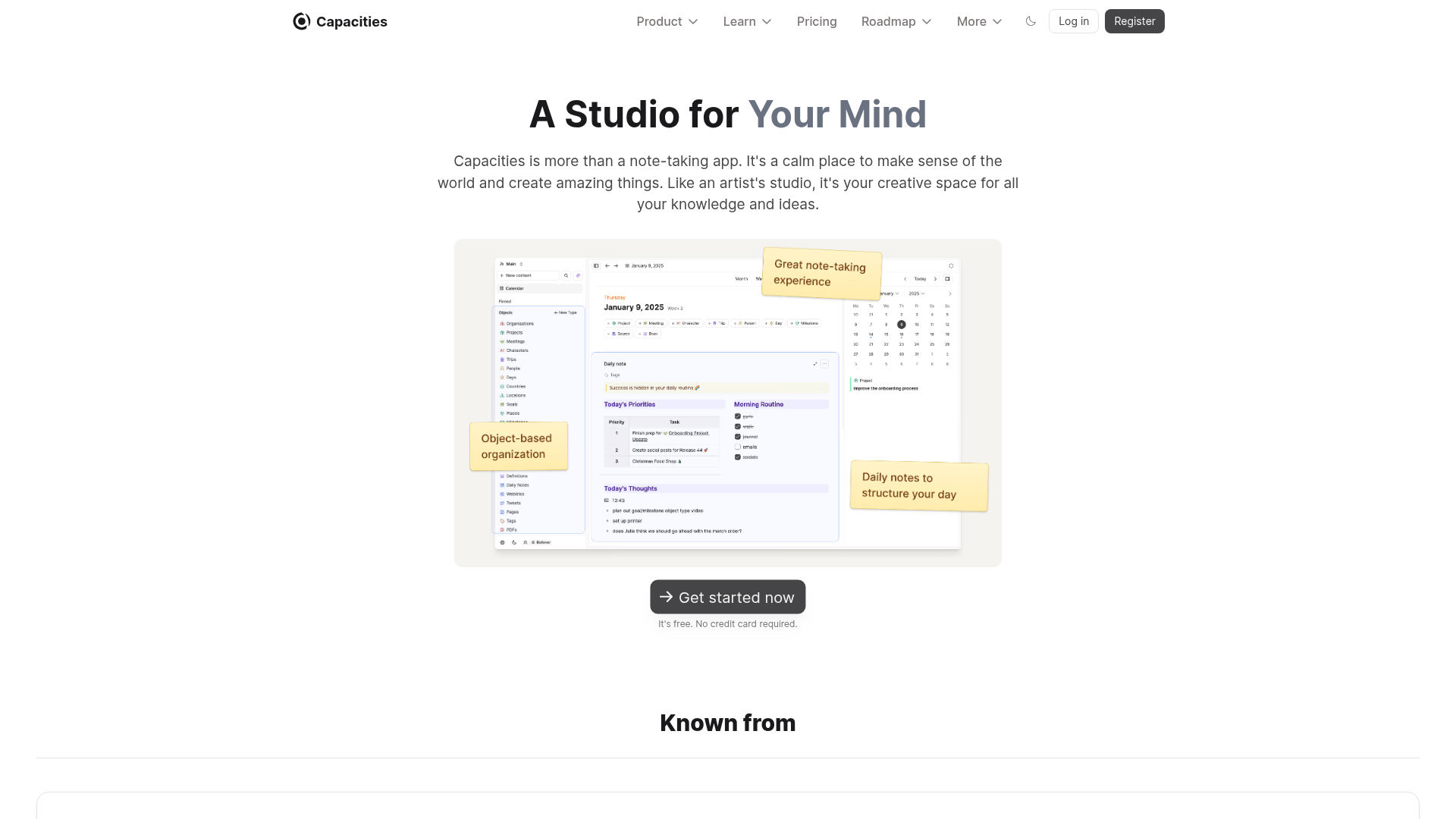
Capacities treats different types of content (books, people, ideas) as distinct objects with their own properties and AI capabilities.
Key Features
Object Types: Books, people, meetings, ideas
AI Integration: Ask questions about your content
Daily Notes: Quick capture system
Media Support: Images, PDFs, web clips
Pricing
Free: Basic features
Believer: $9.99/month
🧠 Before You Decide: Consider This Complement
While NotebookLM alternatives optimize how you launch apps, there's a gap neither fills: managing the knowledge you accumulate across all your tools.
Elephas takes a different approach — instead of launching apps, it creates an AI-powered "Super Brain" from your documents. Every answer cites YOUR files, not internet guesses. It's the perfect complement to whichever launcher you choose.
⚡
System-Wide Access
⌘+Space from any app to query your knowledge base.
📎
Cites Your Sources
Every answer links to the actual document. No hallucinations.
🔗
Syncs Your Apps
Connects to Notion, Obsidian, Apple Notes automatically.
Best for:Knowledge workers managing multiple projectsUsers who want AI that knows their context
System-wide document AI, multiple models, native Mac experience.
BEST FOR TEAMS
Notion AI
AI in your existing workspace. Great for collaboration.
BEST FOR PRIVACY
Obsidian + AI
100% local notes. Use your own API keys or local models.
Frequently Asked Questions
What is the best NotebookLM alternative?
Elephas is the best NotebookLM alternative for Mac users who want system-wide document AI access. It supports multiple AI models, works offline with local models, and integrates with Notion, Obsidian, and more.
Is there a free NotebookLM alternative?
Yes, Obsidian with free AI plugins like Smart Connections offers similar document analysis for free. You'll need to bring your own OpenAI API key, but the base app and plugins are free.
What makes NotebookLM unique?
NotebookLM's Audio Overview feature is unique - it generates podcast-style audio summaries of your documents. No alternative currently offers this exact feature. However, most alternatives offer better integration and offline capabilities.
Can I use NotebookLM alternatives offline?
Yes, both Elephas and Obsidian support local AI models for offline use. NotebookLM requires an internet connection at all times.
Which alternative has the best Mac integration?
Elephas has the best Mac integration with system-wide access via keyboard shortcut. Craft and Obsidian are also excellent native Mac apps.