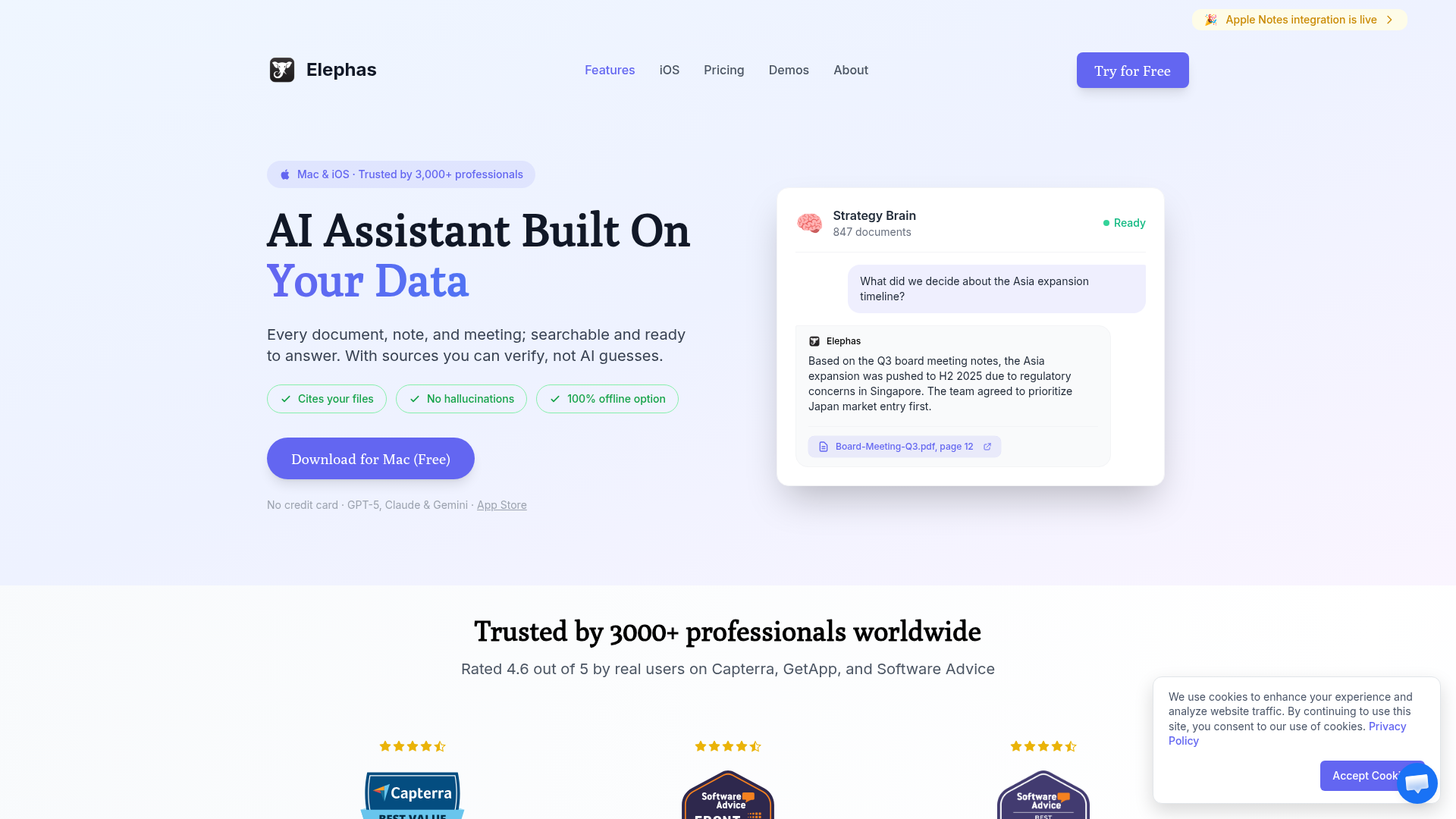
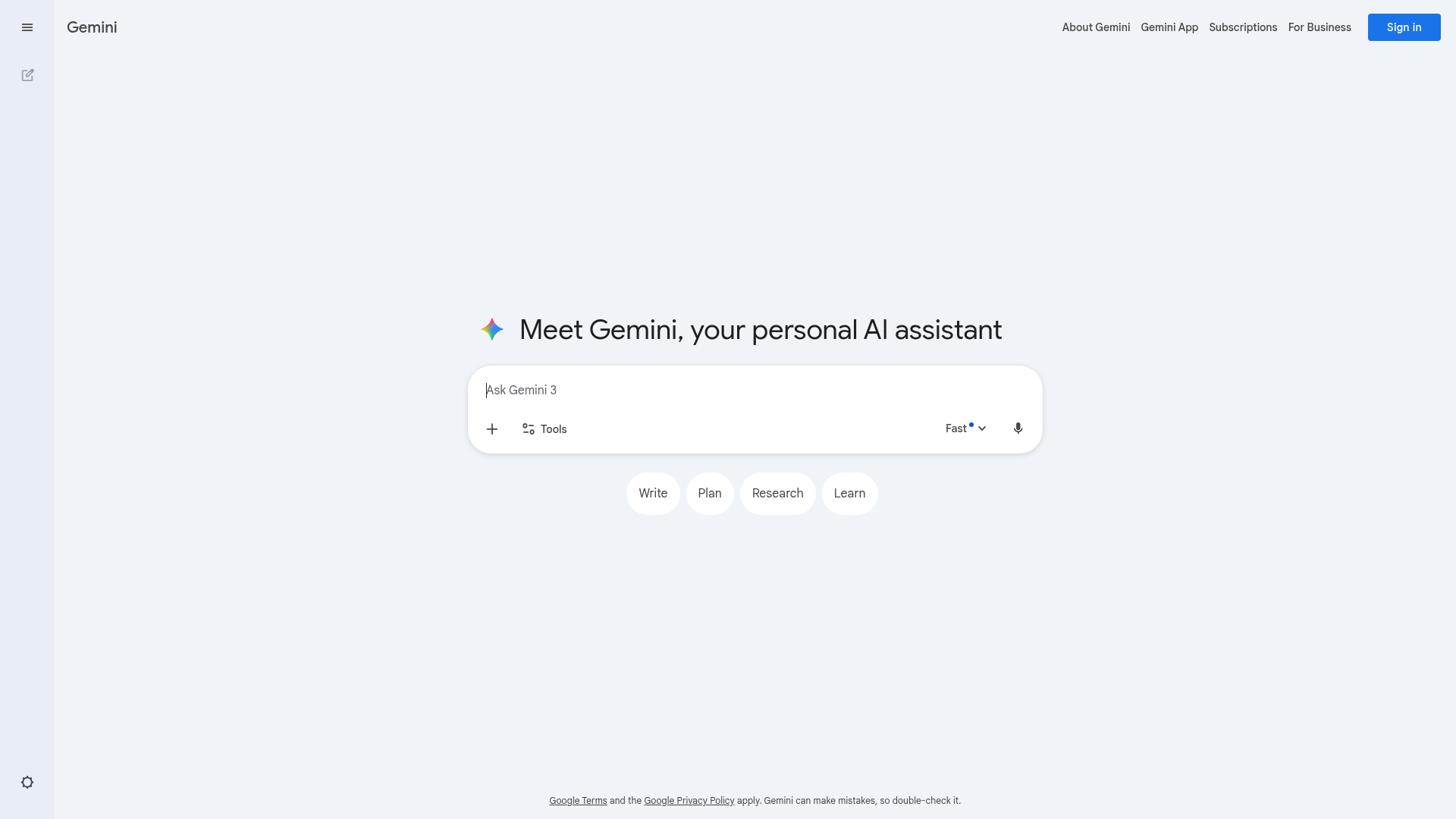
Choose Elephas if you want a native Mac app with system-wide AI access, deep integration with your personal documents, and the ability to work offline.
Choose Google Gems if you're deep in the Google ecosystem, want to create specialized AI personas for different tasks, or already pay for Google AI Pro.
Google Gems and Elephas represent two approaches to personalized AI assistance. Gems let you create custom AI "experts" within Gemini that specialize in specific tasks. Elephas brings AI to every corner of your Mac with system-wide access to your personal knowledge base.
What is Elephas?
Elephas is a personal AI assistant designed exclusively for Mac users. It creates a "Super Brain" from your documents—PDFs, notes, web pages—and integrates with apps like Notion and Obsidian. The standout feature is system-wide access: invoke AI from any application with a keyboard shortcut.
Key characteristics:
Native Mac app with ⌘+Space system-wide access
Integrates with Notion, Obsidian, Apple Notes
AI writing assistance in any text field
Multiple AI model support (GPT-4, Claude, local models)
Answers cite your source documents
What are Google Gems?
Google Gems are custom AI "experts" you create within Gemini. Each Gem has its own instructions, personality, and focus area—like a coding assistant, writing coach, or learning tutor. Gems remember your custom instructions across conversations and integrate with Google Workspace.
Key characteristics:
Custom AI personas with specific instructions
Available in Gemini (web and mobile apps)
Deep integration with Google Workspace
Pre-made Gems for common tasks
Requires Google AI Pro subscription ($19.99/mo)
Feature Comparison
Feature
Elephas
Google Gems
Platform
Native Mac App
Web + Mobile
System-Wide Access
✓
✗
Custom AI Personas
Basic
✓ Excellent
Personal Documents
✓ Auto-sync
Via Google Drive
Workspace Integration
Limited
✓ Native
Offline Mode
✓ (local models)
✗
Multiple AI Models
✓ GPT-4, Claude, local
Gemini only
Custom AI Experts
Google Gems shines in creating specialized AI personas. You can build a "Code Reviewer" Gem that knows your coding standards, a "Writing Coach" that matches your style, or a "Learning Tutor" for specific subjects. This customization persists across conversations.
System-Wide Access
Where Elephas excels is accessibility. Instead of switching to a browser tab, you invoke AI from wherever you are—writing an email in Spark, coding in VS Code, or taking notes in Obsidian. This reduces context-switching and keeps you productive.
Pricing Comparison
Elephas
$9.99/month
✓ All features included
✓ Bring your own API keys
→ $99 lifetime option available
Google Gems
$19.99/month (AI Pro)
✓ Unlimited Gems
✓ 2TB Google One storage
→ Includes NotebookLM Pro
Who Should Use Each Tool?
Choose Elephas If You...
Use a Mac as your primary computer
Want AI assistance available system-wide
Need to query your personal documents
Use Notion, Obsidian, or Apple Notes
Want flexibility with multiple AI models
Prefer a one-time purchase option
Choose Google Gems If You...
Are deep in the Google Workspace ecosystem
Want specialized AI personas for different tasks
Already subscribe to Google AI Pro
Use Google Drive for document storage
Need cross-platform access (web, mobile)
Want bundled storage and other Google features
🧠 Before You Decide: Consider This Complement
While Google Gems optimize how you launch apps, there's a gap neither fills: managing the knowledge you accumulate across all your tools.
Elephas takes a different approach — instead of launching apps, it creates an AI-powered "Super Brain" from your documents. Every answer cites YOUR files, not internet guesses. It's the perfect complement to whichever launcher you choose.
⚡
System-Wide Access
⌘+Space from any app to query your knowledge base.
📎
Cites Your Sources
Every answer links to the actual document. No hallucinations.
🔗
Syncs Your Apps
Connects to Notion, Obsidian, Apple Notes automatically.
Best for:Knowledge workers managing multiple projectsUsers who want AI that knows their context
Best for daily productivity. System-wide access. Personal document AI. More affordable.
WINNER FOR GOOGLE USERS
Google Gems
Best for Google ecosystem. Custom AI personas. Workspace integration. Bundled value.
For Mac users focused on personal knowledge and daily productivity, Elephas wins. System-wide access means AI is always one shortcut away, and deep integration with your documents makes it invaluable.
For Google Workspace power users, Google Gems is compelling. The ability to create specialized AI experts that integrate with Gmail, Docs, and Drive creates a unified workflow within the Google ecosystem.
Note that Elephas actually supports using Google's Gemini models, so you can get some of the best of both worlds if you prefer Gemini's capabilities with Elephas's Mac-native experience.
Frequently Asked Questions
Is Elephas better than Google Gems?
For Mac users wanting system-wide AI access and personal document integration, Elephas is better. For Google Workspace users who want custom AI personas, Google Gems excels.
What are Google Gems?
Google Gems are custom AI "experts" you can create within Gemini. Each Gem has specific instructions and personality, making them specialists for particular tasks like coding, writing, or learning.
Do I need Google AI Pro for Gems?
Gems are available to all Google Workspace Business users now. For personal use, you'll need Google AI Pro ($19.99/month) to create and use custom Gems.
Can Elephas use Google's Gemini?
Yes! Elephas supports multiple AI models including Google's Gemini, GPT-4, Claude, and local models. You can bring your own API keys and choose your preferred model.